
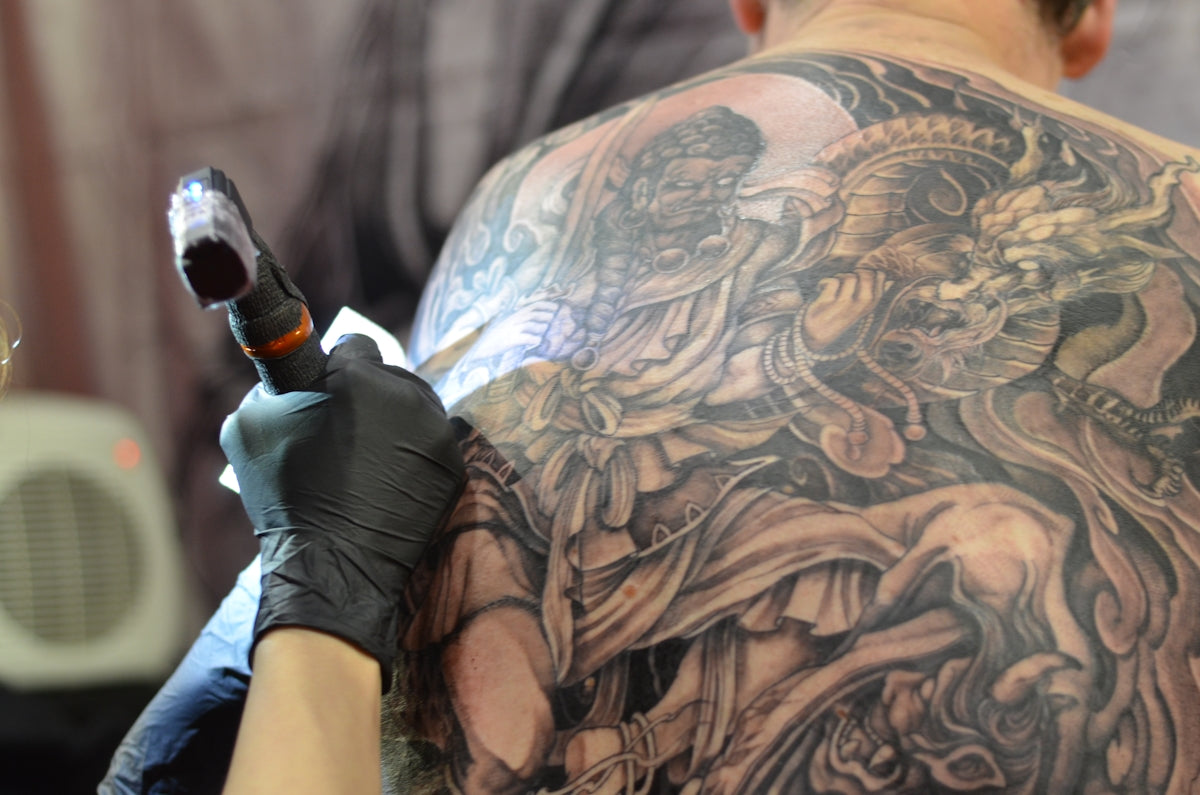
In the ever-evolving world of tattoo artistry, staying at the forefront of design innovation is crucial for both aspiring artists and seasoned professionals. Whether you're a budding tattoo artist or a well-established name in the industry, enhancing your skills to create stunning, high-quality tattoo art is a continuous journey. Fortunately, with the right tools and techniques, elevating your artistic style is within reach. Explore Procreate tools that make you feel like a pro by heading over to Tattoo Brushes' main website.
The Importance of High-Quality Tools in Tattoo Art
When it comes to upgrading your tattoo design skills, embracing digital technology can make a world of difference. The 'PRO TATTOO KIT' on TattooBrushes.com provides a professional standard set of tools specifically crafted to complement your artistic journey, offering brushes that cater to various styles, including Blackwork, realism, and digital flash art. With these tools, not only are you able to refine your line work and shading techniques, but you are also able to push the envelope on creativity.
Mastering Tattoo Shading Techniques
Shading is a fundamental skill that gives tattoos depth and dimension. Proper shading can bring a tattoo to life, making it look vibrant and dynamic. If you’re looking to master tattoo shading techniques, consider exploring our detailed article, Master Shading Techniques and Procreate Linework for Perfect Tattoos. In this resource, you’ll find step-by-step guidance on using Procreate brushes to achieve flawless gradients and smooth transitions, which are essential in realistic and dynamic tattoo art.
Step-By-Step Tattoo Shading Guide
- Choose the Right Brush: List in hand, the 'PRO TATTOO KIT' features a range of shading brushes suited to different effects, from soft gradations to sharp contrasts.
- Control Your Pressure: Varying your pressure while using Procreate brushes can significantly affect the shading’s outcome. Soft pressure results in lighter shades, while more substantial pressure creates darker tones.
- Layer Your Shades: Begin with light layers and gradually add intensity. This allows you to gauge the effect and depth, giving you control over the final result.
Navigating the Procreate Linework Guide
Linework is the backbone of any great tattoo design. The precision and clarity of your lines can make or break the final output. Suitable for both intricate details and bold statements, linework requires a stable hand and the right digital tools.
Essential Tips for Procreate Linework:
- Fine-tune Your Brush Settings: Adjusting settings like streamline, spacing, and stabilization in Procreate can help maintain smooth and consistent lines.
- Utilize Layering: Constructing your linework in layers can isolate different elements of your design, making corrections and edits more manageable.
- Practice Precision with Guides: The 'PRO TATTOO KIT' offers brushes that can simulate a liner brush for perfect straight lines and curves.
For further guidance, delve into our comprehensive Procreate linework guide.
Blackwork Tattoo Trends
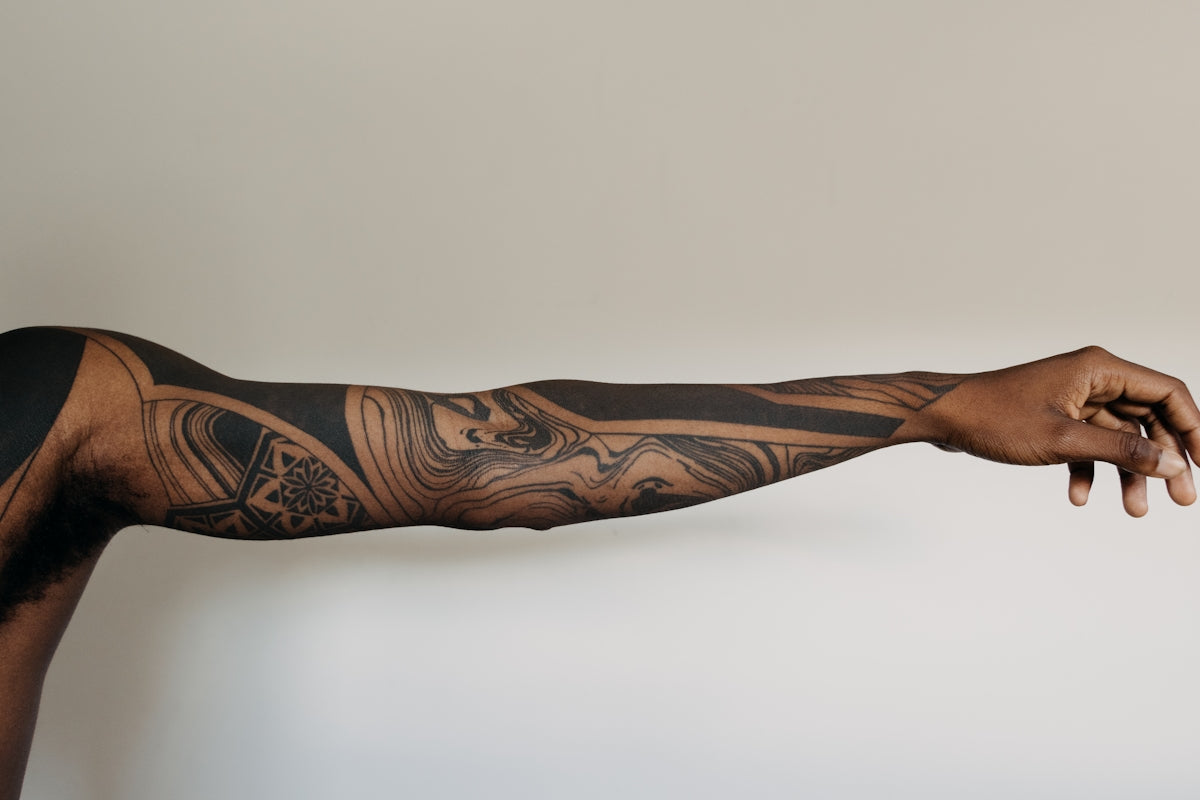
Blackwork tattoo art is a trend that's captured the heart of the artistic community with its bold lines and stark contrast. Whether you're exploring intricate patterns or large areas of black ink, staying updated with the latest techniques and trends is key to standing out.
To understand and incorporate innovative styles, visit Discover Innovative Blackwork Tattoo Trends and Techniques, where we explore modern approaches and demonstrate how using our Procreate brushes can achieve crisp lines and deep black fills effortlessly.
Realistic Tattoo Texture Tutorial
Achieving realistic textures can transform a tattoo from ordinary to extraordinary. It's about creating a design that looks as if it could leap off the skin. Using Procreate brushes allows for precise control over texture, replicating the fine details needed in photorealistic tattoos.
Steps to Create Realistic Tattoo Textures:
- Utilize Texture Brushes from the 'PRO TATTOO KIT': These are designed to mimic real skin textures, providing authenticity.
- Focus on Detail: Pay attention to small elements — pores, blemishes, and wrinkles — that add realism to the piece.
- Play with Lighting: Using highlights and shadows can add depth and a three-dimensional quality to your tattoos.
For an in-depth look at creating realistic textures, you can explore our article, Flawless Realistic Tattoo Texture with Procreate Tattoo Brushes.
Sparking Creativity with Digital Flash Art Ideas
Digital flash art is a fantastic platform for experimenting and keeping your creative juices flowing. From stylized designs to thematic collections, flash art serves as both inspiration and a portfolio-builder for artists.
Generating Innovative Digital Flash Art:
- Experiment with Styles: Combine traditional styles with modern techniques to create unique pieces.
- Thematic Flexibility: Choose a central theme and explore it through various lenses—mythology, nature, abstract concepts—to generate a diverse flash collection.
- Utilize the Right Tools: With the 'PRO TATTOO KIT', you can easily transition from a concept sketch to a polished piece, thanks to its extensive range of brushes.
Conclusion: Your Journey to Artistic Mastery
Embarking on the journey to refine your tattoo artistry is as much about personal growth as it is about skill enhancement. By leveraging the right tools, like those from the 'PRO TATTOO KIT', and staying abreast of the latest trends and techniques, you're paving the way for success in an ever-creative field. Start designing tattoos the right way by exploring the professional-grade tools available at Tattoo Brushes. Embrace the changes and watch your artistry transform into something truly remarkable!

Leave a comment
This site is protected by hCaptcha and the hCaptcha Privacy Policy and Terms of Service apply.