
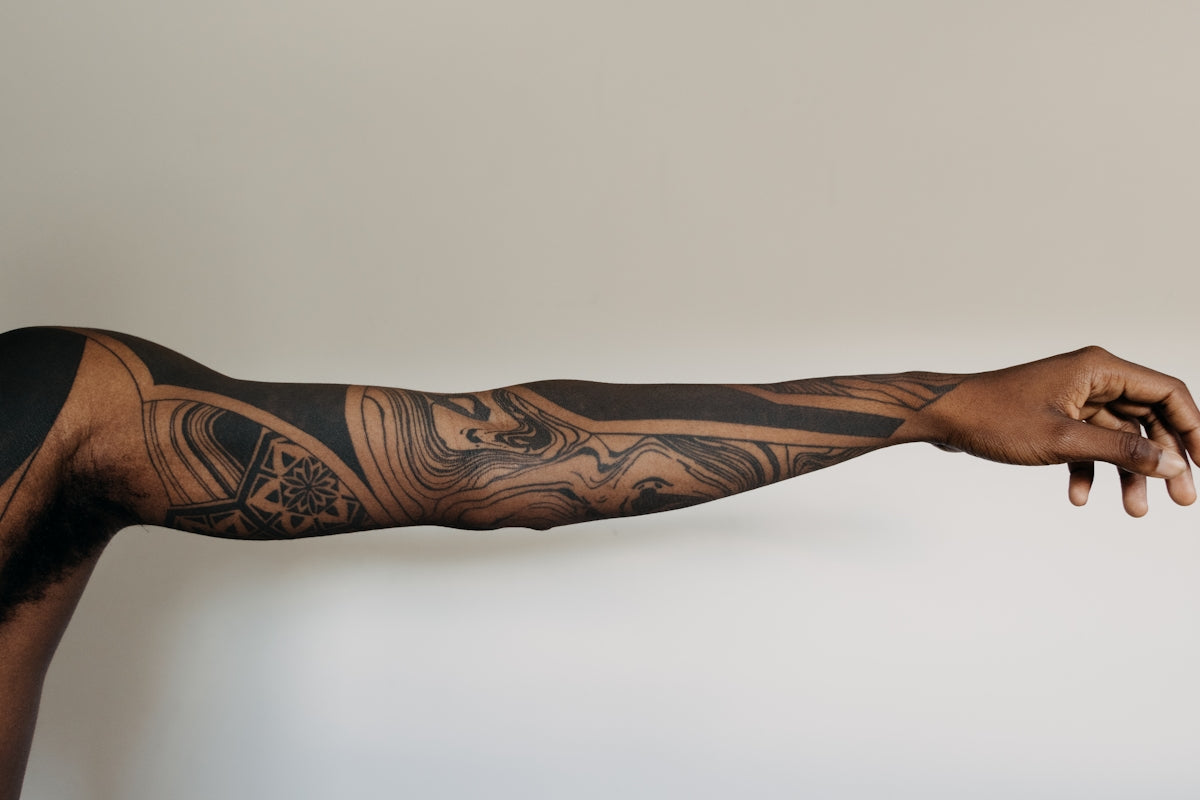
In the realm of digital tattoo design, mastering the craft requires not just innate talent, but also the right tools to bring that vision to life. For both budding artists eager to leave a mark and seasoned professionals aiming to refine their skills, the journey to excellence begins here. If you are ready to start designing tattoos the right way, look no further than the TattooBrushes.com collection of Procreate tattoo brushes—where quality meets creativity.
Why Choose Procreate for Tattoo Design?
Procreate has quickly become a digital haven for artists, and for good reason. It offers an intuitive platform that marries flexibility with precision, making it an ideal choice for tattoo design. Here, you have access to a realm where ideas can flow uninterruptedly from mind to screen, and concepts can be edited and perfected with ease. Whether sketching initial ideas, honing in on the best tattoo stencils Procreate has to offer, or mastering realistic tattoo shading Procreate tools, this app is a game-changer. But it all starts with the right brushes.
Introducing the PRO TATTOO KIT
The cornerstone of professional digital tattoo design is the PRO TATTOO KIT available at TattooBrushes.com. These brushes are crafted with precision and tailored to meet the demands of both elementary sketch work and complex tattoos. With them, artists can unleash their creativity and tackle diverse styles from intricate linework to bold, realistic shadings. Remember, every brush in this kit serves a unique purpose, acting as an extension of your creative prowess.
Essential Procreate Tattoo Brushes
The Linework Aficionado
To achieve clean, precise linework, a steady hand combined with the right brush is essential. For guidance and an in-depth look into mastering linework, check out the article on Achieve Perfect Linework with Digital Tattoo Tools in Procreate. Brushes like the fine-tipped pilots in the PRO TATTOO KIT are designed to facilitate smooth, uninterrupted strokes, making them indispensable for any tattoo artist.
Crafting the Perfect Stencil
Stencils serve as the blueprint of tattoo design, and crafting them well is crucial to the outcome of the tattoo. The Procreate platform, paired with the right brushes, significantly streamlines stencil creation. Gain more insight by exploring Master Tattoo Stencil Creation with Procreate and learn the step-by-step process for flawless stencils.
Embracing Realistic Shading
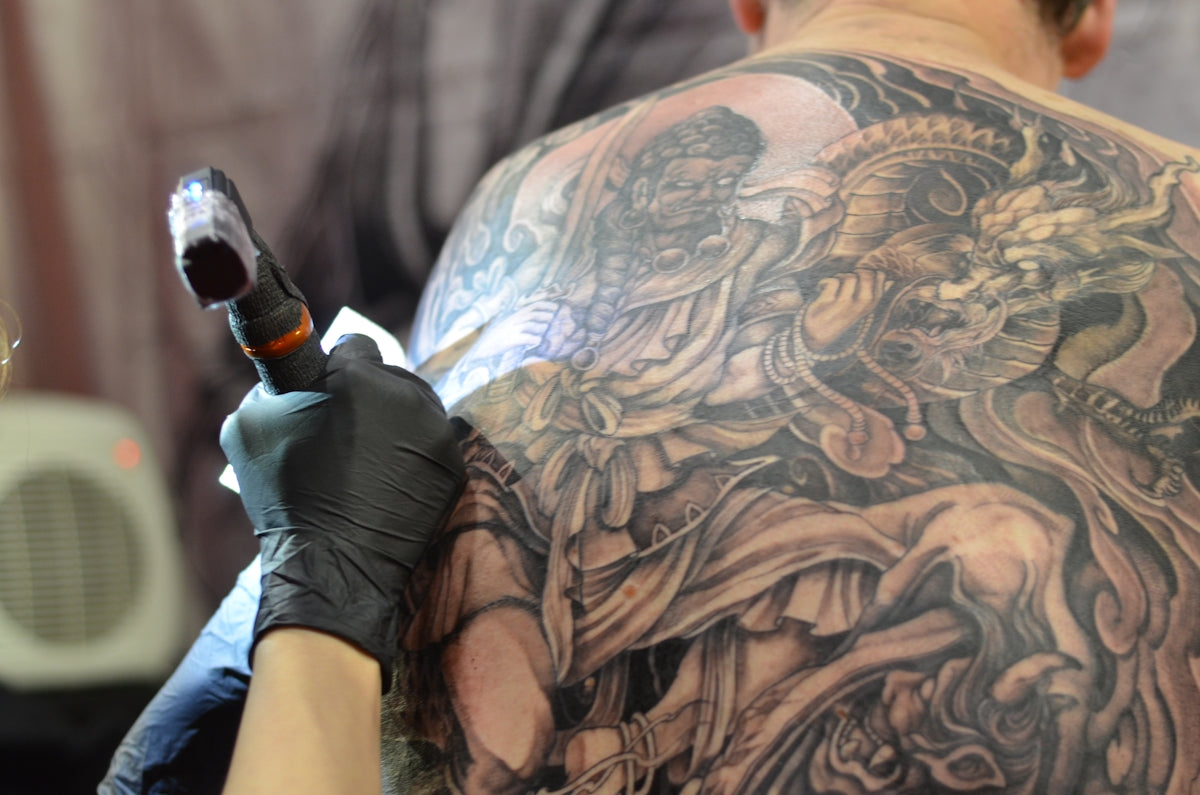
For those aspiring to achieve depth and realism, shading is a powerful tool. Realistic tattoo shading Procreate techniques often distinguish a novice from a master. When using the PRO TATTOO KIT, artists have the tools needed to smoothly blend shades and transition seamlessly from light to dark, providing that sought-after 3D effect. As these tools lead to better shading results, they elevate your artwork and skills simultaneously.
Step-by-Step Guide to Using Procreate Tattoo Brushes
Below is your step-by-step guide to upgrading your tattoo art with Procreate:
- Selecting Your Toolkit: Begin by selecting the appropriate Procreate tattoo brushes from the PRO TATTOO KIT that align with your design goals (e.g., linework, shading, stenciling).
- Layer Management: Organize your artwork by separating components into distinct layers. This allows greater flexibility for adjustments and refinements.
- Sketching Fundamentals: Start your design with rough sketches. Use lighter brushes from the kit initially, and gradually refine your design.
- Linework Precision: Switch to a linework-focused brush to solidify the outlines. Refer to our guide, Achieve Perfect Linework with Digital Tattoo Tools in Procreate, for a deep dive into techniques.
- Stencil Creation: Create detailed stencils with brushes tailored for clarity and precision, ensuring your tattoo translates seamlessly onto skin.
- Master Shading Techniques: Employ a variety of shading brushes to add dimension and realism to your design. Master seamless transitions and texture variations for lifelike representation.
- Refinement and Polishing: Review and refine your design, leveraging the unique attributes of each brush to perfect your artwork.
The PRO TATTOO KIT is not just a toolkit—it’s a gateway to taking your tattoo designs from concept to reality with unparalleled quality and finesse.
Inspiring Creativity with Continual Learning
The world of tattoo artistry is ever-evolving, brimming with new techniques and styles to explore. By investing in high-quality tools, like the ones available at TattooBrushes.com, artists place themselves on a path of continual learning and growth. Delve into more useful tips by reading Must-Have Procreate Tattoo Brushes for Incredible Designs and expand your digital tattoo design arsenal.
Conclusion: Reach New Heights in Tattoo Design
In the competitive field of tattoo art, standing out demands the right blend of creativity and tools. As we’ve explored, utilizing the professional-grade Procreate tattoo brushes from the PRO TATTOO KIT can profoundly elevate your work. By embracing these tools, you'll find yourself designing with an efficiency and flair that not only meet but exceed industry standards. If you're ready to explore Procreate tools that make you feel like a pro, visit TattooBrushes.com today and start your journey to artistic mastery.
This blog post includes keywords, helpful links, and clear step-by-step guidance designed for a variety of skill levels, perfect for artists looking to enhance their digital tattoo designs. Follow the links for more detailed explorations on specific topics that interest you.

Leave a comment
This site is protected by hCaptcha and the hCaptcha Privacy Policy and Terms of Service apply.