
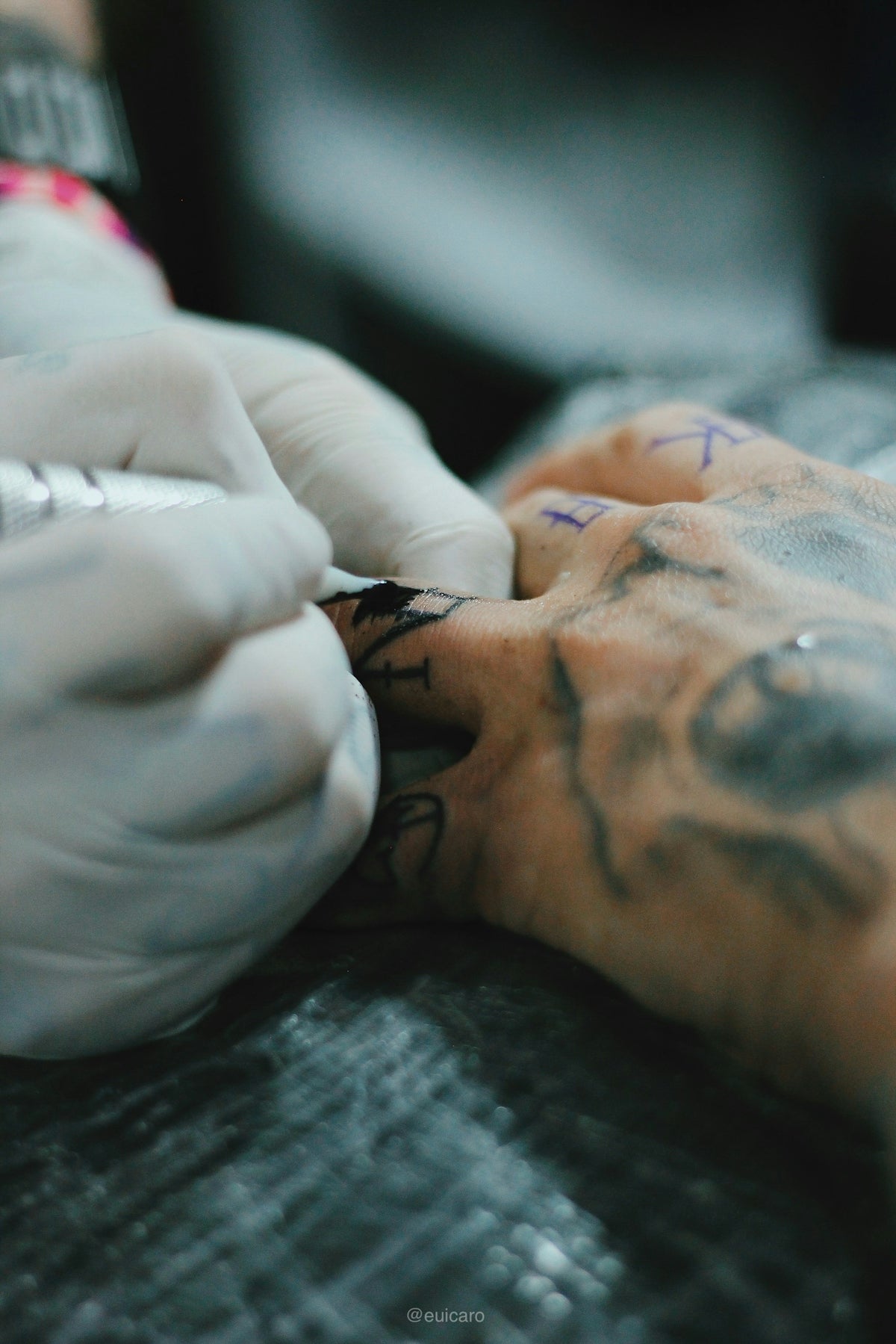
In the ever-evolving landscape of digital art, creating striking tattoo designs is easier and more accessible than ever. Thanks to Procreate tattoo brushes, artists now have powerful tools at their fingertips, enabling them to craft intricate designs and realistic shading with ease. Whether you are an aspiring tattoo artist eager to make a mark or a seasoned professional looking to upgrade your art, diving into the world of digital tattoo design can revolutionize your creative process. Ready to start designing tattoos the right way? Explore Procreate tools that make you feel like a pro.
Table of Contents
- Table of Contents
- Why Choose Procreate for Tattoo Design?
- Digital Tattoo Design
- Essential Tools for Tattoo Artists
- Understanding Procreate Tattoo Brushes
- Best Tattoo Stencils in Procreate
- Realistic Tattoo Shading Procreate
- Elevate Your Tattoo Designs
- Building Skill and Confidence
- Step-by-Step Techniques
- Encouragement for All Artists
- The Transformation Advantage
- Final Thoughts
- FAQs
Why Choose Procreate for Tattoo Design?
Procreate has quickly become a favored tool among digital artists for its intuitive interface, flexibility, and robust features. When it comes to tattoo design, it offers endless possibilities for experimentation and precision.
Digital Tattoo Design
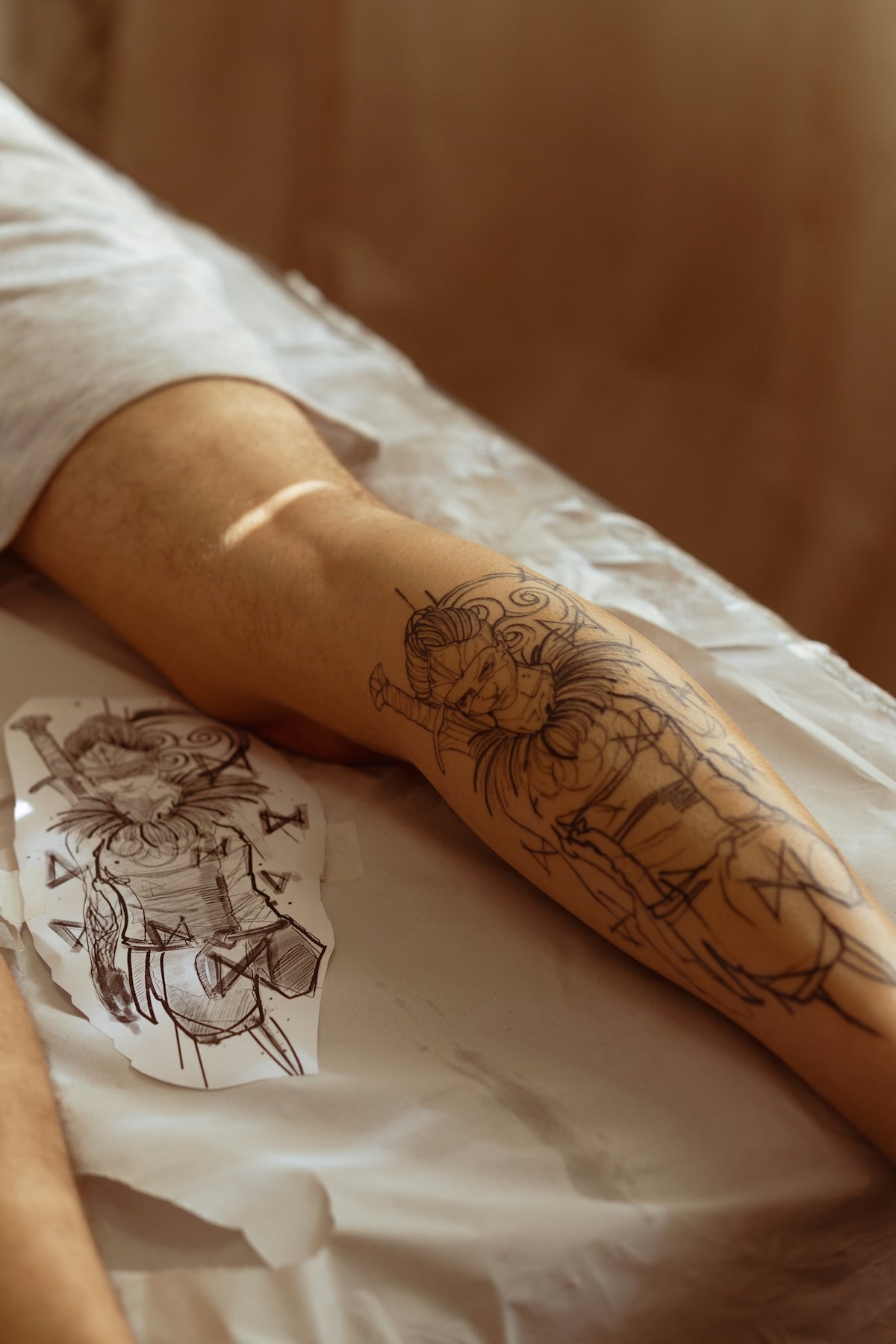
Digital tattoo design on Procreate provides an unparalleled canvas where mistakes become learning opportunities rather than permanent setbacks. With layers, opacity control, and a wide array of brushes, artists can refine their designs to perfection. The ability to zoom in and out with ease allows for meticulous detailing, ensuring even the most complex patterns come to life vividly.
Essential Tools for Tattoo Artists
For tattoo artists, transferring a design from concept to skin requires precision. Procreate’s toolset, especially when enhanced with professional-grade brushes, ensures that your vision is translated accurately. The lineup available at TattooBrushes.com includes comprehensive options tailored specifically for tattoo artistry.
Understanding Procreate Tattoo Brushes
Procreate tattoo brushes are uniquely designed to mimic the look and feel of traditional tattooing tools. From lining and shading to creating textures, each brush serves a specific purpose to improve your design process.
Best Tattoo Stencils in Procreate
Stencils form the backbone of any tattoo design. They guide the overall layout and ensure symmetry and proportion. Our detailed Comprehensive Guide to the Best Tattoo Stencils in Procreate offers insight into selecting and using stencils effectively to streamline your workflow and enhance precision.
Realistic Tattoo Shading Procreate
Achieving realistic shading is a hallmark of high-quality tattoo art. Procreate brushes that are tailored for shading allow you to create depth and dimension effortlessly. These brushes can be adjusted to simulate different needle types and techniques, providing versatility whether you're working on smooth gradients or dense hues.
Elevate Your Tattoo Designs
By leveraging the Essential Procreate Tattoo Brushes for Achieving Fine Details, you can accentuate your tattoo’s intricate parts. This collection ensures that even the subtlest nuances are captured and elevated, making your art stand out.
Building Skill and Confidence
Transitions from traditional to digital media can feel daunting, but with the right resources, your journey can be seamless and empowering. By integrating the tools from TattooBrushes.com into your routine, you ensure you have the high-quality 'PRO TATTOO KIT' tools necessary to succeed.
Step-by-Step Techniques
- Start Simple: Choose basic designs and master the fundamentals of line work and shading using Procreate brushes.
- Gradually Add Complexity: Incorporate stencils and expand your designs to include detailed elements and textures.
- Experiment with Techniques: Try different brushes for unique effects and replicate the needlework of traditional tattoo machines.
- Seek Continuous Improvement: Analyze finished designs and refine your technique. Use online tutorials or community forums to gain new insights.
- Iterate and Polish: Revisit past works with new tools from TattooBrushes.com, integrating advanced brushes to redefine and polish older designs.
Encouragement for All Artists
Remember, every expert was once a beginner. As you familiarize yourself with different tools and techniques, your creativity will soar. The comprehensive range of tools available at TattooBrushes.com supports artists at every stage of their journey.
The Transformation Advantage
The transition from traditional to digital methods is not just an upgrade—it's a transformation. With Procreate, your artistic possibilities expand dramatically. The brushes and tools you choose greatly influence the outcome of your designs.
Embarking on this digital journey requires high-standard tools, like the 'PRO TATTOO KIT', that guarantee precision and quality. Whether refining existing skills or developing new ones, having access to these tools ensures you're prepared for any artistic challenge.
Final Thoughts
Your path to becoming a proficient digital tattoo artist is unique and filled with personal expression and creativity. With dedication, practice, and the right tools, you can craft stunning tattoos that speak volumes about your artistic identity. Ready to explore the boundless possibilities that Procreate offers? Explore Procreate tools that make you feel like a pro and unleash your creativity today.
FAQs
What are Procreate tattoo brushes?Procreate tattoo brushes are specialized digital brushes designed for use within the Procreate app, allowing artists to create intricate tattoo designs with fluidity and precision. These brushes can mimic traditional tattooing techniques and styles, making digital artwork feel authentic.
How can I install Procreate tattoo brushes on my iPad?To install Procreate tattoo brushes, download the brush file to your iPad, then open the Procreate app. Tap on the "+" icon in the Brush Library, select "Import," and choose the downloaded file. Your new tattoo brushes will then appear in your library, ready for use.
Are Procreate tattoo brushes compatible with other apps?Procreate tattoo brushes are specifically designed for the Procreate app and may not function properly in other digital art applications. However, some artists may convert or replicate the style in apps like Adobe Fresco or others, depending on file formats.
Can I create my own tattoo brushes in Procreate?Absolutely! Procreate offers extensive tools for artists to create custom brushes. You can adjust settings like texture, size, and blend modes to develop unique tattoo brushes that suit your personal style and preferences.
What are the benefits of using Procreate tattoo brushes over traditional tattooing methods?Using Procreate tattoo brushes allows for greater experimentation, offering instant access to a variety of styles without ink or skin commitment. Artists can easily make adjustments and revisions, leading to bolder and more refined designs before taking them to the tattooing stage.
Do I need an Apple Pencil to use Procreate effectively?While you can use your fingers to create designs in Procreate, an Apple Pencil enhances precision and control, making it easier to replicate the fine detail often required in tattoo artistry.
Can I sell designs made with Procreate tattoo brushes?Yes, you can sell designs created with Procreate tattoo brushes, provided you respect the licensing agreements of the brushes used. If the brushes are freely available, assertive use in commercial work is generally permissible, but confirm individual brush licensing to avoid issues.
Are there specific techniques for using tattoo brushes in Procreate?Yes, effective techniques include layering, using different brush settings for shading and line work, and incorporating colors that reflect various tattoo styles. Experimenting with Procreate’s blending and opacity options can also enhance the depth and impact of the design.

Leave a comment
This site is protected by hCaptcha and the hCaptcha Privacy Policy and Terms of Service apply.