
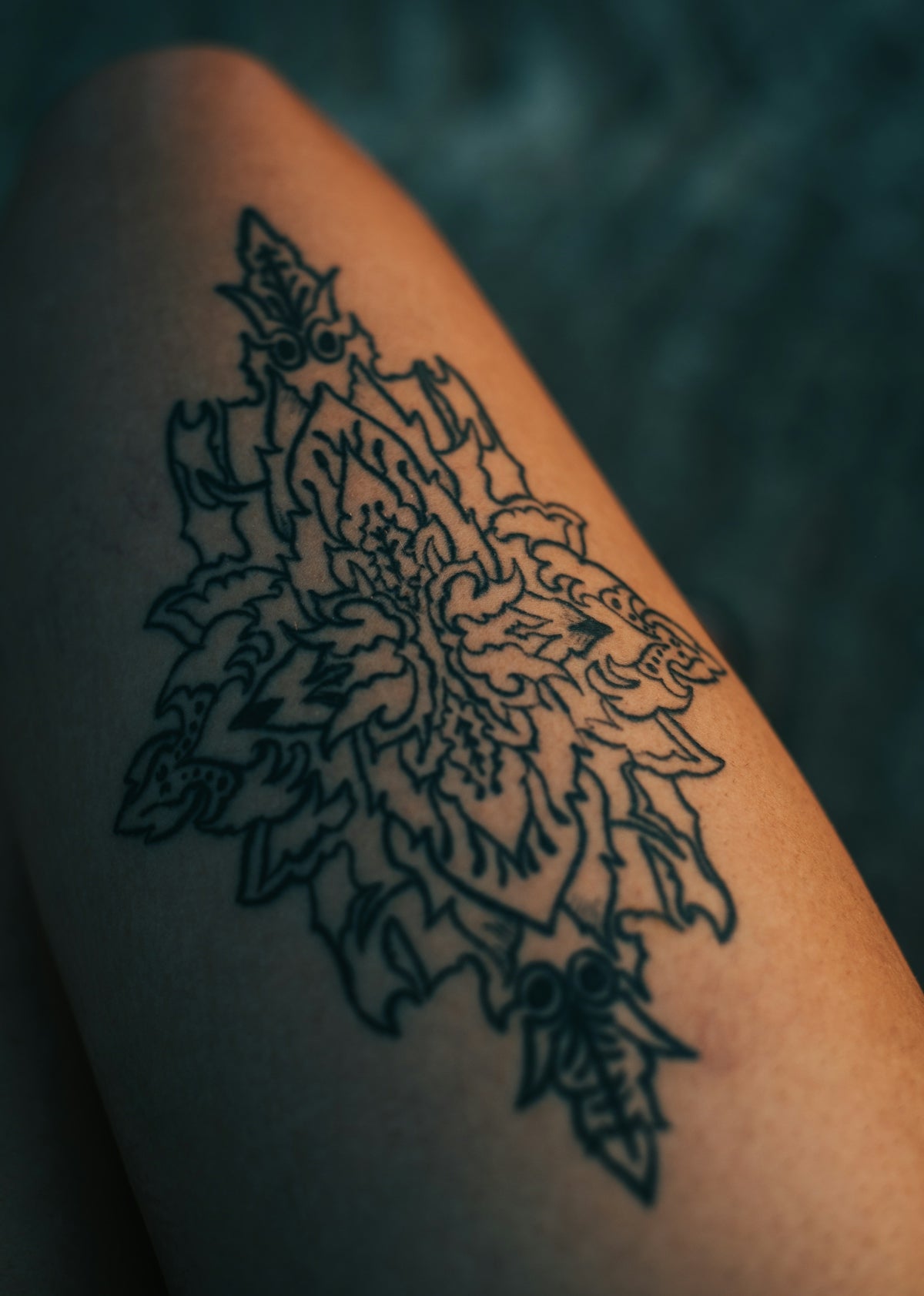
In the world of digital tattoo design, mastering intricate details can significantly enhance your work, demonstrating a level of skill that sets you apart from the crowd. Whether you're an aspiring artist or a seasoned professional, the secret lies in having the right tools at your disposal. Unlock your creative potential with our exclusive Procreate tools. Upgrade your art today and feel the transformative power of expert-grade instruments.
Table of Contents
- Table of Contents
- Why Use Procreate Tattoo Brushes?
- The Backbone of Exquisite Digital Tattoo Design
- Key Features of High-Quality Procreate Tattoo Brushes
- The PRO TATTOO KIT: A Professional's Choice
- Best Techniques for Utilizing Procreate Tattoo Brushes
- Realistic Tattoo Shading
- Fine Linework
- Tattoo Stencils
- Enhance Your Craft with Expert Procreate Tattoo Brushes
- FAQs
Why Use Procreate Tattoo Brushes?
Procreate has emerged as a vital tool within the tattoo community, praised for its user-friendly interface and extensive feature set that allows for high-level customization. At the heart of this customization are Procreate tattoo brushes, specially crafted to imitate the effects and nuances necessary for outstanding digital tattoo design. They provide artists with the precision required to execute fine details, making those tiny lines and subtle shadings appear effortlessly on digital canvases.
The Backbone of Exquisite Digital Tattoo Design
With the right Procreate tattoo brushes, artists can effortlessly transition between different drawing techniques, from sketching outlines to working on realistic tattoo shading with Procreate. This adaptability is crucial for capturing the complexities of any tattoo art form, whether it's traditional, neo-traditional, realism, or any other style. For more advanced insights, check out our article on Elevate Your Digital Tattoo Design with Procreate Tools.
Key Features of High-Quality Procreate Tattoo Brushes
Understanding the characteristics of top-notch Procreate tattoo brushes can revolutionize your approach:
- Pressure Sensitivity: The finest brushes respond dynamically to pressure, allowing for varied line weights and depths—a crucial element for creating realistic tattoo designs.
- Texture Variety: Different textures provide the ability to replicate various traditional media on a digital platform, granting a more organic feel to the artwork.
- Customizability: Top-tier Procreate tattoo brushes allow for customization, enabling artists to configure and tweak brushes to suit their specific styles and needs.
- Versatility: A comprehensive set of brushes will cover a wide range of styles, ensuring that your arsenal is equipped for anything, from fine line work to bold shading.
The PRO TATTOO KIT: A Professional's Choice
For artists dedicated to mastering their craft, the PRO TATTOO KIT, available at TattooBrushes.com, offers unmatched quality and precision. This meticulously curated collection of brushes caters to all levels of artistry, focusing on providing the tools needed for achieving detailed and realistic tattoos.
Whether your focus is on linework, shading, or coloring, each brush in the PRO TATTOO KIT is engineered to replicate the exact characteristics expected by top professionals in the tattoo industry. Invest in this kit to experience a drastic upgrade in your artistic capabilities.
Best Techniques for Utilizing Procreate Tattoo Brushes
A key to success in digital tattoo design is understanding how to utilize Procreate tattoo brushes effectively. Below are some tips to guide you through achieving fine details and realistic shading:
Realistic Tattoo Shading
Mastering the art of shading is integral for any tattoo artist:
- Layering Technique: Use multiple layers with varying opacity to gradually build up shading. This technique allows for controlled gradients and more realistic depth in tattoos.
- Brush Blending: Utilize softer brushes for blending shadows and highlights smoothly. Ensuring seamless transitions between different tonal areas is crucial for realism. For detailed advice, explore our guide to Master Realistic Tattoo Shading Techniques with Procreate Tattoo Brushes.
Fine Linework
To achieve crisp lines, select a brush with defined edges and utilize Procreate’s built-in features:
- Shape Streamline: This tool ensures smooth lines even when drawing freehand, minimizing wobble and creating sleek contours.
- Precision Stroking: Practice consistent pressure to maintain uniform line thickness, vital for clear and precise outlines.
Tattoo Stencils
Best tattoo stencils for Procreate are essential for consistency and planning:
- Layer-based Stencils: Utilizing layers for stencils allows you to maintain a guide while working independently on shading and detailing layers.
- Brush Customization: Adjust brush settings to replicate traditional stencil patterns effectively, lending a precise guide template for your designs.
Enhance Your Craft with Expert Procreate Tattoo Brushes
Transitioning successfully into the digital realm of tattoo art necessitates the right selection of tools and techniques. By equipping yourself with the PRO TATTOO KIT and mastering its myriad possibilities, you pave the way for distinguished artistry.
From achieving fine details to realistic shading, these brushes will become indispensable in your toolbox. Explore further enhancements by visiting TattooBrushes.com, where superior tools elevate your artistic journey and push the boundaries of digital tattoo design. Don't wait any longer to upgrade your art with Procreate tools that make you feel like a pro.
Explore more about the powerful brushes designed specifically for professionals by reading our article on Key Procreate Tattoo Brushes for Design Professionals.
Your path to exceptional digital tattoo design is just one brush away—start designing tattoos the right way today.
FAQs
What are Procreate tattoo brushes?
Procreate tattoo brushes are specially designed digital brushes that artists use in the Procreate app to create tattoo designs. These brushes mimic the look and feel of traditional tattoo tools, allowing for realistic shading and detailing in digital artwork.
Why are fine detail brushes important for tattoo design?
Fine detail brushes are crucial for creating intricate designs and precise linework, which are essential in the tattooing process. They help artists render delicate elements, such as small symbols, textures, and patterns, resulting in a more polished and professional-looking design.
Can I use regular brushes for tattoo art in Procreate?
While you can use regular brushes, they may not provide the fine detail and precision that specific tattoo brushes offer. Tattoo brushes have unique settings that cater to the demands of tattoo art, ensuring better control and accuracy during the creative process.
How do I find the best tattoo brushes for my style in Procreate?
Experiment with different brush sets to find the ones that align with your tattoo style. Engage with the Procreate community, explore user reviews, or watch tutorials that showcase various brushes to help you decide which ones work best for your artistic approach.
Are there any tips for achieving better detail with Procreate tattoo brushes?
Yes! Adjust the brush settings like size, opacity, and flow to suit your needs. Utilize layering techniques and zoom in on your canvas for finer details. Practice regularly to develop a better understanding of how each brush behaves.
Can I create my own tattoo brushes in Procreate?
Absolutely! Procreate allows you to create custom brushes tailored to your preferences. Experiment with various shapes, textures, and settings to design brushes that fit your unique style, making your tattoo art more personal and distinctive.
Is it necessary to use an iPad for Procreate tattoo brushes?
Although Procreate is optimized for iPad, its brushes can only be effectively utilized on this platform. The touch interface, along with the Apple Pencil, enhances the precision and control needed for detailed tattoo designs.
What size canvas should I use for tattoo design in Procreate?
For digital tattoo designs, a canvas size of at least 300 DPI is recommended to ensure high-quality results. The actual dimensions can vary based on the intended application, but a larger canvas allows for better detail and flexibility in your designs.
Can I use Procreate brushes for other art forms beyond tattoo design?
Definitely! Many Procreate tattoo brushes can be adapted for different styles and mediums, including illustration, digital painting, and graphic design. Their versatility allows artists to explore a wide range of creative options beyond just tattoo art.

Leave a comment
This site is protected by hCaptcha and the hCaptcha Privacy Policy and Terms of Service apply.