
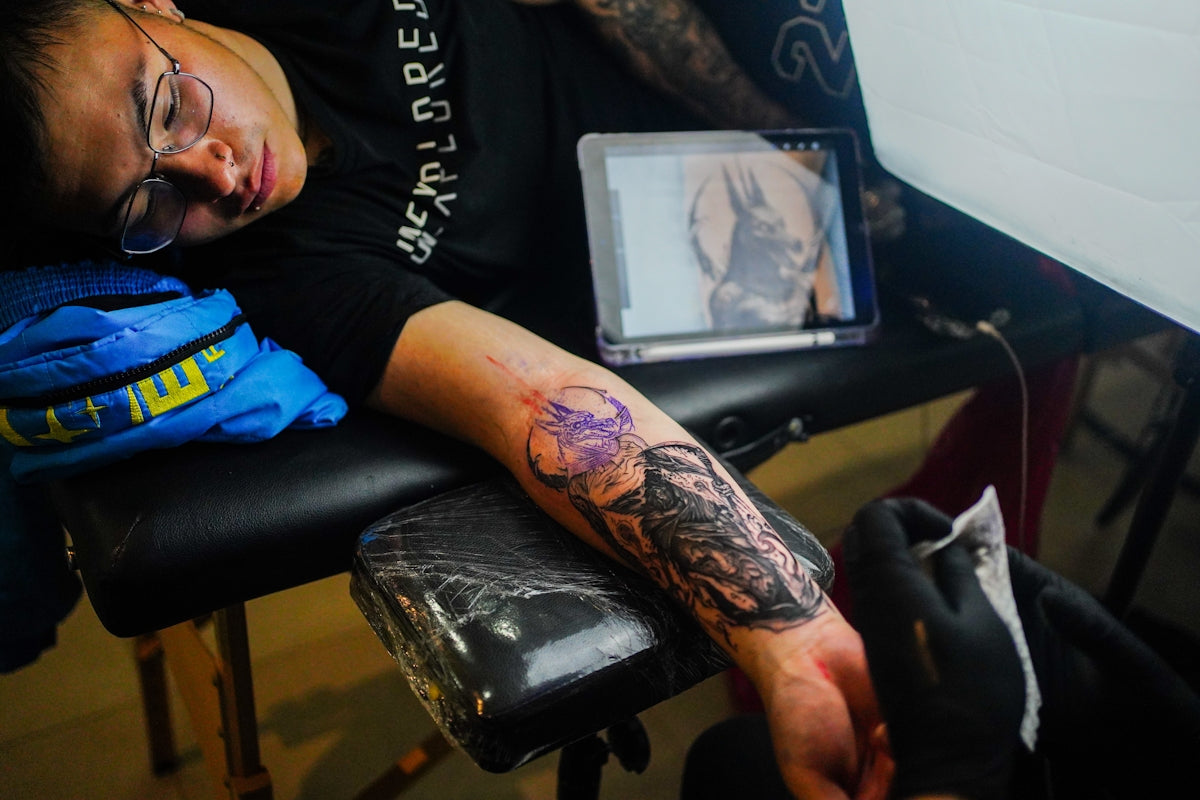
In today's digital age, the art of tattooing has evolved beyond ink and skin, expanding into the realm of digital artistry. Whether you're an aspiring tattoo artist eager to develop your skills or a seasoned professional seeking to refine your technique, the power of Procreate tattoo brushes can make a profound impact on your digital tattoo design process. With a seamless blend of traditional artistry and cutting-edge digital tools, these brushes offer endless possibilities. Ready to take your design skills to the next level? Start designing tattoos the right way with the tools available at TattooBrushes.com.
Table of Contents
- Table of Contents
- The Magic of Procreate Tattoo Brushes
- Crafting Your Masterpiece: Step-by-Step Guidance
- Step 1: Understanding Your Brushes
- Step 2: Setting Up Your Workspace
- Step 3: Practicing the Technique
- Maximizing Efficiency with Tools
- Layer Management
- Color Palettes
- Utilizing Reference Images
- The Role of Realistic Tattoo Shading
- Continual Learning and Improvement
- Conclusion: Elevate Your Art
- FAQs
The Magic of Procreate Tattoo Brushes
Procreate, an app known for its versatility and ease of use, is a favorite among artists worldwide. Its wide array of brushes replicates the feel of real-life art techniques, and this includes specialized Procreate tattoo brushes designed specifically for digital tattoo design. These brushes not only help streamline your creative process but also elevate the quality of your final artwork.
When considering what Procreate tattoo brushes to invest in, one must look for a set that provides flexibility and offers a range of effects, from delicate lines to robust shading. For those new to the world of digital tattoo design, our comprehensive guide on the Best Procreate Tattoo Brushes for Effective Digital Designs is a perfect starting point.
Crafting Your Masterpiece: Step-by-Step Guidance
Step 1: Understanding Your Brushes
First and foremost, familiarize yourself with the different types of Procreate tattoo brushes available. Each brush in the collection is designed for a specific purpose—be it outlining, coloring, or shading. The 'PRO TATTOO KIT' from TattooBrushes.com, for example, comes highly recommended due to its professional standard and comprehensive range that covers all possible design needs.
- Outlining Brushes: These brushes are critical for defining the edges and contours of your tattoo design. Opt for thin, crisp lines for intricate patterns or bold lines for traditional styles.
- Shading Brushes: Achieve realistic tattoo shading in Procreate with brushes that offer varied opacity and hardness. A good shadow can enhance the depth and realism of your designs. Discover more with our article on Achieve Realistic Shading with Procreate Tattoo Brushes.
- Texturing Brushes: Add dimension to your tattoo design by simulating the natural skin texture. These can be particularly effective when designing black and grey tattoos.
Step 2: Setting Up Your Workspace
Ensure that your digital workspace mimics a professional tattoo artist's setup. Organize your canvas, layers, and reference images systematically. Use grid lines to maintain proportions and symmetry in your design. When you're starting, use the best tattoo stencils Procreate offers to ensure accuracy in your designs.
Step 3: Practicing the Technique
Mastery comes from consistent practice. Begin with basic designs to understand the dynamics of each brush. Gradually take up more complex projects as you become comfortable with your tools. The ‘PRO TATTOO KIT’ provides an excellent practice platform for both newbies and experts.
Maximizing Efficiency with Tools
Layer Management
One of the key advantages of using Procreate is layer management. This allows artists to work on different components of a design without affecting the entire piece. Utilize layers to separate your outlines, shadings, and textures.
Color Palettes
Creating a customized color palette can speed up the workflow and reduce the need for adjusting colors constantly. Procreate allows for easy color adjustments, so experiment until you find the perfect hue.
Utilizing Reference Images
Import high-quality reference images to keep your designs accurate and inspired. Procreate’s ability to handle multiple layers permits you to trace and overlay designs effortlessly, bridging traditional methods with modern technology.
The Role of Realistic Tattoo Shading
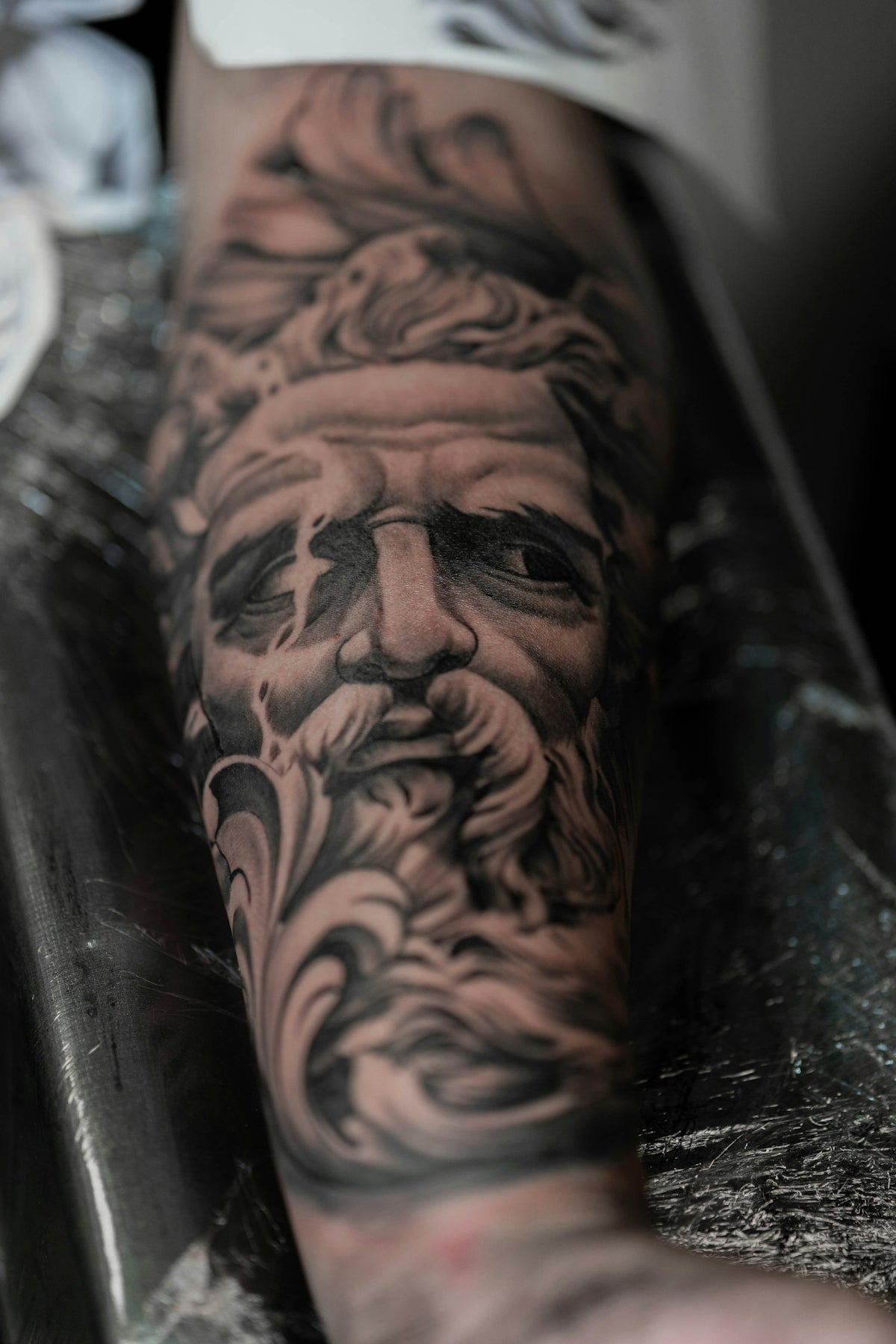
The depth brought in by realistic shading can transform a flat design into a lifelike masterpiece. Mastering this aspect is crucial for adding a third dimension to your work. For a detailed exploration of shading techniques, our article on Achieve Realistic Shading with Procreate Tattoo Brushes offers valuable insights.
Continual Learning and Improvement
Even the most experienced artists must stay updated with evolving trends and tools. Regularly integrating new techniques and tools like the Procreate tattoo brushes into your design process will foster continual improvement.
Conclusion: Elevate Your Art
Whether you are drawing inspiration from traditional tattoo styles or innovating new ones, the transition to digital tattoo design can significantly enhance your creative flow. The specialized brushes from TattooBrushes.com, such as those found in the 'PRO TATTOO KIT', can redefine your designs' precision, creativity, and professionalism. Are you ready to explore the Procreate tools that make you feel like a pro? Visit TattooBrushes.com today and elevate your digital designs to new heights.
FAQs
What are Procreate tattoo brushes?
Procreate tattoo brushes are digital tools designed specifically for creating tattoo designs within the Procreate app. They mimic the textures and effects of traditional tattooing, allowing artists to sketch, ink, and color their designs with greater precision and artistry.
How do I install Procreate tattoo brushes?
To install Procreate tattoo brushes, download the brush file to your device, open the Procreate app, tap on the brush icon, select the "+" sign to create a new brush set, and then import your downloaded brushes by navigating to the folder where they are saved.
Can I create my own Procreate tattoo brushes?
Yes, you can create your own Procreate tattoo brushes! Using Procreate's brush studio, you can customize existing brushes or create entirely new ones based on your unique style and preferences. This allows for endless creativity in your tattoo design work.
What are the benefits of using Procreate tattoo brushes instead of traditional methods?
Using Procreate tattoo brushes allows for greater flexibility and efficiency in the design process. Artists can easily make adjustments, experiment with colors and styles, and save their work in layers. Additionally, digital designs can be easily shared and printed without the need for physical materials.
Are Procreate tattoo brushes suitable for beginners?
Absolutely! Procreate tattoo brushes can be used by beginners as well as experienced artists. They come with various pre-set styles and features that can help beginners learn the fundamentals of tattoo design while providing ample room to grow creatively.
Can I use Procreate tattoo brushes for other types of digital art?
Yes, Procreate tattoo brushes can be versatile tools for various forms of digital art. While they are designed with tattoo design in mind, many artists use them for illustrations, graphic design, and other creative projects, taking advantage of their unique textures and styles.
What devices do I need to use Procreate and its tattoo brushes?
To use Procreate and its tattoo brushes, you will need an iPad compatible with the Procreate app, which is available on the App Store. Using an Apple Pencil can enhance the drawing experience, allowing for more precise control and fluid strokes.
Are there free Procreate tattoo brushes available?
Yes, many artists and creators offer free Procreate tattoo brushes. These can typically be found on various digital art platforms or websites dedicated to Procreate resources. Be sure to check the licensing terms to ensure they fit your needs.
How can I get better at using Procreate tattoo brushes?
Practice is key! Spend time experimenting with different brushes and techniques within Procreate. Watching tutorials, joining online communities, and participating in challenges can also help you refine your skills and find inspiration for your tattoo designs.


Leave a comment
This site is protected by hCaptcha and the hCaptcha Privacy Policy and Terms of Service apply.