
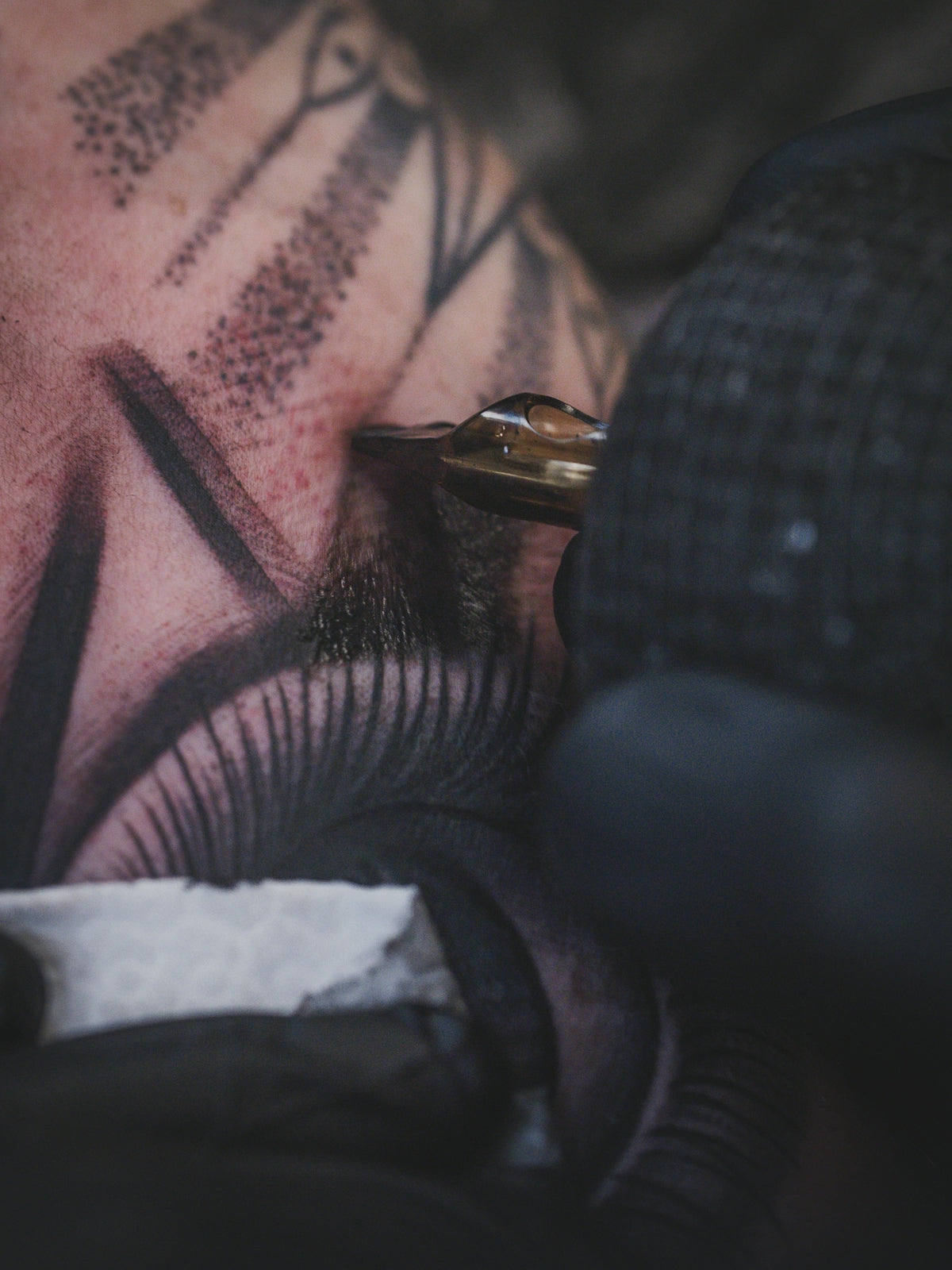
In today's digital era, digital tattoo design is revolutionizing the way tattoo artists bring their visions to life. Whether you're an aspiring artist looking to make your first big move or a seasoned professional seeking to refine your technique, the right tools are pivotal. That's where the 'PRO TATTOO KIT' and other top-notch tools from TattooBrushes.com come into play. With these expertly crafted tools, you can upgrade your art and unlock a new level of creativity. Want to start designing tattoos the right way? Let's dive right in and explore how the best Procreate tattoo brushes can transform your digital artistry.
Table of Contents
- Table of Contents
- Understanding Procreate Tattoo Brushes
- Why Procreate?
- Top Procreate Tattoo Brushes for Flawless Shading
- 1. The Premium Shader Brush
- Practical Tip:
- 2. Textured Liner Brush
- Practical Tip:
- 3. Dot Work Brush
- Practical Tip:
- 4. Soft Blur Brush
- Practical Tip:
- Procreate Tips for Tattoo Artists
- Utilize Layers
- Customization is Key
- Upgrade Your Digital Tattoo Design
- Conclusion
- FAQs
Understanding Procreate Tattoo Brushes
Procreate has rapidly become a staple in many artists' toolkits due to its unparalleled flexibility and power. But having Procreate isn't just enough; the quality of your brushes determines the outcome of your work. With the right Procreate tattoo brushes, your designs can go from novice to professional standards in just a few swipes.
Why Procreate?
As a versatile app, Procreate provides a canvas for creativity stretching as far as your imagination can. It offers artists customized control over their art with layers, blending modes, and a vast array of brushes tailored for every style and design philosophy. For tattoo artists specifically, this means having the ability to create art that mirrors their anticipated ink results with precision.
Top Procreate Tattoo Brushes for Flawless Shading
Achieving realistic tattoo shading Procreate requires the right set of brushes. The best Procreate tattoo brushes cater to various styles, including traditional, surrealistic, and minimalist designs. Here are some essential brushes and tips on how to utilize them effectively:
1. The Premium Shader Brush
The premium shader brush from the 'PRO TATTOO KIT' is a favorite for its wide range of gradients. Its smooth blend transitions mimic the natural shading of skin tattoos, which is crucial when aiming for realistic tattoo shading Procreate. For those looking to master shading, incorporating this brush will provide a significant advantage.
Practical Tip:
To use this shader brush effectively, start with a lower opacity setting. Gradually build up the shading by layering strokes; this mirrors real tattooist techniques and helps in achieving depth.
2. Textured Liner Brush
For many artists, clean line work defines their style. The textured liner brush offers excellent precision for outlining and adding detailed patterns, making it ideal for creating the best tattoo stencils Procreate.
Practical Tip:
When working on edges and intricate details, zoom in closely and use the textured liner brush at a smaller size for maximum control. This provides the artist with the facility to execute sharp edges seamlessly aligned with their design vision.
3. Dot Work Brush
Dot work involves meticulous attention to detail, which can be overwhelming without the right brush. The dot work brush allows you to craft consistent dots easily, crucial for styles like Pointillism and Mandala.
Practical Tip:
Use varying pressures to create dimension in your dot work designs. The lighter the pressure, the smaller the dot, which adds complexity and richness to your art.
4. Soft Blur Brush
When aiming to achieve a smooth blend over large areas, the soft blur brush is indispensable. It allows the merging of colors and shades to create subtle transitions that replicate the look of a freshly healed tattoo.
Practical Tip:
Utilize the 'select' tool with the soft blur brush to target specific areas that require additional blending, ensuring that each section of your design achieves its intended coherence and flow.
Procreate Tips for Tattoo Artists
Mastering Procreate goes beyond just having the right brushes. Here are essential tips to harness Procreate’s full potential:
Utilize Layers
Leverage layers to separate different components of your design. This approach allows for non-destructive editing and the ability to focus on each aspect of your tattoo separately.
Customization is Key
Customize your brushes to fit your specific style. Adjusting settings like flow, opacity, and pressure sensitivity can significantly enhance your workflow and the final output.
Upgrade Your Digital Tattoo Design
If you're eager to dive deeper into mastering digital tattoo design techniques, explore our comprehensive guide on How to Master Digital Tattoo Design with Procreate Tools and unlock your potential with Procreate tools that make you feel like a pro.
Conclusion
Elevating your artistry with Procreate requires dedication and the right instruments. With professional brushes from the 'PRO TATTOO KIT', you can achieve flawless shading and bring about remarkable improvements in your digital tattoo designs. Whether you aim to refine your current skills or delve into new creative territory, the journey is within reach. Ready to explore Procreate tools that make you feel like a pro? Upgrade your art today and watch your tattoo designs come alive with precision and flair.
For a more in-depth look at the tools available and their capabilities, visit TattooBrushes.com.
FAQs
What are Procreate tattoo brushes?
Procreate tattoo brushes are specially designed digital brushes used in the Procreate app for creating tattoo art on an iPad. They mimic traditional tattooing techniques, allowing artists to create realistic shading, intricate details, and unique styles digitally.
How do I install Procreate tattoo brushes?
To install Procreate tattoo brushes, first, download the brush file to your device. Then open Procreate, go to the "Brush Library," tap the "+" icon to create a new set or select an existing one. Finally, select "Import" and choose the downloaded brush file to add it to your library.
What types of shading effects can I achieve with Procreate tattoo brushes?
Procreate tattoo brushes allow you to create a variety of shading effects, including soft gradients, hard edges, and stippling techniques. You can layer different brushes to achieve depth and texture, mimicking various tattooing styles such as realism, traditional, or neo-traditional.
Can I create my own tattoo brushes in Procreate?
Yes, you can create your own tattoo brushes in Procreate. The app provides tools to customize brush shape, grain, texture, and dynamics, allowing you to develop unique brushes tailored to your specific tattooing style.
What should I look for in a good Procreate tattoo brush?
When selecting a Procreate tattoo brush, consider factors like the brush's texture, opacity settings, and the type of stroke it produces. Look for brushes that mimic the effects you want to achieve, such as realism or bold lines, as well as those that offer versatility for various shading techniques.
Are Procreate tattoo brushes compatible with all versions of Procreate?
Procreate tattoo brushes are generally compatible with the latest versions of Procreate. However, if you are using an older version of the app, some features or functionalities of the brushes may not work as intended. It's recommended to keep Procreate updated for optimal performance.
Can I use Procreate tattoo brushes for other types of digital art?
Absolutely! While Procreate tattoo brushes are designed for tattoo art, they can also be used for other forms of digital illustration, including character design, concept art, or graphic design. Their versatile nature allows artists to experiment with different styles and techniques.
What devices do I need to use Procreate and its brushes?
To use Procreate and its brushes, you need an iPad that is compatible with the app, along with an Apple Pencil or a compatible stylus for optimal precision and control while drawing. Procreate is tailored for touch input, making it an excellent choice for digital artists.

Leave a comment
This site is protected by hCaptcha and the hCaptcha Privacy Policy and Terms of Service apply.