
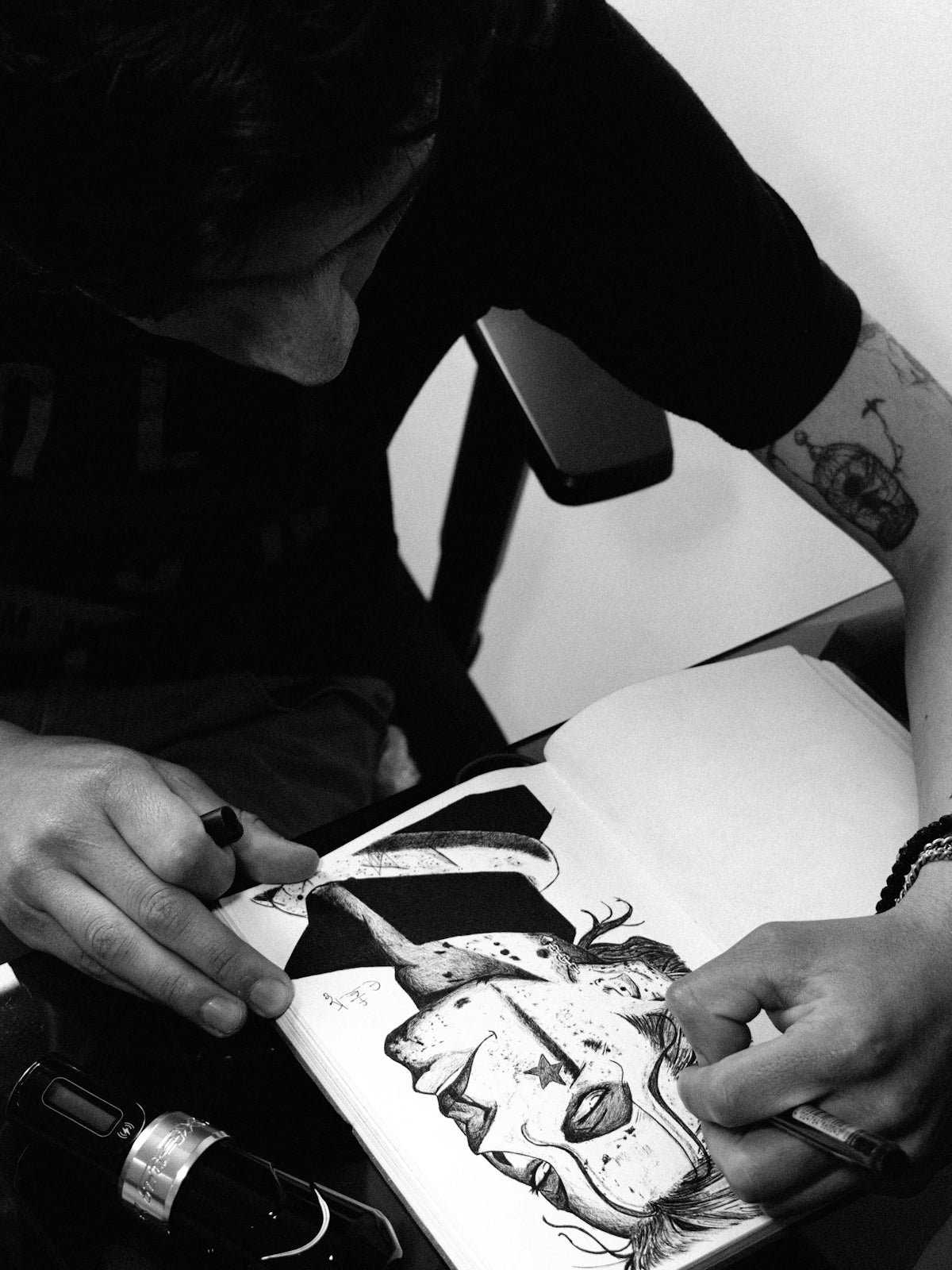
For artists looking to expand their creative horizons, Procreate tattoo brushes have emerged as a transformative tool. Whether you're an aspiring tattoo artist or a seasoned professional, mastering these digital tools can elevate your art to new heights. In this guide, we'll explore the best ways to utilize Procreate tattoo brushes in digital tattoo design, from creating intricate tattoo stencils in Procreate to achieving realistic tattoo shading. Ready to take your tattoo artistry to the next level? Start designing tattoos the right way.
Table of Contents
- Table of Contents
- Understanding Procreate Tattoo Brushes
- The Basics of Procreate Tattoo Brushes
- Crafting Digital Tattoo Designs with Procreate
- Step-by-Step Guide to Digital Design
- Advanced Techniques for Professional Results
- The Role of High-Quality Tattoo Artist Tools
- Why Invest in Professional Tools?
- Conclusion: Elevate Your Art with Procreate Tattoo Brushes
- FAQs
Understanding Procreate Tattoo Brushes
Procreate has become synonymous with digital art excellence, and its tattoo brushes offer unparalleled realism and flexibility. These brushes mimic the texture and flow of real tattoo needlework, allowing for a seamless transition from digital to skin. The PRO TATTOO KIT available on TattooBrushes.com is specifically designed with these attributes, providing an ultimate toolset for artists aiming for precision and creativity.
The Basics of Procreate Tattoo Brushes
- Selecting the Right Brush: Not all brushes are created equal. When selecting Procreate tattoo brushes, focus on their texture, flow, and adaptability to different design needs.
- Testing and Customizing: Before diving into a design, it's vital to test and tweak your brushes. Procreate allows for extensive customization, letting you adjust pressure sensitivity, line texture, and more to suit your style.
- Understanding Layers and Blending: Mastery of Procreate's layers and blending modes can make or break your design. These features help craft intricate details without compromising the overall piece.
For more in-depth guidance, see Must-Have Procreate Tattoo Brushes for Professional Designs.
Crafting Digital Tattoo Designs with Procreate
Digital tattoo design is an art form that demands creativity and precision. With Procreate tattoo brushes, artists can transform their ideas into polished, ready-to-ink artworks.
Step-by-Step Guide to Digital Design
- Conceptualize Your Design: Begin with a clear idea or theme. Sketch rough drafts to capture the essence of your vision.
- Utilize Reference Images: Import images into Procreate to use as guidelines. They can improve accuracy, particularly in realism-focused designs.
- Outline Your Tattoo: Use the best tattoo stencils in Procreate to outline your design. These stencils act as a blueprint, ensuring dimensions and elements are coherent.
- Enhance with Shading and Texture: Realistic tattoo shading in Procreate involves layering and using brushes that mimic skin texture. Test different shading techniques to achieve a lifelike appearance.
For further insights, read more about How to Create Digital Designs with Procreate Tools.
Advanced Techniques for Professional Results
Achieving professional-level designs requires not just tools but also advanced techniques. Here's how to make the most of Procreate's capabilities:
- Dynamic Symmetry: Use Procreate’s symmetry tools to create balanced compositions effortlessly. Ideal for mandalas and symmetrical tribal designs.
- Texturing and Highlighting: Experiment with texture brushes to enhance surface detail. Highlights and texture give tattoos depth and realism.
- Fast Cloning and Replication: Speed up your workflow by utilizing cloning features for recurring elements or patterns.
- Color Blending for Realism: The smooth color blending capability in Procreate is invaluable for realistic artworks. Carefully blend colors to match skin tonal variations and reflections.
For stencil creation, refer to Essential Tattoo Artist Tools: Procreate for Stencils.
The Role of High-Quality Tattoo Artist Tools
The tools you choose are crucial in the quality of your digital tattoo designs. Investing in high-grade brushes, such as those provided in the PRO TATTOO KIT from TattooBrushes.com, is key to upgrading your art. These tools ensure your digital designs translate beautifully when inked onto skin.
Why Invest in Professional Tools?
- Precision and Consistency: High-quality tools offer precision unmatched by generic alternatives.
- Versatility: A comprehensive kit provides a range of brushes for different styles and techniques.
- Reliability: Professional tools reduce errors and improve efficiency, crucial in managing client expectations.
Conclusion: Elevate Your Art with Procreate Tattoo Brushes
The journey to masterful tattoo design is ongoing, with each step offering new challenges and opportunities for growth. With the right tools, like the Procreate tattoo brushes from TattooBrushes.com, artists at all levels can achieve stunning results. It's time to transform your creations and truly express your artistry.
Explore Procreate tools that make you feel like a pro today!
Remember, mastery is an ongoing journey. Keep experimenting, learning, and pushing the boundaries of what's possible.
FAQs
What are Procreate tattoo brushes?Procreate tattoo brushes are digital brushes designed specifically for creating tattoo art in the Procreate app. They mimic the texture and appearance of traditional tattoo tools, allowing artists to produce realistic designs directly on their iPads.
How do I install Procreate tattoo brushes?To install Procreate tattoo brushes, download the brush files to your device. Open Procreate and navigate to the Brush Library. Tap the '+' icon to create a new brush set or select an existing one and then tap 'Import' to bring in your downloaded brushes.
Can I customize Procreate tattoo brushes?Yes, you can customize Procreate tattoo brushes! After selecting a brush, tap on it to open the Brush Studio where you can adjust various settings such as size, opacity, and texture to achieve the desired effect.
What are the benefits of using Procreate tattoo brushes over traditional methods?Using Procreate tattoo brushes allows for greater flexibility, immediate revisions, and the ability to work in layers. Artists can experiment freely without the fear of making permanent mistakes, and sharing artwork is also much easier in a digital format.
Are Procreate tattoo brushes suitable for beginners?Absolutely! Many Procreate tattoo brushes are designed with beginners in mind, offering user-friendly features that make it easier to create stunning tattoo art. With practice, even novice artists can produce professional-looking designs.
Can I use Procreate tattoo brushes for other types of art?Yes, Procreate tattoo brushes can be used for a variety of art styles beyond tattoo designs. They can add unique textures and effects to illustrations, character designs, and other digital artwork, allowing for more creative expression.
How do I choose the right Procreate tattoo brush for my project?When choosing a Procreate tattoo brush, consider the style and effect you want to achieve. Look for brushes that match the specific techniques you plan to use, whether it's shading, lining, or adding texture.
Is it possible to create a complete tattoo design using only Procreate?Yes, you can create a complete tattoo design using only Procreate! The app's extensive features, combined with the right tattoo brushes, allow you to create everything from sketches to detailed color designs—all digitally.
Do I need an Apple Pencil to use Procreate tattoo brushes effectively?While you can use your finger to draw in Procreate, an Apple Pencil significantly enhances the experience. It offers pressure sensitivity and precision, making it easier to achieve the fine details and variations in line work typical of tattoo art.

Leave a comment
This site is protected by hCaptcha and the hCaptcha Privacy Policy and Terms of Service apply.