
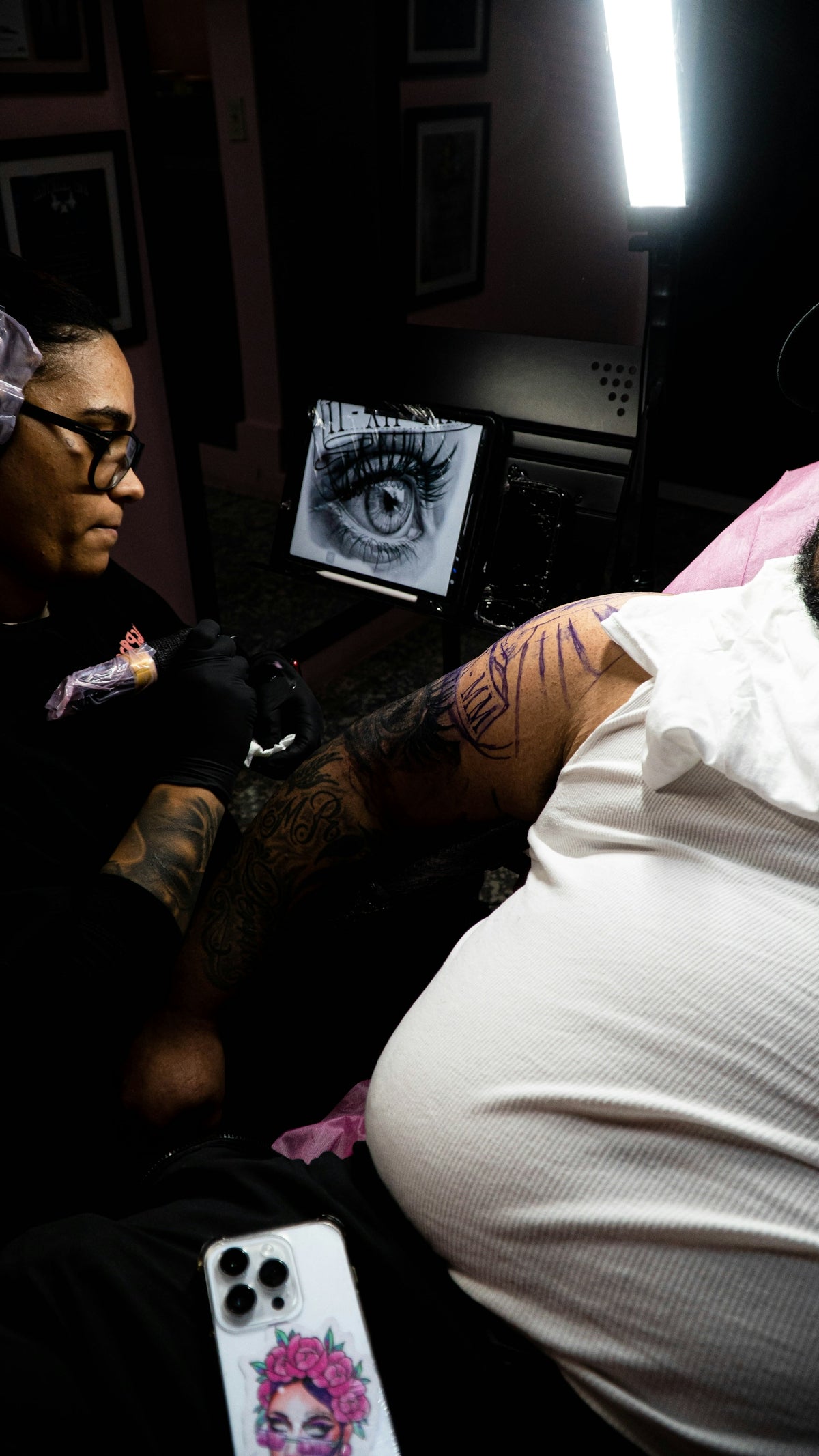
As the world of tattoo artistry embraces digital innovation, Procreate has rapidly become an integral tool in the creation process, both for aspiring artists new to the field and seasoned professionals seeking to refine their skills. Utilizing the power of Procreate, specifically with tattoo stencils, can significantly elevate the quality of your tattoo designs. By harnessing its features, artists can transition from preliminary sketches to professional-grade art with incredible precision and clarity. Ready to take your artistry to the next level? Explore Procreate tools that make you feel like a pro!
Table of Contents
- Table of Contents
- The Role of Procreate in Tattoo Design
- Why Procreate Is a Game-Changer
- Selecting the Best Procreate Tattoo Brushes
- Customizing Brushes for Superior Stencils
- Mastering Digital Tattoo Design with Procreate
- Creating Authentic Tattoo Stencils
- Perfecting Your Shading Techniques
- Prioritizing Professional Tattoo Artist Tools
- Recommended Tools for Engaging Designs
- Closing Thoughts: Elevate Your Tattoo Artistry
- FAQs
The Role of Procreate in Tattoo Design
Procreate is a revolutionary app for creating stunning digital artwork, and with its intuitive interface, it's tailor-made for tattoo design. The vast array of Procreate tattoo brushes available allows you to mimic traditional drawing tools while enjoying the benefits of digital flexibility. From crisp line work to realistic shading, Procreate enables artists to visualize and refine their concepts before committing to skin.
Why Procreate Is a Game-Changer
For tattoo artists, time, accuracy, and creativity are key. Procreate streamlines the design process, offering powerful features that are essential in today’s fast-paced industry:
- Portability: With an iPad and an Apple Pencil, you have a comprehensive studio that can accompany you anywhere.
- Efficiency: Speed up your workflow with quick hand gestures and layers for complex designs.
- Precision Tools: Facilitate detailed work with customizable brushes and a variety of textures and effects.
Selecting the Best Procreate Tattoo Brushes
Choosing the right tools is crucial for perfection. The quality and variety of Procreate tattoo brushes can greatly affect the final outcome of your stencil design. To help guide your selection, check out Must-Have Procreate Tattoo Brushes for Professional Designs. Here, you'll find insights on the brushes that enable sharp lines, smooth gradients, and depth in your art.
Customizing Brushes for Superior Stencils
Customization is key. Tailor your Procreate tattoo brushes to suit individual styles and techniques. This flexibility empowers you to:
- Achieve Consistency: Maintain uniformity across different elements of your designs.
- Enhance Realism: Mimic traditional tattoo effect by adjusting opacity and flow dynamically.
- Innovate Freely: Experiment with settings to develop new textures and finishes.
Mastering Digital Tattoo Design with Procreate
Stepping into digital tattoo design necessitates mastering the capabilities of your tools. Procreate not only brings forth a richer creative process but also signifies a leap in advancement for tattoo art.
Creating Authentic Tattoo Stencils
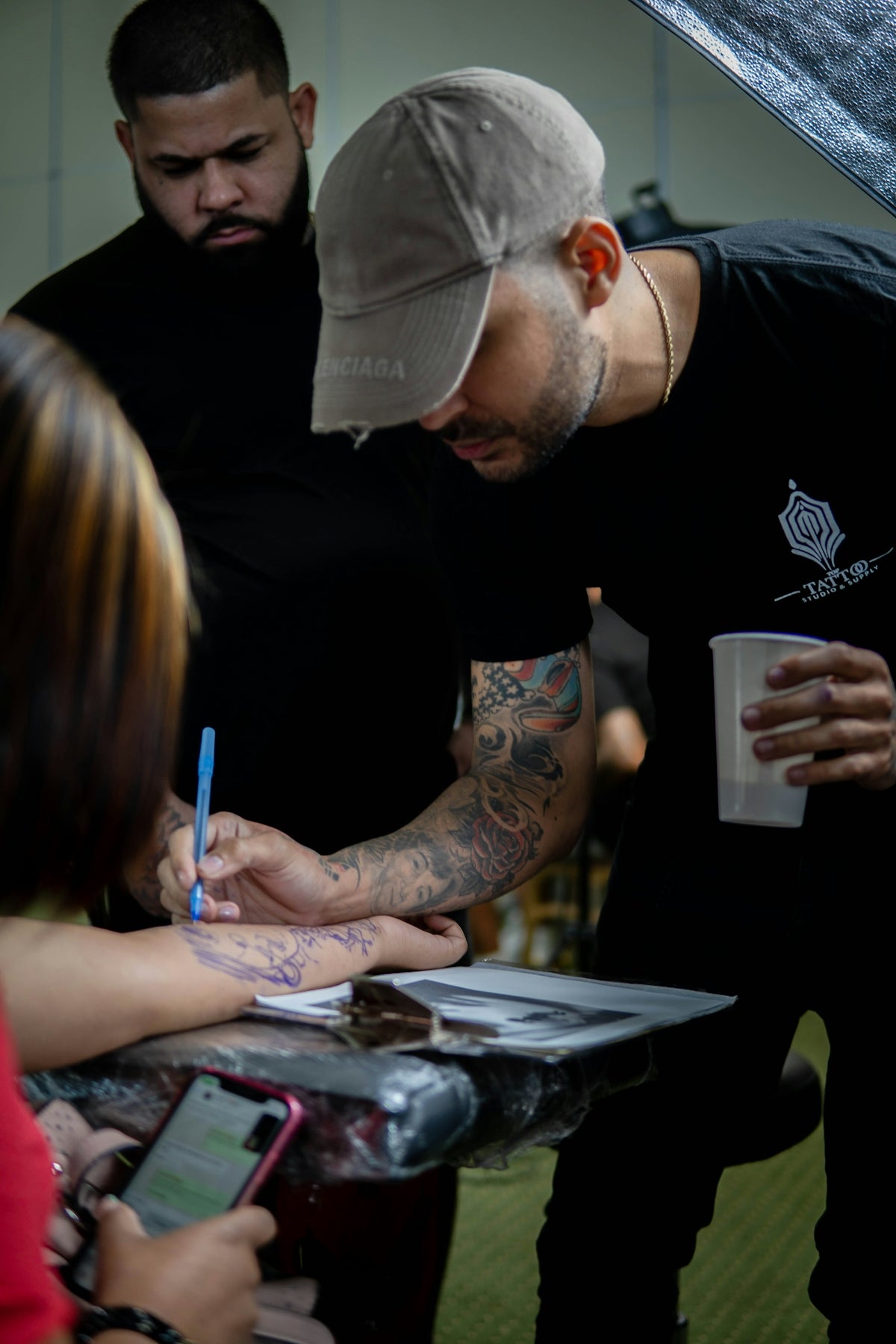
Tattoo stencils serve as a critical guide for the inking process. In Procreate, generating high-quality stencils involves:
- Drafting Initial Sketches: Begin with rough sketches using different layers to build on your ideas seamlessly.
- Refining with Line Work: Switch to specialized brushes for clean, precise outlines.
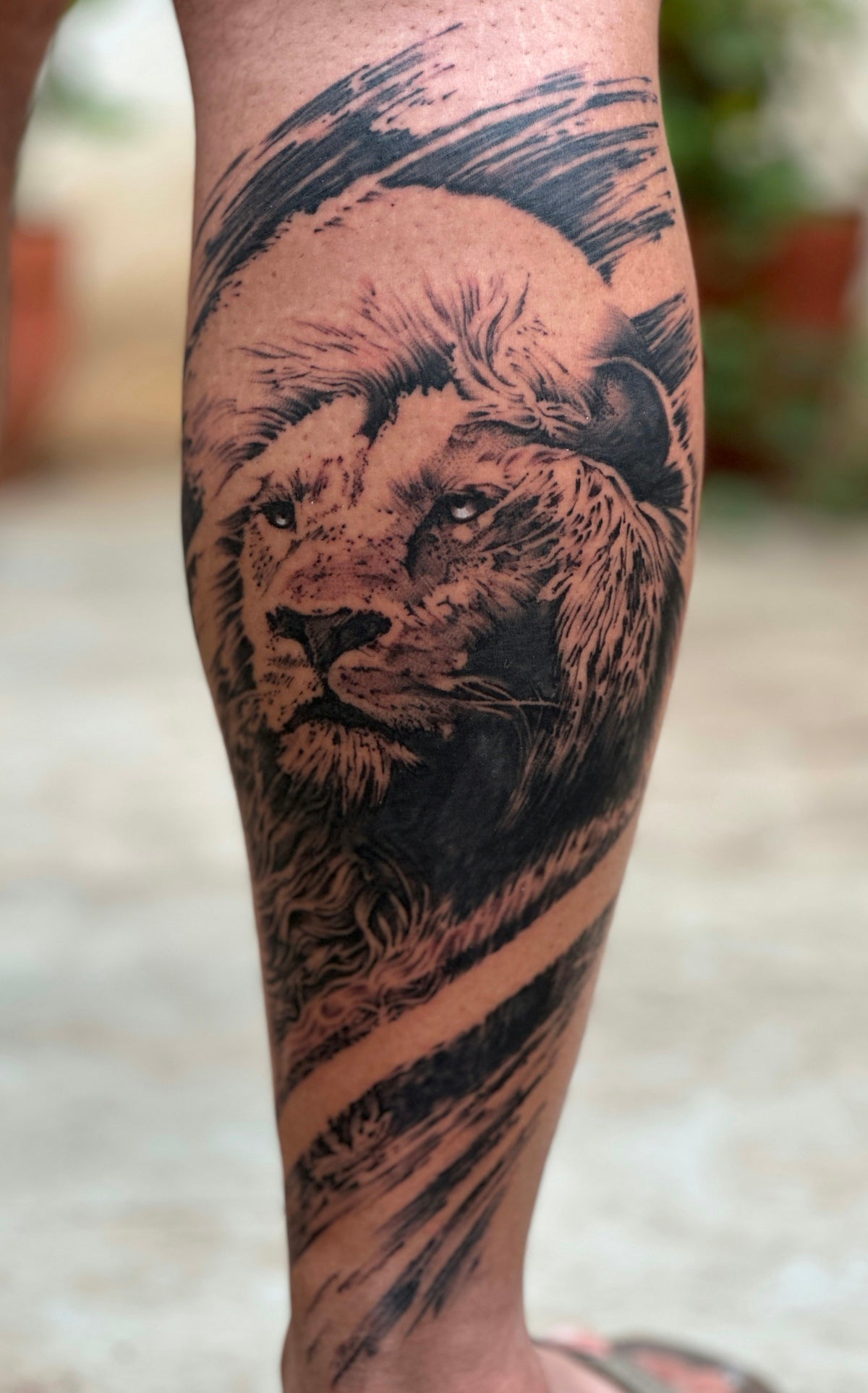
- Reimagining Dimensions: Use shading brushes to create depth and contrast, enhancing three-dimensional effects.
For more on this, dive into Top Procreate Tattoo Brushes for Realistic Shading Art.
Perfecting Your Shading Techniques
Realistic tattoo shading in Procreate can transform a basic sketch into a lifelike masterpiece. This involves:
- Layer Exploration: Utilize layers to adjust shades without compromising the base design.
- Brush Density Control: Manipulate brush density for smooth transitions and gradient effects.
Uncover the full potential of these techniques with our curated article Top Procreate Tattoo Brushes for Realistic Shading Art.
Prioritizing Professional Tattoo Artist Tools
Integrating the right tools in your digital workspace can redefine your tattoo designs. The 'PRO TATTOO KIT' from TattooBrushes.com merges creativity with practicality, offering artists an unrivaled resource to improve their craft.
Recommended Tools for Engaging Designs
When focusing on digital tattoo design, consider these essential tools that enhance capability:
- Optimal Brush Selections: Essential for clarity and detail, precisely adapting to various styles.
- High-Performance Devices: Ensure your iPad and stylus function smoothly for maximum sensitivity and response.
For a more comprehensive understanding, visit Recommended Tattoo Artist Tools for Best Procreate Designs.
Closing Thoughts: Elevate Your Tattoo Artistry
Incorporating Procreate into your tattoo design toolkit is not just about keeping up with the digital age, but about setting yourself apart as a tattoo artist. Its unparalleled versatility aids in crafting designs that are not only striking but meticulously executed. Whether you're sketching your first tattoo or redefining your portfolio as a veteran artist, Procreate offers a domain of endless possibilities. Ready to escalate your tattoo artistry with exceptional precision and creativity? Start designing tattoos the right way with our tools today!
Explore further and upgrade your artistry by unlocking the potential of the right Procreate tools available at TattooBrushes.com.
FAQs
What is Procreate and how is it used for tattoo stencils?
Procreate is a powerful digital illustration app available on iOS devices, commonly used by tattoo artists to create and refine stencil designs. Its various tools and features allow for precise line work and easy adjustments, making it ideal for tattoo preparation.
Can I use Procreate on my computer?
Procreate is specifically designed for iPad and is not available as a desktop application. However, you can use similar software on your computer, such as Adobe Illustrator or CorelDRAW, for creating tattoo stencils.
What are some tips for creating high-quality stencils in Procreate?
To create high-quality stencils in Procreate, use high-resolution canvases, make use of layers to separate elements, and utilize the brush settings to adjust opacity and flow. Always keep an eye on the detail and clarity of your lines to ensure the final result translates well onto skin.
Are there specific brushes I should use in Procreate for tattoo design?
Yes, there are several brushes available in Procreate that are ideal for tattoo design. Look for brushes that mimic traditional tattoo needle strokes or those designed for line art to achieve the desired effect. You can also create and customize your own brushes for a unique touch.
How do I transfer my Procreate design to a stencil?
Once you have created your design in Procreate, you can export it as a PNG or JPEG file and then print it out on stencil paper. Ensure to use the correct printer settings to maintain the quality of your design for tattooing.
Can I customize existing templates in Procreate?
Absolutely! Procreate allows you to import existing templates and customize them according to your preferences. You can modify elements, change colors, and add your own unique details to make the stencil truly yours.
What are the advantages of using Procreate for tattoo artists?
Using Procreate for tattooing offers numerous advantages, including the ability to easily make changes, the convenience of working directly on a digital canvas, and the variety of tools available for creating detailed and precise designs. It also allows for quick sharing and feedback, streamlining the design process.
Is there a learning curve with Procreate?
There can be a slight learning curve with Procreate, especially if you’re new to digital art. However, the app is user-friendly, and many resources, such as tutorials and community forums, are available to help you get started and improve your skills.
Can I use Procreate to create tattoo art for different styles?
Yes, Procreate is versatile and can be used to create tattoo art in various styles, from traditional to neo-traditional, realism, and more. The ability to customize brushes and tools means you can find the right approach for any tattoo style you want to explore.

Leave a comment
This site is protected by hCaptcha and the hCaptcha Privacy Policy and Terms of Service apply.