
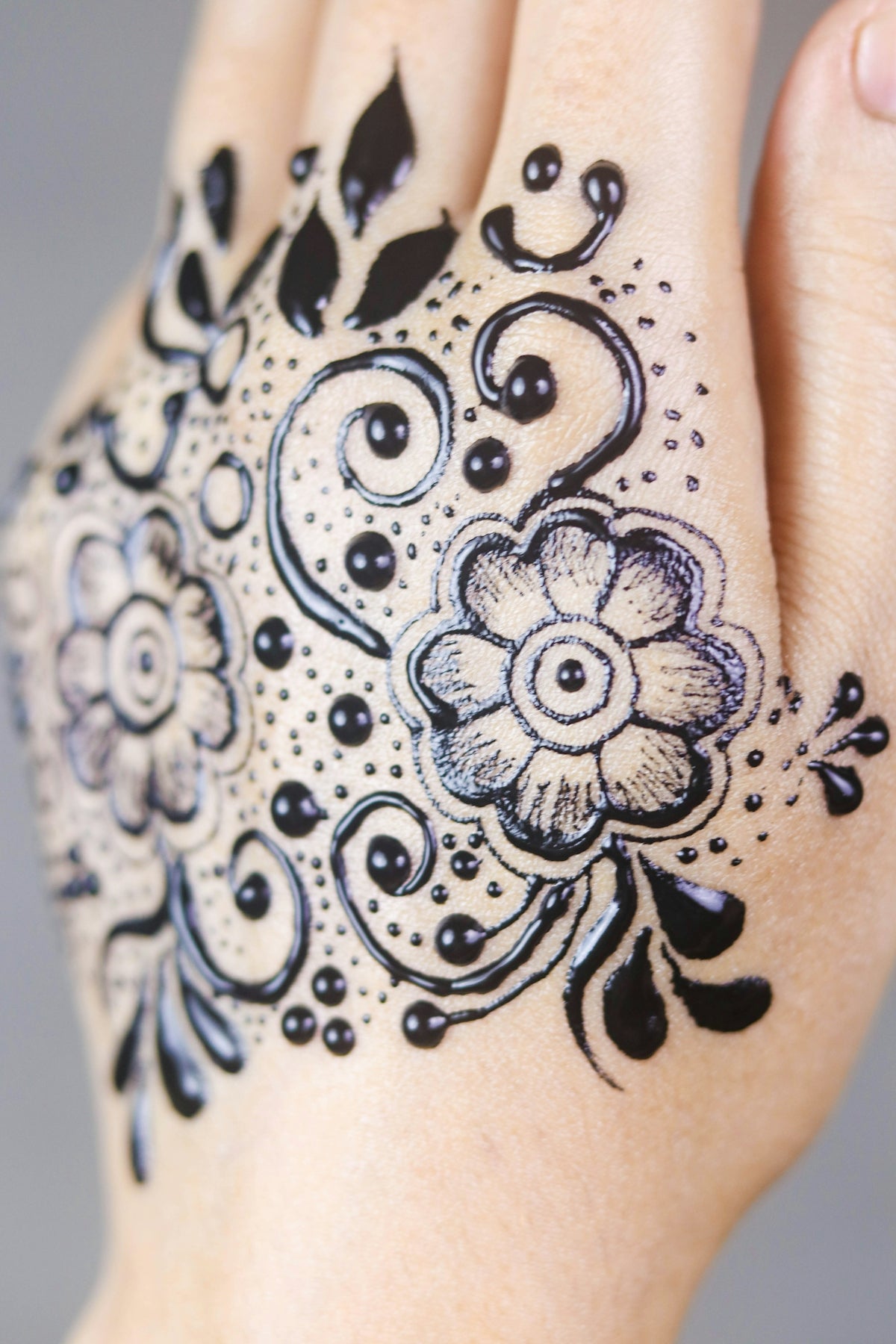
Tattoo artistry has taken an exciting turn with digital platforms like Procreate, allowing both established artists and novices to craft stunning designs with ease and precision. Whether you're just starting on your tattoo art journey or looking to refine your skills further, mastering essential tattoo shading techniques can take your artwork to the next level. If you're ready to start designing tattoos the right way, equip yourself with the 'PRO TATTOO KIT' from TattooBrushes.com—the perfect companion for enhancing your creative output.
The Foundation of Tattoo Shading Techniques
Before diving into the intricacies of shading, it's crucial to have a solid grasp of the basics. Tattoo shading techniques can significantly influence the depth, texture, and overall impact of your artwork. Here are some foundational aspects to consider:
- Understand Your Tools: Using quality brushes and digital tools can radically transform your shading skills. The 'PRO TATTOO KIT' offers a wide range of customizable brushes specially designed for Procreate users, ensuring each stroke translates perfectly to screen.
- Start with Line Work: A precise, clean linework is essential before adding depth through shading. Refer to our Procreate linework guide for detailed steps.
- Familiarize with Procreate's Features: Understanding blending modes and layer functions in Procreate can open up new dimensions in your work, allowing smooth transitions and realistic shading effects.
Procreate Linework Guide to Perfection
Creating impeccable linework forms the backbone of any tattoo design. Here’s how you can achieve that:
- Use the Right Brushes: The choice of brushes affects the fluidity and precision of your linework. Our 'PRO TATTOO KIT' features specialized brushes that mimic traditional tattoo tools, making them essential for your digital setup.
- Maintain Consistency: Ensure even pressure throughout your strokes. Procreate’s pressure sensitivity allows for dynamic lines that can vary in weight, adding more character to your outlines.
- Keep It Clean: Zoom in to smooth out any irregularities, ensuring a tidy base before applying your shading techniques.
Exploring Blackwork Tattoo Trends
Blackwork tattoos, with their bold lines and high contrast, continue to grow in popularity. The digital sphere offers opportunities to explore this style with fresh perspectives. Check out our Innovative Blackwork Tattoo Trends and Techniques for more insights.
- High Contrast Shading: Use heavier shades to define areas of interest, ensuring your design pops against the skin's natural tone.
- Detailing and Patience: Blackwork often involves intricate designs and requires attention to detail. Work slowly and precisely for the best outcomes.
Realistic Tattoo Texture Tutorial
Achieving realistic textures in digital tattoos can be challenging, yet incredibly rewarding. Here’s a simple but effective step-by-step guide to get you started:
- Layering is Key: Work in layers to construct different elements of your texture. This method allows adjustments without affecting other parts of your design.
- Brush Variety: Utilize the diverse range of brushes available in the 'PRO TATTOO KIT' to add layers of texture, from soft shading brushes to stippling effects.
- Play with Opacity: Adjust the opacity of your layers to mimic real skin tonality and texture differences. This subtlety brings believability to your tattoo art.
- Light Source Awareness: Always sketch with a light source in mind. This awareness helps in crafting shadows and highlights, contributing to the realistic feel of your tattoo.
For an in-depth tutorial, be sure to visit our article Flawless Realistic Tattoo Texture with Procreate Tattoo Brushes.
Digital Flash Art Ideas for Inspiration
Tattoo flash art provides both budding and seasoned artists with the opportunity to experiment freely. Flash art is not just practice; it's a creative playground. Here’s how to make your flash art sessions productive:
- Start with Themes: Focus your flash art around specific themes or motifs. This restricted experimentation can lead to creative breakthroughs.
- Collect Inspiration: Surround yourself with varied influences—from nature to architecture—to inspire unique patterns and ideas.
- Refine Your Sketching Technique: Use Procreate to trial diverse shading and detailing methods. The versatility of digital tools allows quick iterations and improvements.
Conclusion
Embarking on your journey to master tattoo shading techniques with Procreate unlocks boundless creative potential. Whether you're sketching digital flash art or diving into blackwork tattoos, the right approach and tools are crucial. Enhance your digital artistry with the professional standard of the 'PRO TATTOO KIT' available at TattooBrushes.com. Explore Procreate tools that make you feel like a pro, and watch your art elevate to new heights. Stay inspired, practice diligently, and let your creativity shine through every design.
With the right knowledge and tools, upgrading your art is just a few clicks away!

Leave a comment
This site is protected by hCaptcha and the hCaptcha Privacy Policy and Terms of Service apply.