
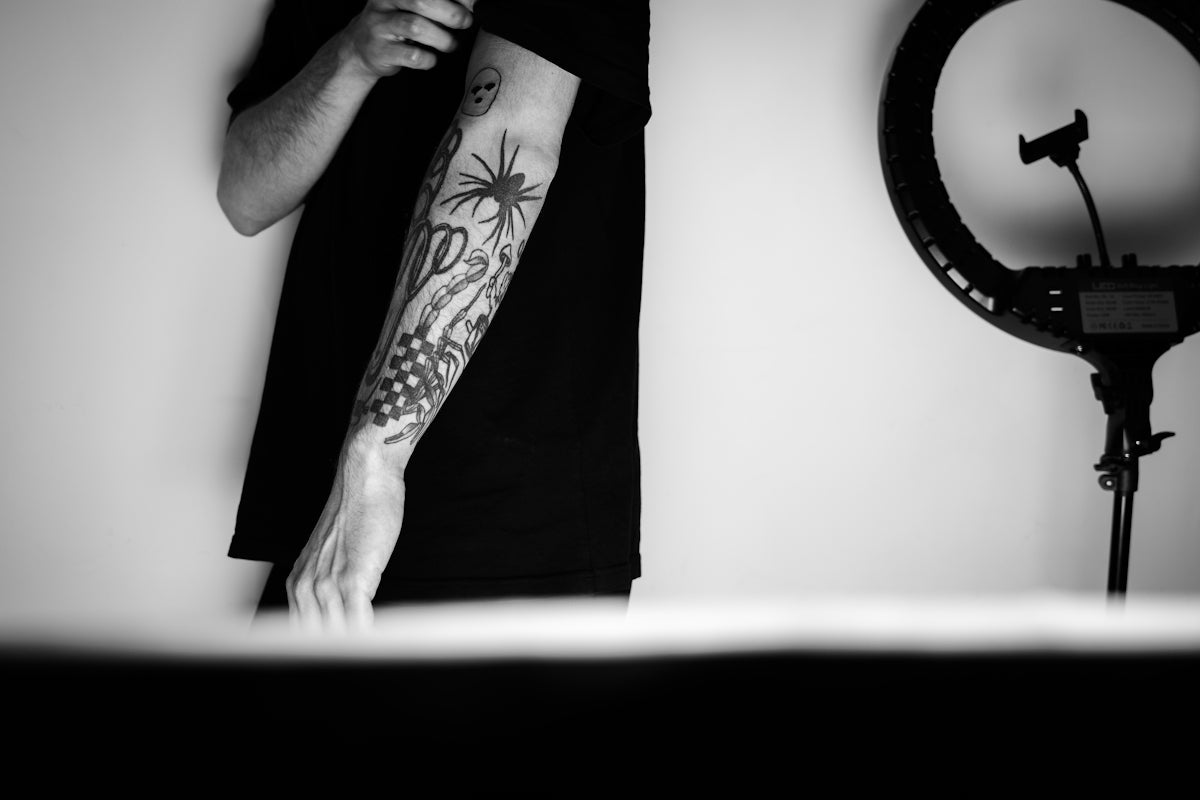
In the dynamic world of digital tattoo design, elevating your art requires the right tools and techniques. Whether you're a budding tattoo artist eager to create your first detailed piece, or a seasoned professional looking for innovative ways to enhance your craft, discovering the best Procreate tattoo brushes is your key to success. Explore Procreate tools that make you feel like a pro and begin your journey towards creating stunning, realistic tattoos today!
Table of Contents
- Table of Contents
- Understanding Procreate for Tattoo Design
- What Makes Procreate Essential for Tattoo Artists?
- The Importance of Using the Right Brushes
- Benefits of High-Quality Procreate Tattoo Brushes
- Exploring the Best Tattoo Brushes for Procreate
- 1. [PRO TATTOO KIT](https://tattoobrushes.com/)
- 2. Line & Stipple Brushes
- 3. Shader Brushes
- Practical Tips for Using Procreate Tattoo Brushes
- Encouraging Artists to Elevate Their Art
- Conclusion
- FAQs
Procreate has become an indispensable app for digital artists, particularly those engaged in tattoo design. Its versatility, paired with high-quality brush sets, can transform any tablet into a virtual tattoo studio. In this blog post, we'll delve into the top Procreate tattoo brushes for realistic shading art, discuss digital tattoo design techniques, and highlight the tattoo artist tools that can elevate your work to new professional heights.
Understanding Procreate for Tattoo Design
When it comes to digital tattoo design, the Procreate app is celebrated for its crisp interface, extensive brush library, and exceptional tools for customization. Before diving into individual brushes, it's crucial to understand what makes Procreate a must-have for artists.
What Makes Procreate Essential for Tattoo Artists?
- Customizability: Procreate allows users to create and modify brushes, enabling custom designs and effects tailored to a specific artist's needs.
- Portability: Work seamlessly from anywhere with your tablet, making it easy to meet clients or work on the go.
- Precision: The app's layering tools and precision scaling allow for intricate detailing needed in professional tattoo work.
To fully realize the potential of Procreate, investing in specialized brushes is critical—especially when focusing on realistic tattoo shading.
The Importance of Using the Right Brushes
Realistic shading in tattoos requires a specific set of skills and tools. Here, the choice of Procreate tattoo brushes is paramount. Effective shading can bring a design to life, adding depth and realism that clients will love.
Benefits of High-Quality Procreate Tattoo Brushes
- Detail and Precision: Professional-grade brushes provide the ability to draw intricate details effortlessly.
- Variety and Versatility: Having access to a wide range of brush styles ensures that you're prepared for any design request.
- Consistency: Quality brushes allow artists to maintain a consistent line and shading, ensuring that each piece meets high professional standards.
By upgrading to a collection such as the 'PRO TATTOO KIT' from TattooBrushes.com, you'll have everything needed to deliver professional results every time.
Exploring the Best Tattoo Brushes for Procreate
Let's take an in-depth look at some of the top Procreate tattoo brushes that will help you achieve realistic shading in your digital designs.
1. PRO TATTOO KIT
This all-inclusive brush set offers:
- Varied shading brushes that mimic real-life tattoo needles.
- Linework brushes for creating crisp outlines.
- Stipple shading effects that add depth and texture.
Leveraging these brushes ensures a comprehensive toolkit for all your tattoo design needs.
2. Line & Stipple Brushes
Designed specifically for smooth lines and stippling effects, these brushes help in recreating the nuanced textures found in real tattoos. They are the backbone of many traditional designs and can adapt to contemporary styles.
Learn more in the Efficient Techniques for Realistic Shading Procreate Tattoos article, where you'll find detailed techniques for employing these brushes effectively.
3. Shader Brushes
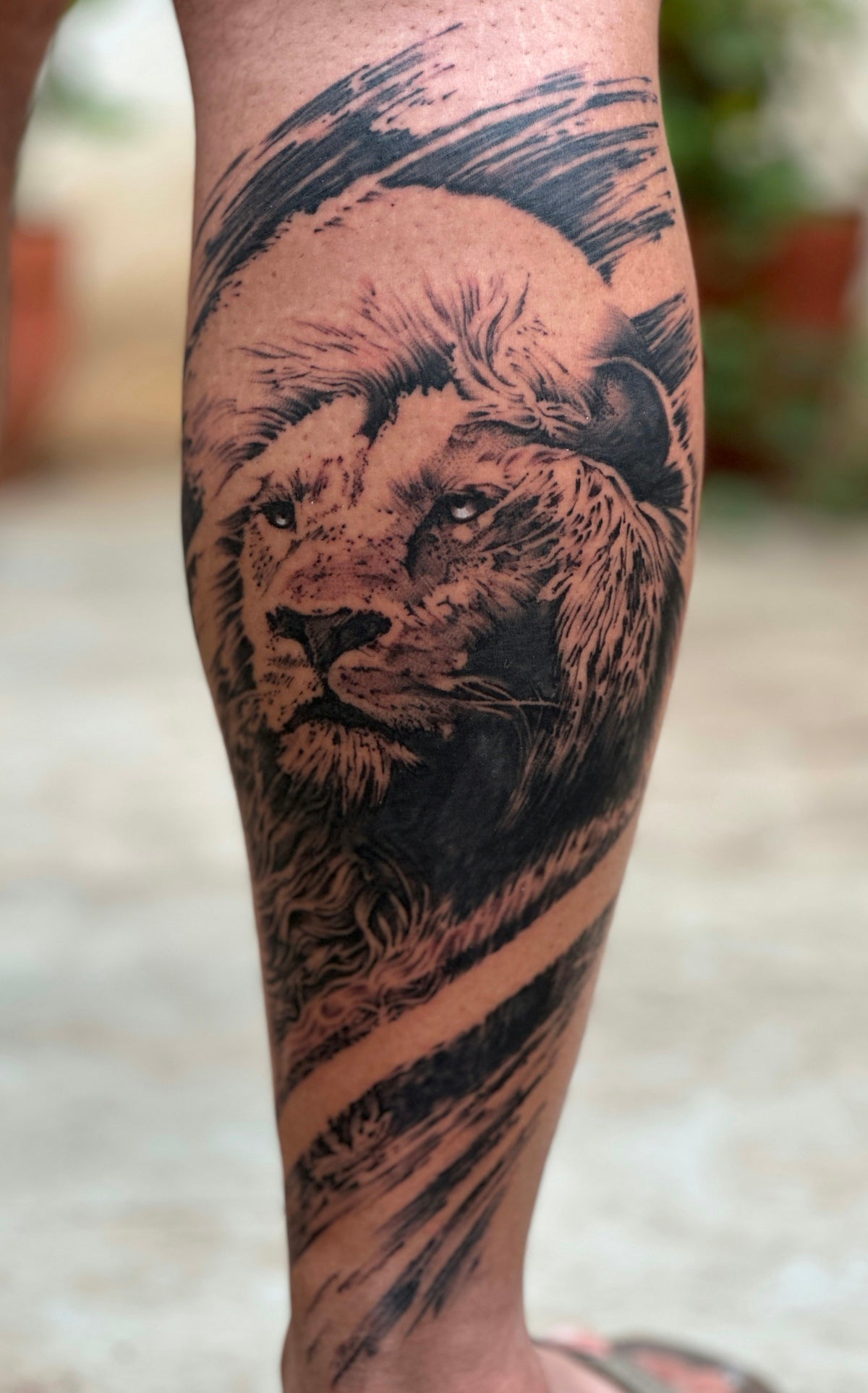
Shader brushes are essential for adding depth and dimension. They allow for subtle transitions in tone and highlight, mimicking the effect of natural skin tattoos. With the right shader brushes, complex scenes featuring portraits or landscapes become more achievable.
Practical Tips for Using Procreate Tattoo Brushes
Now that we've covered some brush options, let's explore practical advice on using these tools effectively.
- Start with Basic Shapes: Build your design using basic shapes and lines. This provides structure and helps in mapping out complex designs.
- Layer Opacity: Use layer adjustments to maintain different elements of the tattoo, which can be individually adjusted to simulate various pigmentation levels on skin.
- Pressure Sensitivity: Adjust the pressure sensitivity settings for your brushes to mimic real tattooing techniques. It's especially important for shading and dot work.
Refer to Recommended Tattoo Artist Tools for Best Procreate Designs for a comprehensive list of essential tools that complement your digital brush set.
Encouraging Artists to Elevate Their Art
Whether you're focusing on creating a portfolio or fulfilling client requests, using the right tools can make all the difference. Embrace these Procreate tattoo brushes to redefine your creative boundaries and deliver stunning, high-quality work. By consistently practicing and upgrading your toolkit, you allow your art to evolve alongside your skills.
To stay updated with the latest tools and techniques in tattoo design, explore Procreate Tattoo Brushes for Professional-Grade Tattoo Art, which delves deeper into professional brush sets.
Conclusion
Investing in the right Procreate tattoo brushes is an essential step towards mastering digital tattoo art. Embrace the possibilities offered by high-quality sets like the 'PRO TATTOO KIT' to deliver designs with impact and precision. Start designing tattoos the right way and let your creativity take the lead. Discover the difference today on TattooBrushes.com.
For those ready to elevate their tattoo artistry, explore our curated selection of tools and brushes designed to set you apart in the industry. Visit TattooBrushes.com and embrace the art of tattooing in the digital era with confidence!
FAQs
What are the best Procreate tattoo brushes for realistic shading?
The best Procreate tattoo brushes for realistic shading often include shaders that mimic various techniques like soft shading, line work, and stippling. Popular options are brushes that have customizable opacity and texture settings, allowing for more control and detail in your designs.
Can I use Procreate brushes for traditional tattoo designs?
Yes, Procreate brushes can be used for traditional tattoo designs. They allow artists to experiment with different styles and techniques digitally before applying them to skin, making it easier to refine their ideas.
How do I install Procreate tattoo brushes?
To install Procreate tattoo brushes, you typically need to download the brush file, then open Procreate and tap on the brush icon. From there, select the "+" icon in the brush library and choose "Import" to find and add your downloaded brush.
Are Procreate tattoo brushes compatible with all iPads?
Most Procreate tattoo brushes are compatible with iPads that support the Procreate app. It’s recommended to use a newer model that can handle the app's features effectively; however, ensure you have the latest version of Procreate for optimal performance.
Can I customize my own Procreate tattoo brushes?
Absolutely! Procreate allows users to customize brushes based on their preferences. You can tweak settings such as size, opacity, and texture, or even create a completely new brush from scratch, making it ideal for achieving unique shading styles.
What features should I look for in shading brushes?
When selecting shading brushes for realistic tattoo art, look for features like adjustable opacity, shape dynamics, pressure sensitivity, and various textures. These characteristics will help you achieve more lifelike gradients and details in your artwork.
Are there free Procreate tattoo brushes available?
Yes, there are many free Procreate tattoo brushes available for download online. These can be a great starting point for new artists looking to experiment with digital tattooing without making an initial investment.
Can Procreate brushes replicate real tattoo techniques?
Procreate brushes can effectively replicate many real tattoo techniques, such as blending, stippling, and line work. While they may not perfectly mirror the physical experience of tattooing, they provide a versatile platform for practicing and perfecting new styles.
What is the advantage of using digital brushes over traditional tattooing?
Using digital brushes offers several advantages, including the ability to easily undo mistakes, experiment with different styles without commitment, and test color palettes before finalizing a design. It can also save time and resources during the design process.

Leave a comment
This site is protected by hCaptcha and the hCaptcha Privacy Policy and Terms of Service apply.