
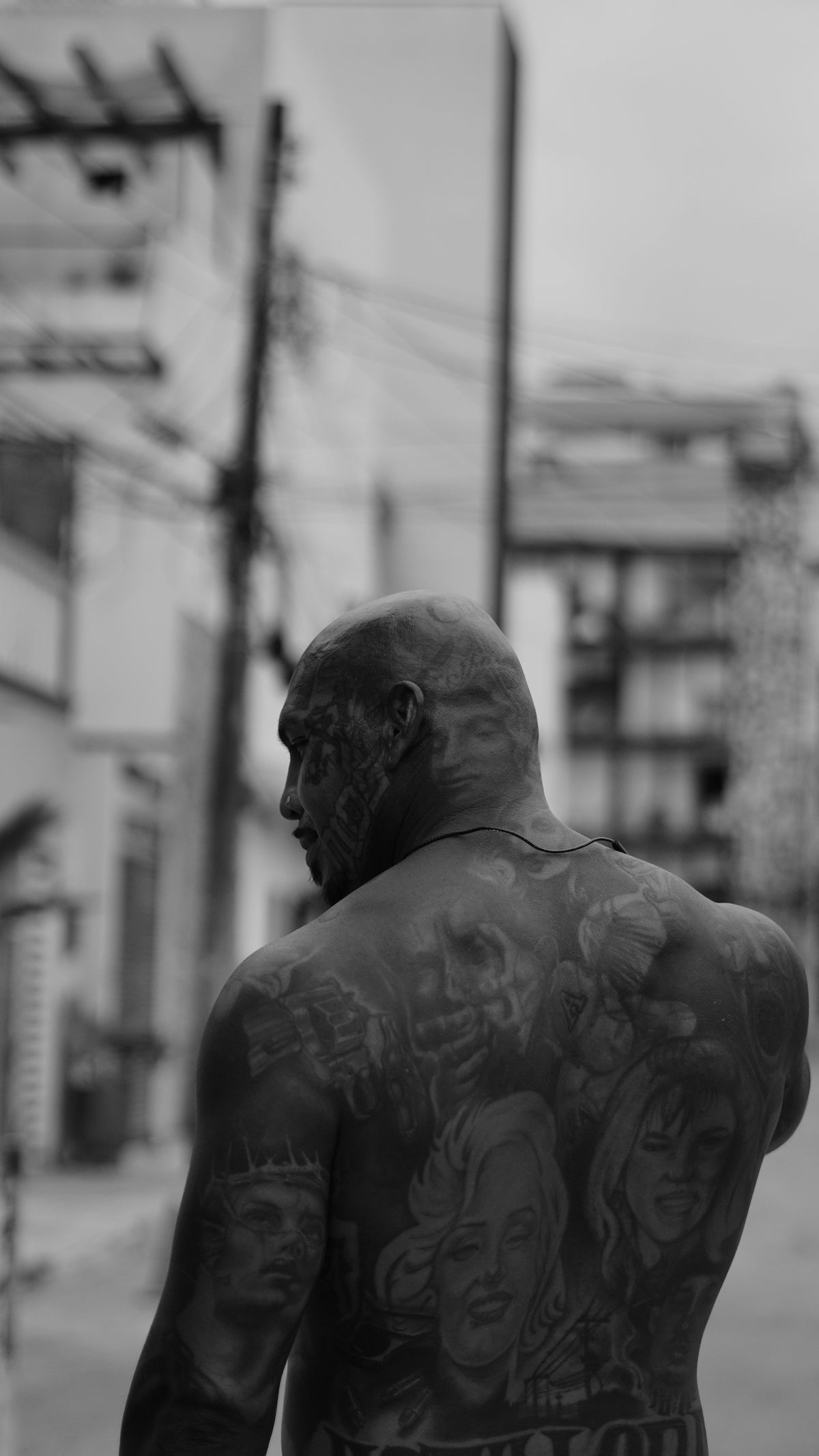
In the digital age, artists have more tools at their disposal than ever before, and for tattoo artists looking to craft intricate designs, Procreate offers a treasure trove of possibilities. If you're passionate about taking your digital tattoo design to the next level, investing in the right tools is crucial. Begin your artistic journey or enhance your current skills with tools that are guaranteed to elevate your work. Explore Procreate tools that make you feel like a pro!
Table of Contents
- Table of Contents
- Why Procreate?
- Choosing the Right Tools
- Essential Procreate Tattoo Brushes
- Step-by-Step Guidance for Procreate Tattoo Design
- Conceptualizing Your Design
- Refining Your Linework
- Implementing Stencils
- Shading and Texturing
- Encouragement for Any Skill Level
- Conclusion
- FAQs
Why Procreate?
Procreate stands out as a powerful digital illustration tool renowned for its intuitive interface and vast array of brushes that can mimic traditional tattoo design techniques. For both aspiring and seasoned tattoo artists, Procreate offers a unique blend of versatility and precision.
Choosing the Right Tools
One common question is: what are the best tattoo artist tools available on Procreate? The answer lies in selecting brushes that capture the essence and texture of real tattoos. At Tattoo Brushes, we offer a PRO TATTOO KIT that embodies high-quality, professional standards, specifically designed to help you create striking and realistic tattoo designs efficiently.
Essential Procreate Tattoo Brushes
For anyone diving into digital tattoo creation, it's essential to acquaint yourself with the fundamental brushes. Here are some must-haves for any tattoo artist:
- Linework Brushes: Precision is key. Opt for brushes in the PRO TATTOO KIT that produce smooth, consistent lines adaptable for outlines or intricate details.
- Shading Brushes: Realistic shading can define a tattoo's depth and dimension. Reference our Advanced Techniques for Realistic Shading in Procreate to master subtle gradients and transitions that bring designs to life.
- Stencil Brushes: Stencils serve as essential guides. Our Master Tattoo Stencils in Procreate: Key Tips and Tools article breaks down the process for creating clean, dependable stencils digitally.
Step-by-Step Guidance for Procreate Tattoo Design
Crafting a tattoo on Procreate is akin to traditional methods but comes with its own set of digital advantages. Here's a guide to help you upgrade your art:
Conceptualizing Your Design
- Start with a clear concept or theme in mind. Sketch roughly using basic pencil brushes included in the kit to frame your design.- Explore designs from the vast Procreate community to inspire creativity.Refining Your Linework
- Utilize the premium linework brushes to define your design’s outline.- Adjust brush size and opacity for different components to ensure visibility and detail accuracy.Implementing Stencils
- Create a digital stencil using Procreate's features for clear guidelines. This extends your workflow to include layered designs with ease.- Regularly revisit the [Master Tattoo Stencils in Procreate: Key Tips and Tools](https://tattoobrushes.com/blogs/notizie/master-tattoo-stencils-in-procreate-key-tips-and-tools) for new strategies and insights.Shading and Texturing
- Employ a variety of shading brushes for realism. Execute smooth transitions by varying pressure sensitivity.- Dive deep with our [Advanced Techniques for Realistic Shading in Procreate](https://tattoobrushes.com/blogs/notizie/advanced-techniques-for-realistic-shading-in-procreate) to refine your art.Encouragement for Any Skill Level
Whether you're just starting to dip your toes into digital tattoo design or you're a seasoned professional looking to refine your craft, the right tools can make all the difference. The PRO TATTOO KIT is crafted to meet the diverse needs and skill levels inherent in the world of tattoo art.
Conclusion
Digital tattoo design, with its virtual palette of infinite possibilities, challenges artists to merge tradition with technology. By adopting the best Procreate tattoo brushes, you're not just upgrading your tools; you're enhancing your abilities and expanding your creative horizons. Don’t wait to revolutionize your tattooing experience—start designing tattoos the right way.
It's time to embrace the digital era and make your mark with tools designed to empower and inspire. Remember, every masterpiece starts with the right tools in hand.
Looking for more detailed guides and resources? Explore our other related articles like Five Essential Procreate Tattoo Brushes for Beginners.
Happy designing!
FAQs
What are Procreate tattoo brushes?
Procreate tattoo brushes are specialized digital brushes designed for use in the Procreate app, enabling artists to create high-quality and realistic tattoo designs on their iPads.
How do I install Procreate tattoo brushes?
To install Procreate tattoo brushes, download the brush file from a trusted source, then open Procreate, select the brush library, and tap the "+" icon to import the downloaded file directly into your brushes.
Can I customize Procreate tattoo brushes?
Yes, Procreate allows you to customize your tattoo brushes. You can adjust settings like opacity, size, and texture to achieve the desired effect and look for your artwork.
What are the benefits of using realistic tattoo brushes in Procreate?
Realistic tattoo brushes mimic traditional tattooing techniques, providing accurate textures and effects that help artists create lifelike designs, making them ideal for both realism and illustrative styles.
Are Procreate tattoo brushes suitable for beginners?
Absolutely! Many Procreate tattoo brushes come with user-friendly features and tutorials, making them accessible for beginners who want to learn and experiment with tattoo art styles.
Can I use Procreate tattoo brushes for other types of art?
While optimized for tattoo designs, many Procreate tattoo brushes can also be used for other styles of digital art, such as illustrations, portraits, and graphic designs, thanks to their versatile textures.
Are there different styles of Procreate tattoo brushes?
Yes, there is a wide variety of Procreate tattoo brushes available, ranging from fine lines and shading brushes to textured fill and stippling brushes, allowing for diverse artistic expression.
How do I choose the right Procreate tattoo brushes for my style?
Consider your artistic style and what techniques you want to employ. Experiment with different brushes to see which ones you feel most comfortable with and that complement your artistic vision.
Will using Procreate tattoo brushes enhance my digital tattooing skills?
Using high-quality Procreate tattoo brushes can help enhance your skills by providing realistic effects and allowing you to practice techniques that translate well to traditional tattooing.

Leave a comment
This site is protected by hCaptcha and the hCaptcha Privacy Policy and Terms of Service apply.