
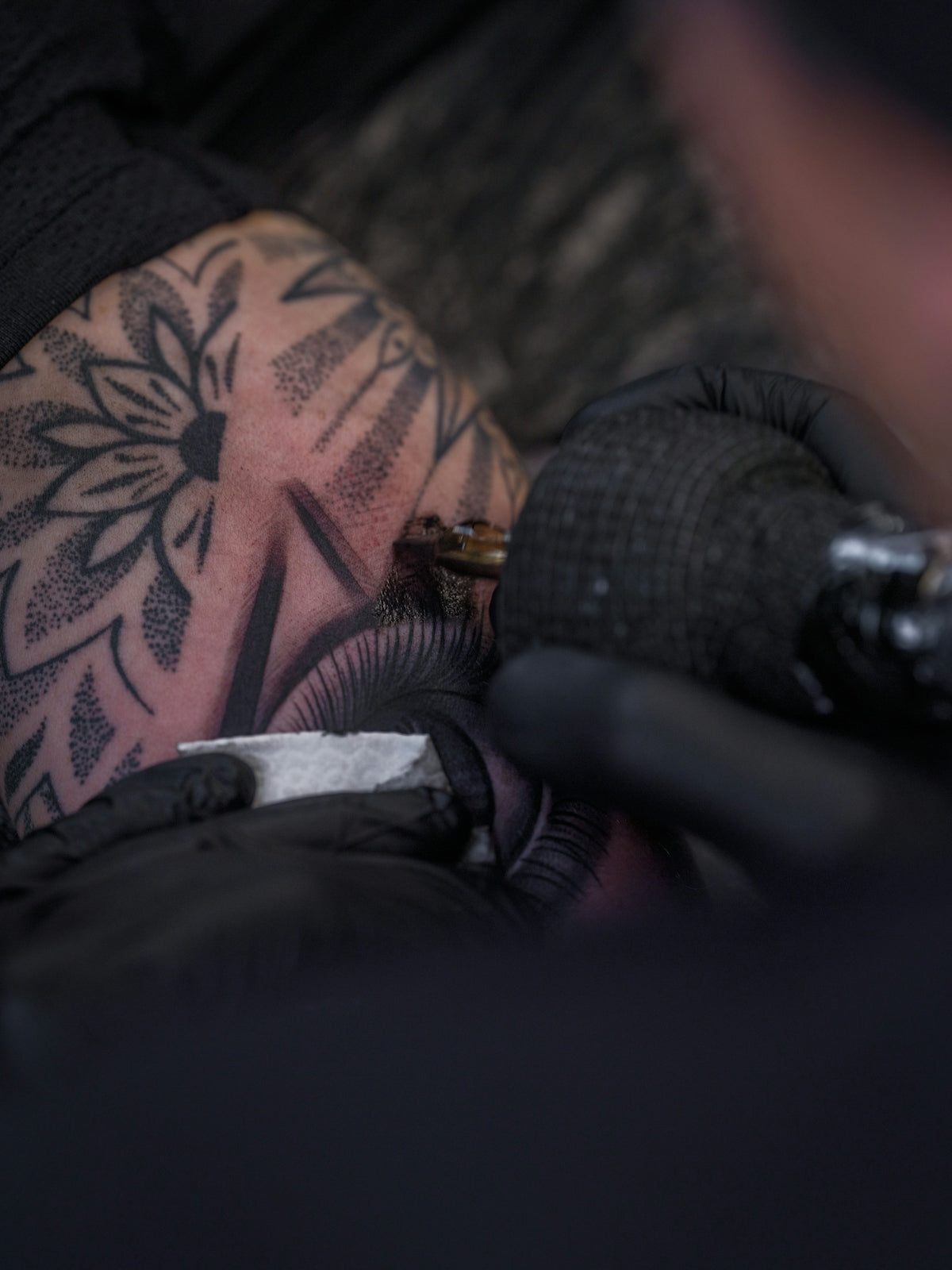
In the realm of digital art, Procreate tattoo brushes have revolutionized how aspiring artists and seasoned professionals approach tattoo design. Whether you're venturing into digital tattoo design for the first time or you're an experienced tattoo artist exploring new mediums, knowing the best brushes to use can dramatically enhance your workflow and artistry. As you dive into this digital world, make sure to explore Procreate tools that make you feel like a pro. This guide will help you navigate through five essential Procreate tattoo brushes that are indispensable for creating stunning tattoos with precision and flair.
Table of Contents
- Table of Contents
- 1. Liner Brushes: The Foundation of Precision
- 2. Shader Brushes: Adding Depth and Dimension
- 3. Stippling Brushes: Texture and Detail
- 4. Soft Blender Brushes: Smoothing and Polishing
- 5. Texture Brushes: Adding Layers and Complexity
- Conclusion
- FAQs
1. Liner Brushes: The Foundation of Precision
Liner brushes are the cornerstone of tattoo design, both in the traditional and digital realms. They allow you to create clean, crisp lines that define the form and structure of your tattoos. The 'PRO TATTOO KIT' from TattooBrushes.com boasts a range of liner brushes that can replicate the meticulous detail required for both delicate and bold outlines. By mastering these liner brushes, you ensure that the foundational aspects of your tattoo are precise and ready for further detailing.
For those new to digital tattoo design, understanding the nuances of how to master digital tattoo design with Procreate tools is crucial. This includes mastering various line weights and learning how to adjust your pressure sensitivity settings to simulate the hand pressure used in traditional tattooing.
2. Shader Brushes: Adding Depth and Dimension
Once your outlines are solid, the next step is bringing your tattoo to life with realistic shading. Shader brushes are pivotal in soft transitions and gradients that give your designs volume and depth. Procreate’s diverse array of shader brushes allows for immense versatility, accommodating everything from soft grayscale shading to stark, contrasting blacks.
Achieving flawless shading with these brushes not only enhances the realism of your tattoos but also hones your ability to manipulate light and shadow, a crucial skill for any tattoo artist. For a comprehensive exploration, consider the insights from our article on achieving flawless shading with the best Procreate tattoo brushes.
3. Stippling Brushes: Texture and Detail
Stippling is a highly popular technique in tattooing, adding texture and intricate detail that can make designs pop. In digital tattoo design, stippling brushes recreate this effect, enabling artists to experiment with different textures and densities to achieve a dynamic range of effects.
When embarking on this textural journey, it's essential to embrace tools that provide high levels of control and variety, such as those found in the 'PRO TATTOO KIT.' This kit gives your stippling work the fine detail and variability needed to elevate your art.
4. Soft Blender Brushes: Smoothing and Polishing
Bringing a tattoo design to a polished finish requires the proper blending techniques. A soft blender brush is your go-to tool for merging elements together seamlessly, ensuring there are no harsh lines or abrupt transitions in your work. This tool is crucial for creating continuity and fluidity across your designs.
For beginners, soft blender brushes offer a forgiving way to smooth out mistakes or overemphasized shading, while professionals can fine-tune and polish intricate elements. Tapping into the knowledge contained within the Ultimate Guide to Procreate Tattoo Brushes and Stencils can provide additional tips and tricks for utilizing these brushes.
5. Texture Brushes: Adding Layers and Complexity
Once you've mastered the fundamentals, incorporating texture brushes into your workflow can add another layer of complexity to your designs. These brushes allow artists to mimic the richness of traditional tattoo styles, whether through subtle skin texturing or bold patterning.
Exploring the full potential of texture brushes can be a journey toward artistry complexity. It's about understanding how textures interact with the human form and experimenting with patterns that complement your primary design elements. Again, the 'PRO TATTOO KIT' offers a vast selection of high-quality texture brushes that cater to various design styles and preferences.
Conclusion
Investing time in mastering these essential Procreate tattoo brushes will elevate your digital tattoo design to professional levels, whether you're laying the foundations of your craft or expanding your artistic toolkit. With the right tools, such as those available through TattooBrushes.com, you can unwrap new layers of creativity and precision. Ready to take your tattoo designs to the next level? Start designing tattoos the right way with the finest tools available today. Explore, experiment, and most importantly, create with confidence.
This blog post provides a comprehensive introduction to essential Procreate brushes, along with direct links to further resources and the website main page. It's designed to assist artists of all levels in upgrading their skills.
FAQs
What are Procreate tattoo brushes?
Procreate tattoo brushes are specialized digital brushes designed to mimic the effects of traditional tattooing tools. They allow artists to create realistic tattoo styles and textures within the Procreate app.
Why should beginners use Procreate for tattoo design?
Procreate is user-friendly and offers a wide range of tools and features that make it ideal for beginners. It allows for easy experimentation and iteration, helping new artists develop their skills without the need for physical materials.
How do I choose the right tattoo brush in Procreate?
When selecting a tattoo brush, consider the style you want to achieve. Look for brushes that replicate the look of ink, shading, or line work. Experiment with different brushes to find the ones that fit your personal style.
Can I create my own custom tattoo brushes in Procreate?
Yes! Procreate allows users to create custom brushes. You can adjust various settings such as shape, texture, and blending options to craft brushes that suit your unique tattooing style.
Do I need a special iPad to use Procreate effectively?
While Procreate works best on newer iPads, it is compatible with a range of devices. An Apple Pencil is recommended for finer control and precision, especially for intricate tattoo designs.
Are there specific techniques I should learn for tattoo design in Procreate?
Beginners should focus on mastering basic techniques like line work, shading, and layering. Understanding how to use layers effectively can significantly enhance your design quality and organization.
Can I use traditional tattoo styles with Procreate brushes?
Absolutely! Procreate offers brushes that replicate various tattoo styles, including traditional, neo-traditional, watercolors, and more. This allows you to explore and create designs across different tattoo aesthetics.
What are the benefits of using Procreate over traditional tattoo design methods?
Using Procreate allows for unlimited undo options, easy color adjustments, and the ability to create multiple versions of a design without wasting resources. This flexibility encourages creativity and experimentation.

Leave a comment
This site is protected by hCaptcha and the hCaptcha Privacy Policy and Terms of Service apply.