
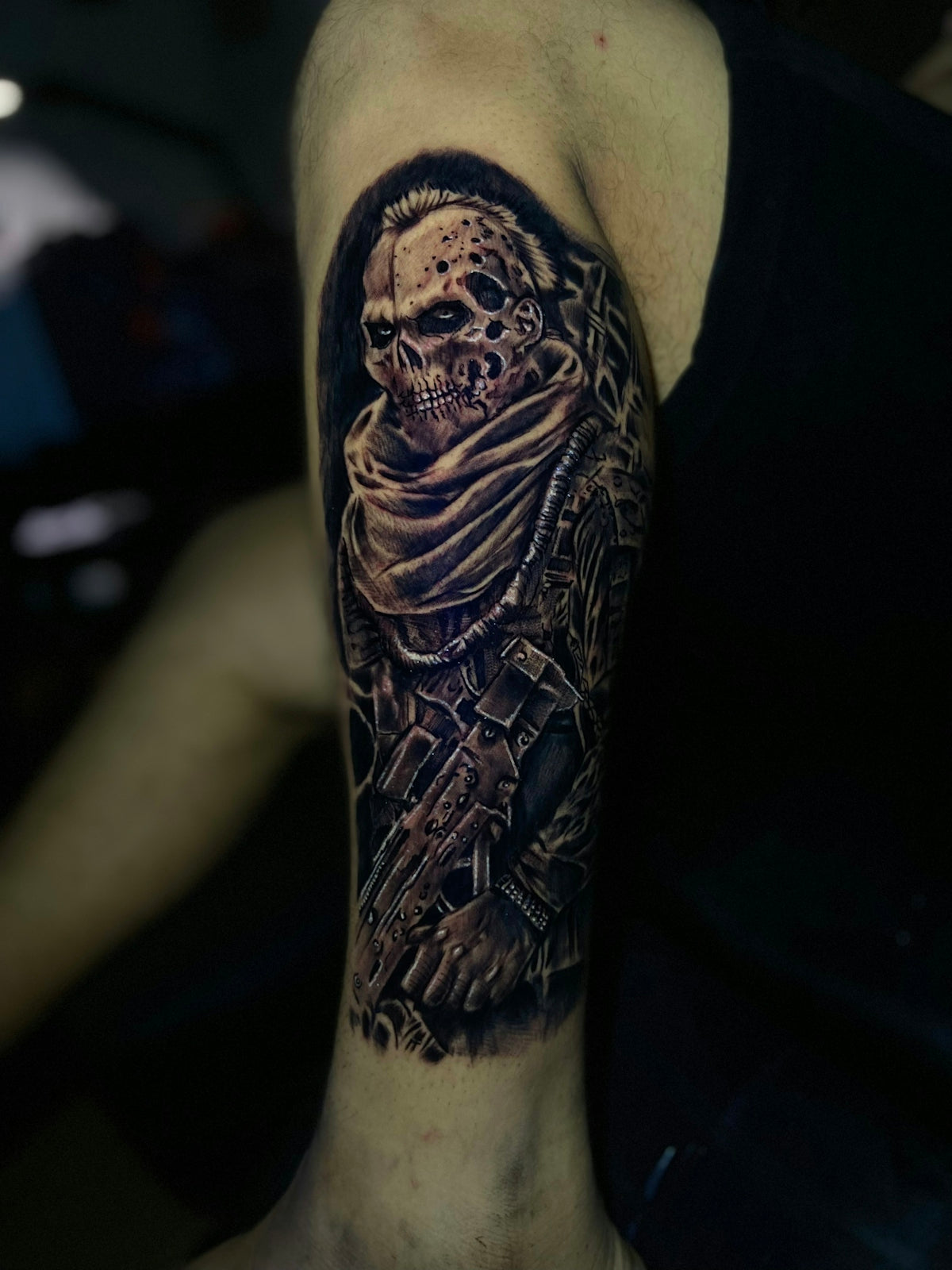
In the realm of digital tattoo design, mastering shading is not just a skill but an art form. Whether you're an aspiring tattoo artist looking to hone your craft or a seasoned professional seeking to upgrade your toolbox, exploring the versatility of Procreate tattoo brushes is indispensable. This guide will lead you through the essentials of shading in Procreate, emphasizing the magic of digital tattoo design. Start designing tattoos the right way and see your ideas come to life with precision—Explore Procreate tools that make you feel like a pro.
Table of Contents
- Table of Contents
- Why Shading Matters in Tattoo Design
- The Power of Procreate for Tattoos
- Selecting the Right Procreate Tattoo Brushes
- Core Techniques for Shading Mastery
- 1. Understanding Light and Shadow
- 2. Layering Shades for Depth
- 3. Adjusting Brush Opacity and Flow
- Must-Have Brushes and Tools
- Achieving Realism with Procreate Stencils
- Step-by-step Guide to Shading Mastery
- The Impact of Practice and Perseverance
- Final Thoughts
- FAQs
Why Shading Matters in Tattoo Design
Shading plays a critical role in adding depth and dimension to your tattoo designs. It's the difference between a flat, lifeless image and one that seems to jump off the screen. By mastering realistic tattoo shading on Procreate, you can create shadows, highlights, and textures that enhance the overall aesthetic of your designs.
The Power of Procreate for Tattoos
Procreate has emerged as a powerful ally for tattoo artists, blending traditional artistry with cutting-edge technology. This app simplifies the transition from paper to digital, offering an array of tools that mimic pencil strokes, ink flow, and, importantly, shading techniques. For those serious about improving their digital tattoo design skills, exploring the capabilities of Procreate is a must. For further depth on this, you may find our article on Pro-Grade Digital Tattoo Design Tools in Procreate helpful.
Selecting the Right Procreate Tattoo Brushes
Choosing the right Procreate tattoo brushes is pivotal for achieving the perfect shading effect. Brushes vary in texture, opacity, and size, which can all affect the final outcome of your art. The 'PRO TATTOO KIT' offered by TattooBrushes.com remains a top recommendation for both rookies and veterans in the field, known for its professional-grade quality and ease of use.
Core Techniques for Shading Mastery
1. Understanding Light and Shadow
Before diving into brushes and tools, understanding how light interacts with your subject is essential. Consider the light source, and how it affects the highlights and shadows. This understanding will directly translate into your shading technique, helping you achieve a more realistic tattoo.
2. Layering Shades for Depth
Procreate allows you to create multiple layers, making it easier to adjust shading without affecting the entire design. By building up shades gradually, rather than applying a full dark coat immediately, you achieve a nuanced depth that gives life to your design.
3. Adjusting Brush Opacity and Flow
Using brushes with varying opacity levels allows for smoother transitions between shades. This is crucial when aiming for a more natural, skin-like finish in tattoos. Adjusting the flow can also help create different textural effects, enhancing the quality of your digital art.
Must-Have Brushes and Tools
For artists dedicated to mastering shading, the 'PRO TATTOO KIT' is unrivaled. It includes brushes specifically crafted for shading, line work, and detailing. Explore more must-have tools in our article Must-Have Procreate Tattoo Brushes for Digital Artists.
Achieving Realism with Procreate Stencils
Stencils serve as an invaluable tool for artists looking to achieve consistency and precision in their designs. Using the best tattoo stencils Procreate has to offer can enhance realism in your artwork. Coupled with the right shading techniques, stencils can elevate your tattoo designs significantly. Discover how to integrate these elements effectively in our guidance on Master Realistic Tattoo Shading with Procreate Stencils.
Step-by-step Guide to Shading Mastery
- Choose Your Stencil: Begin by selecting or creating a stencil that outlines your design.
- Determine Your Light Source: Visualize where the light is coming from to guide your shading.
- Select Your Brushes: Use the brushes from the 'PRO TATTOO KIT' for varied textures.
- Layer Your Shading: Start with lighter shades and gradually add darker tones for depth.
- Blend for Realism: Use blending techniques to smooth transitions between shaded areas.
- Refine Details: Pay attention to finer details like lines and highlights to enrich your design.
The Impact of Practice and Perseverance
Remember, mastery in shading doesn’t come overnight. Regular practice with these Procreate tattoo brushes will make your hand steadier and enhance your artistic intuition. Continuously experimenting with different brushes, settings, and techniques will enrich your skills over time.
Final Thoughts
Digital tattoo design and shading mastery in Procreate can transform your artistic skills, opening new horizons for creativity and professional growth. Whether you are fine-tuning your talent or starting afresh, the right tools can make all the difference. Upgrade your art and redefine your boundaries with precision tools—Explore Procreate tools that make you feel like a pro.
For more professional-grade insights and offerings, head to TattooBrushes.com.
FAQs
What are Procreate tattoo brushes?Procreate tattoo brushes are specialized digital brushes used within the Procreate app, designed to replicate the texture and style of traditional tattooing. They help artists create stunning and realistic tattoo designs directly on their devices.
Why is shading important in tattoo design?Shading adds depth and dimension to tattoo designs. It can enhance the overall aesthetic of a piece, making it appear more lifelike and visually appealing. Good shading techniques can also highlight the main elements of a design effectively.
How do I choose the right shading brushes for tattoo work?Selecting shading brushes depends on your artistic style and the type of designs you create. Experimenting with a few popular shading brushes in Procreate can help you discover those that best match your techniques and preferences.
Can I create my own tattoo brushes in Procreate?Yes, Procreate allows users to create custom brushes. You can alter existing brushes or design entirely new ones to suit your unique shading style or specific needs in tattoo design.
What makes the best shading brush for tattoo art?The best shading brush for tattoo art typically features a balanced opacity, a range of sizes, and a texture that mimics real ink application. Additionally, it should be versatile enough to create smooth gradients and sharp details.
Are there specific Procreate brushes for different tattoo styles?Yes, many creators offer brushes tailored for specific tattoo styles, such as realism, traditional, or neo-traditional. Using brushes that align with your style can enhance your designs and facilitate the shading process.
How can I improve my shading technique in Procreate?To improve your shading technique, practice regularly and study different shading approaches used by professional tattoo artists. Watching tutorials or working alongside other artists can also provide invaluable insights into effective shading methods.
Can I use traditional tattoo techniques with Procreate brushes?Absolutely! Many traditional tattoo techniques can be adapted to Procreate. By using the right brushes and practicing various methods, you can successfully translate your knowledge from physical tattooing to digital art.
How do I maintain the quality of my tattoo brushes in Procreate?To maintain the quality of your brushes, avoid overusing them in one sitting. Regularly clean your brushes and manage settings to prevent pixelation or distortion. Creating backups of your custom brushes also ensures you won't lose your favorite tools.


Leave a comment
This site is protected by hCaptcha and the hCaptcha Privacy Policy and Terms of Service apply.