
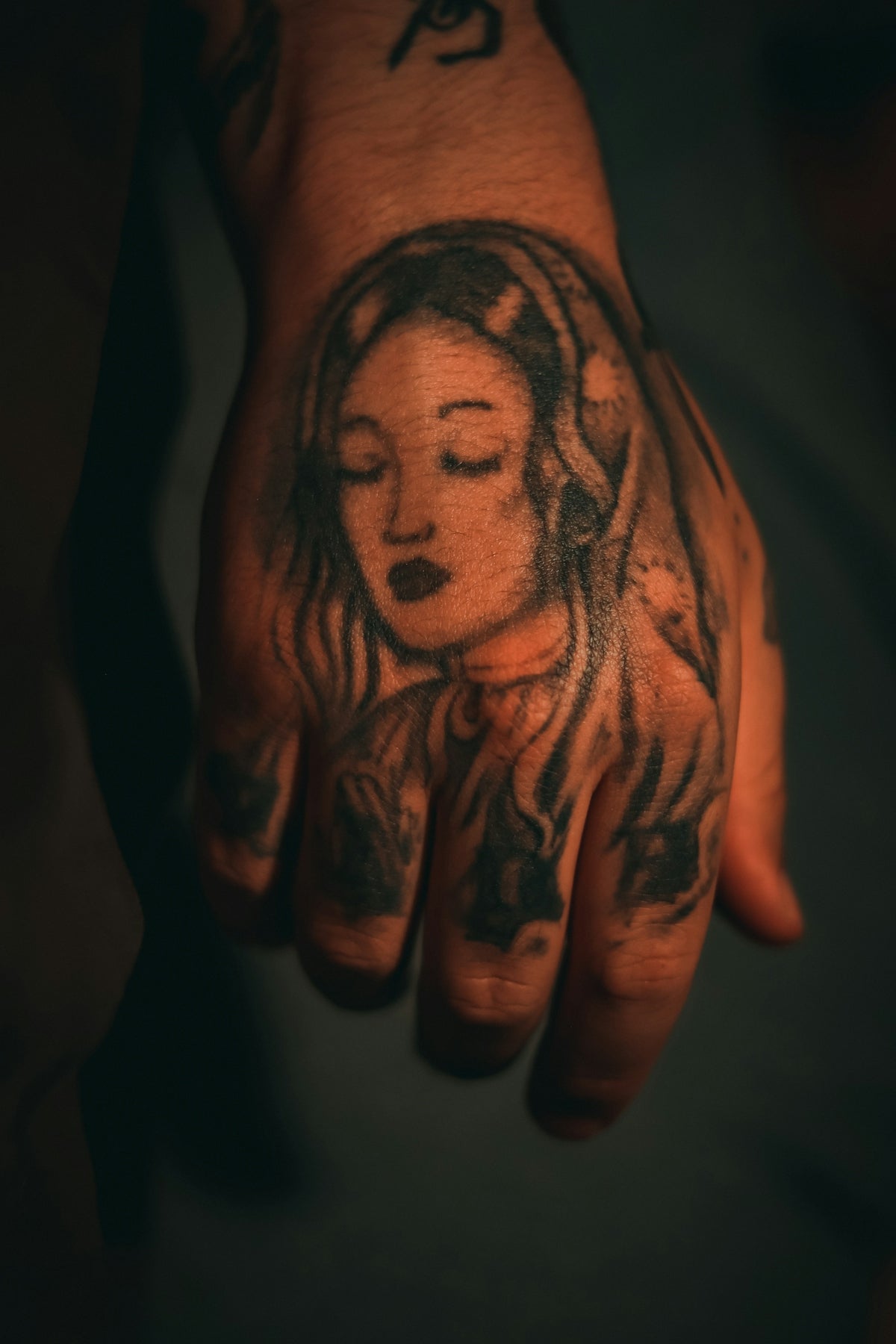
In the ever-evolving world of tattoo artistry, the tools we choose can define our craft's quality and uniqueness. Whether you're an aspiring artist or a seasoned professional, the importance of having the right tattoo artist tools cannot be overstated. The digital world has gifted us with platforms like Procreate, which, when equipped with the right brushes, can redefine the boundaries of what’s possible in digital tattoo design. Explore Procreate tools that make you feel like a pro and elevate your artistry to new heights. Let’s delve into the world of Procreate tattoo brushes and discover how they can transform your work.
Table of Contents
- Table of Contents
- Understanding the Power of Procreate Tattoo Brushes
- Key Features of Procreate Tattoo Brushes
- Crafting with Digital Tattoo Design
- Benefits of Digital Tattoo Design
- Elevate Your Art with the PRO TATTOO KIT
- What Makes the PRO TATTOO KIT Stand Out?
- Creating Realistic Tattoo Shading in Procreate
- Tips for Realistic Tattoo Shading
- Best Tattoo Stencils for Procreate
- Creating Tattoo Stencils in Procreate
- Summary
- FAQs
Understanding the Power of Procreate Tattoo Brushes
The first step in mastering digital tattoo design is understanding the tools at your disposal. Procreate tattoo brushes have become essential for artists aiming to create intricate, detailed, and eye-catching designs. These brushes offer a vast array of textures and styles that mimic traditional tattooing techniques, thus bridging the gap between digital and real-world designs.
Key Features of Procreate Tattoo Brushes
- Versatility: They cater to various tattoo styles, from old-school to hyper-realistic designs.
- Customizability: These brushes allow adjustments in size, intensity, and flow, offering artists unprecedented control.
- Efficiency: Speed up your workflow with brushes designed specifically for tattoo art.
For more on achieving shading mastery, you might want to check out our detailed guide on Essential Procreate Tattoo Brushes for Shading Mastery.
Crafting with Digital Tattoo Design
Digital tattoo design is no longer the future; it is the present standard for many leading artists. The ability to preview designs, make adjustments, and perfect concepts before transferring them onto skin is invaluable.
Benefits of Digital Tattoo Design
- Flexibility: Change elements of your design instantly without the need for redrawing.
- Portability: Work on your designs anytime, anywhere, without the need for bulky equipment.
- Environmentally Friendly: Reduce paper waste by utilizing digital sketching.
For a deeper dive into the tools that will enhance your digital designs, refer to our article on Pro-Grade Digital Tattoo Design Tools in Procreate.
Elevate Your Art with the PRO TATTOO KIT
The PRO TATTOO KIT, available at TattooBrushes.com, is a comprehensive suite of high-quality brushes designed for artists at all levels. This kit is your ultimate solution for taking your Procreate creations to a professional standard. It includes brushes for line work, shading, and creating realistic effects, ensuring you have everything you need for exquisite tattoo design.
What Makes the PRO TATTOO KIT Stand Out?
- High-Quality: Meticulously crafted to provide the best artistic experience.
- Wide Range: Includes brushes tailored for various tattoo styles and needs.
- Professional Standard: Trusted by industry professionals as a benchmark for quality.
Creating Realistic Tattoo Shading in Procreate
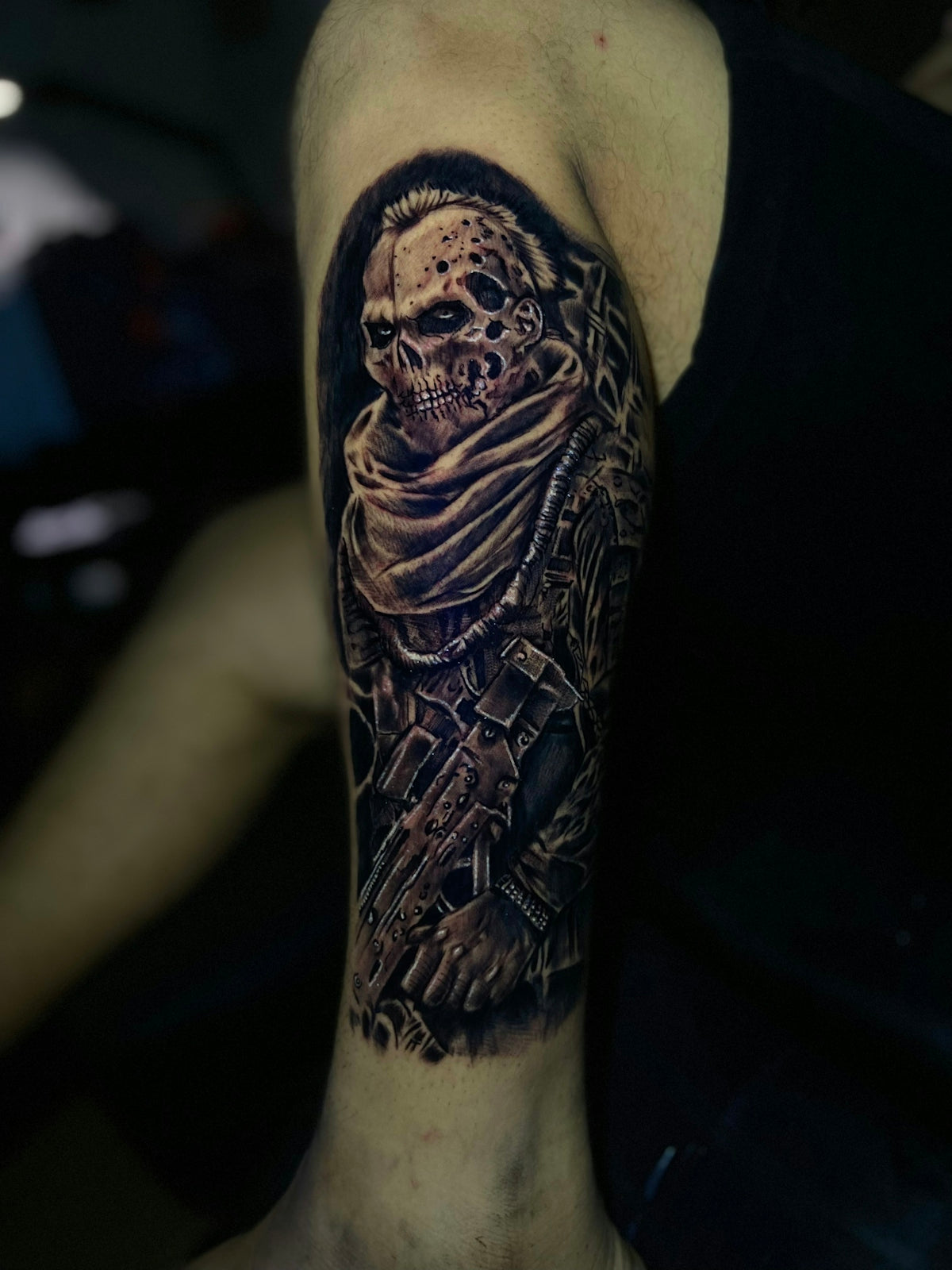
Realistic shading is the essence of depth and dimension in tattoos. When executed correctly, it can make a design jump off the screen (or skin). Procreate provides artists with the necessary tools to master shading techniques digitally before applying them to tattoos.
Tips for Realistic Tattoo Shading
- Layer Gradients: Use multiple layers to build up tonal values without losing crisp edges.
- Light Source Understanding: Always consider where your light source is, which affects shadow placement and depth.
- Texture Variation: Experiment with different brushes and settings to achieve varied textures and realism.
You can learn more about this in our post on Mastering Realistic Tattoo Shading with Procreate Stencils.
Best Tattoo Stencils for Procreate
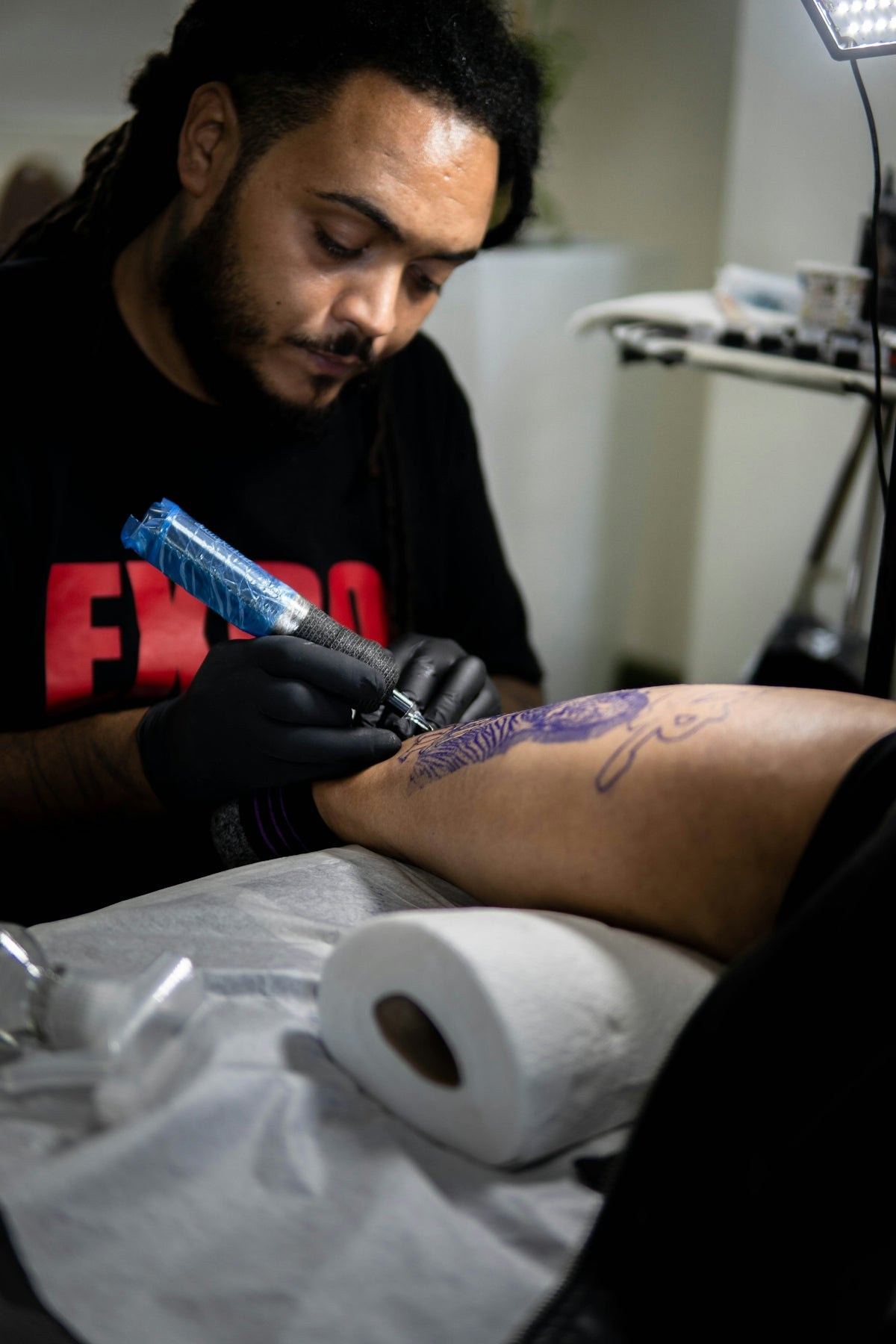
Tattoo stencils serve as the blueprint for your designs. In the digital realm, Procreate offers an efficient way to outline and prepare your stencils, ensuring your design translates beautifully onto skin.
Creating Tattoo Stencils in Procreate
- High-Precision Pens: Use pens from the PRO TATTOO KIT for precise, clean lines.
- Layer Masks: Work with layer masks to easily edit and adjust sections without disturbing the overall design.
- Easy Adjustments: Edit and resize your stencil with ease, ensuring a perfect fit for your client's needs.
Summary
From crafting your initial design to applying the final touches, Procreate tattoo brushes are a crucial element in a tattoo artist's digital toolbox. By mastering digital tattoo design, realistic shading, and stencil creation, you open the doors to endless creative possibilities. To achieve this level of expertise, the PRO TATTOO KIT from TattooBrushes.com stands unrivaled, providing all the tools necessary for creating top-tier designs. Start designing tattoos the right way and see the transformation in your work.
Remember, in the world of tattoo artistry, the tools you use can make all the difference. Equip yourself with the best, and let your designs leave a lasting impact.
FAQs
What are Procreate brushes and how are they used by tattoo artists?
Procreate brushes are digital tools within the Procreate app that simulate traditional tattooing techniques and styles. Tattoo artists use them to create designs, allowing for flexibility and precision when sketching or finalizing artwork.
Can I use Procreate brushes for tattoo designs on any device?
Procreate brushes are specifically designed for use on the Procreate app, which is available exclusively on iPads. To use them, you'll need a compatible device along with the Apple Pencil for optimal performance.
What types of brushes should I look for when designing tattoos?
When designing tattoos, look for brushes that emulate ink, shading, line art, and texture. Essential brush types include liner brushes for outlines, shading brushes for depth, and texture brushes for adding intricate details.
How can I customize Procreate brushes for my tattoo style?
You can customize Procreate brushes by adjusting settings like size, opacity, and flow. Additionally, you can create your own brushes or modify existing ones to match your specific tattooing style and preferences.
Are there any free Procreate brush options available for tattoo artists?
Yes, there are many free Procreate brushes available online, created by talented artists. However, investing in high-quality, professionally made brushes can provide better results and enhance your workflow.
How do I install Procreate brushes on my iPad?
To install Procreate brushes, download the brush file, then open Procreate. Tap on the brush icon, press the "+" sign in the brush library, and select "Import." Locate your downloaded brush file, and it will be added to your library.
Can I use Procreate brushes to create stencils for real tattoos?
Yes, many tattoo artists use Procreate to create digital stencil designs. You can export your designs as images or files, which can then be printed or used to create stencils for skin application during tattooing.
What should I consider when choosing Procreate brushes for tattooing?
Consider factors such as the brush's texture, responsiveness, and the level of detail it can achieve. It’s also beneficial to select brushes that mimic the tools and techniques you use in traditional tattooing for a seamless transition between digital and physical art.
Do Procreate brushes help improve my tattoo design skills?
Absolutely! Using Procreate brushes can enhance your design skills by allowing you to experiment with different styles, techniques, and layouts in a flexible digital environment, making it easier to refine your ideas before tattooing on skin.

Leave a comment
This site is protected by hCaptcha and the hCaptcha Privacy Policy and Terms of Service apply.