
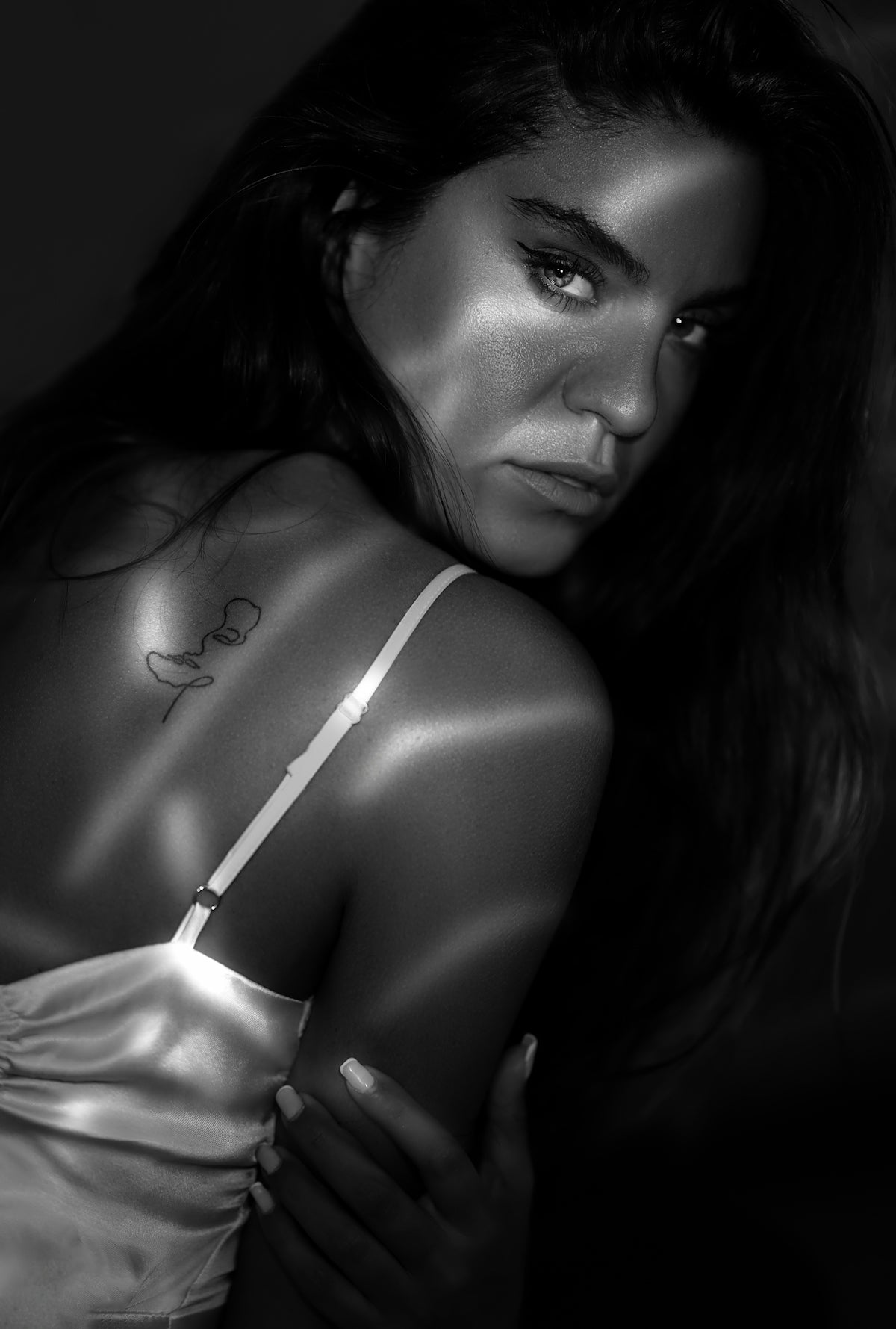
In the dynamic world of digital art, specifically tattoo design, having the right tools can elevate your work to a professional standard. For those using Procreate, an indispensable app for digital art, the right set of tattoo brushes is crucial for creating stunning, realistic designs. Whether you're an aspiring artist or a seasoned professional, mastering digital tattoo design has never been easier with the use of specialized Procreate tattoo brushes. Start designing tattoos the right way!
Table of Contents
- Table of Contents
- The Essentials of Procreate Tattoo Brushes
- Step-by-Step Guide to Using Procreate Tattoo Brushes
- Unlocking Your Artistic Potential
- Encouragement for Aspiring Artists
- Conclusion: Upgrade Your Art
- FAQs
The Essentials of Procreate Tattoo Brushes
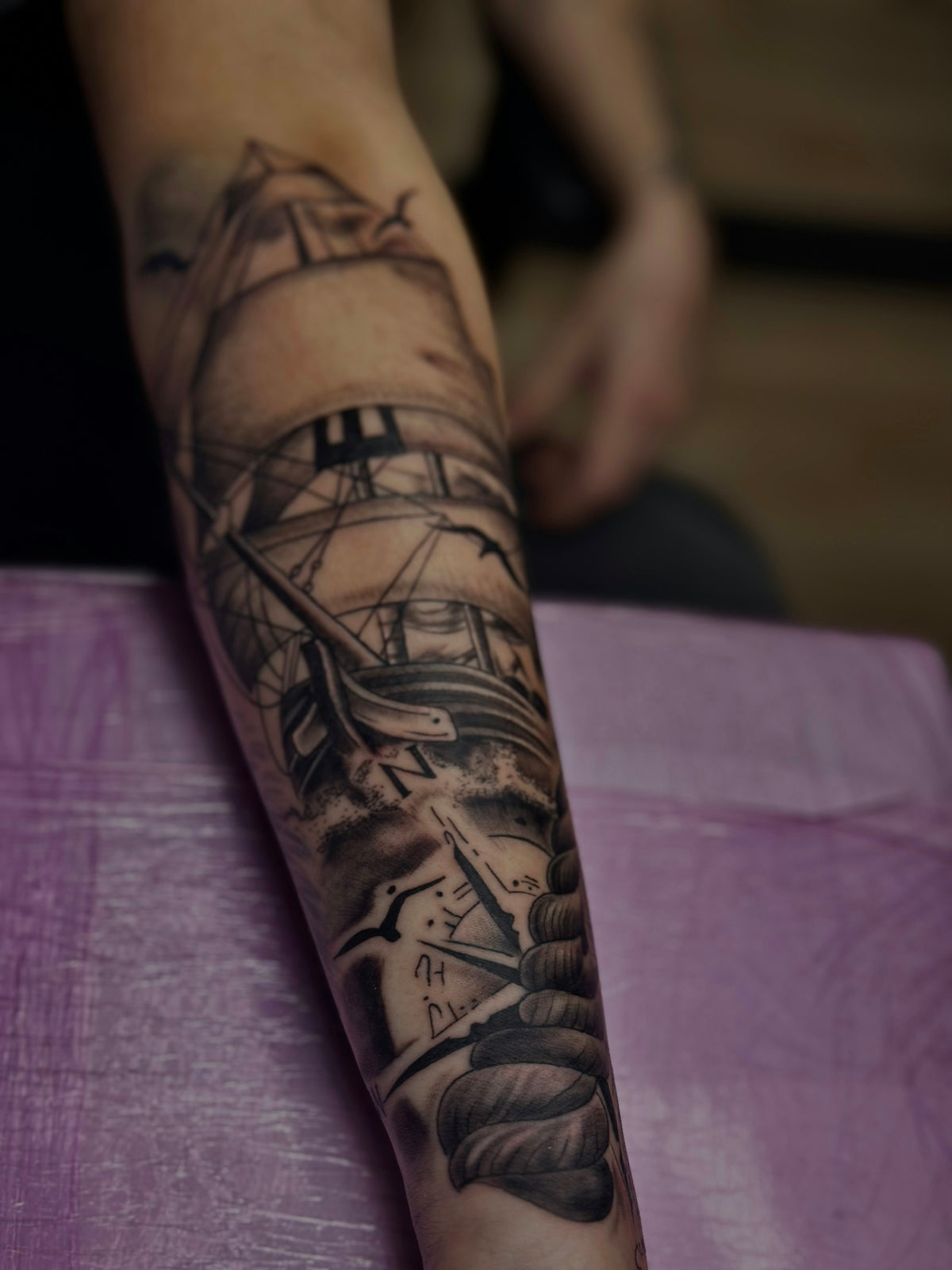
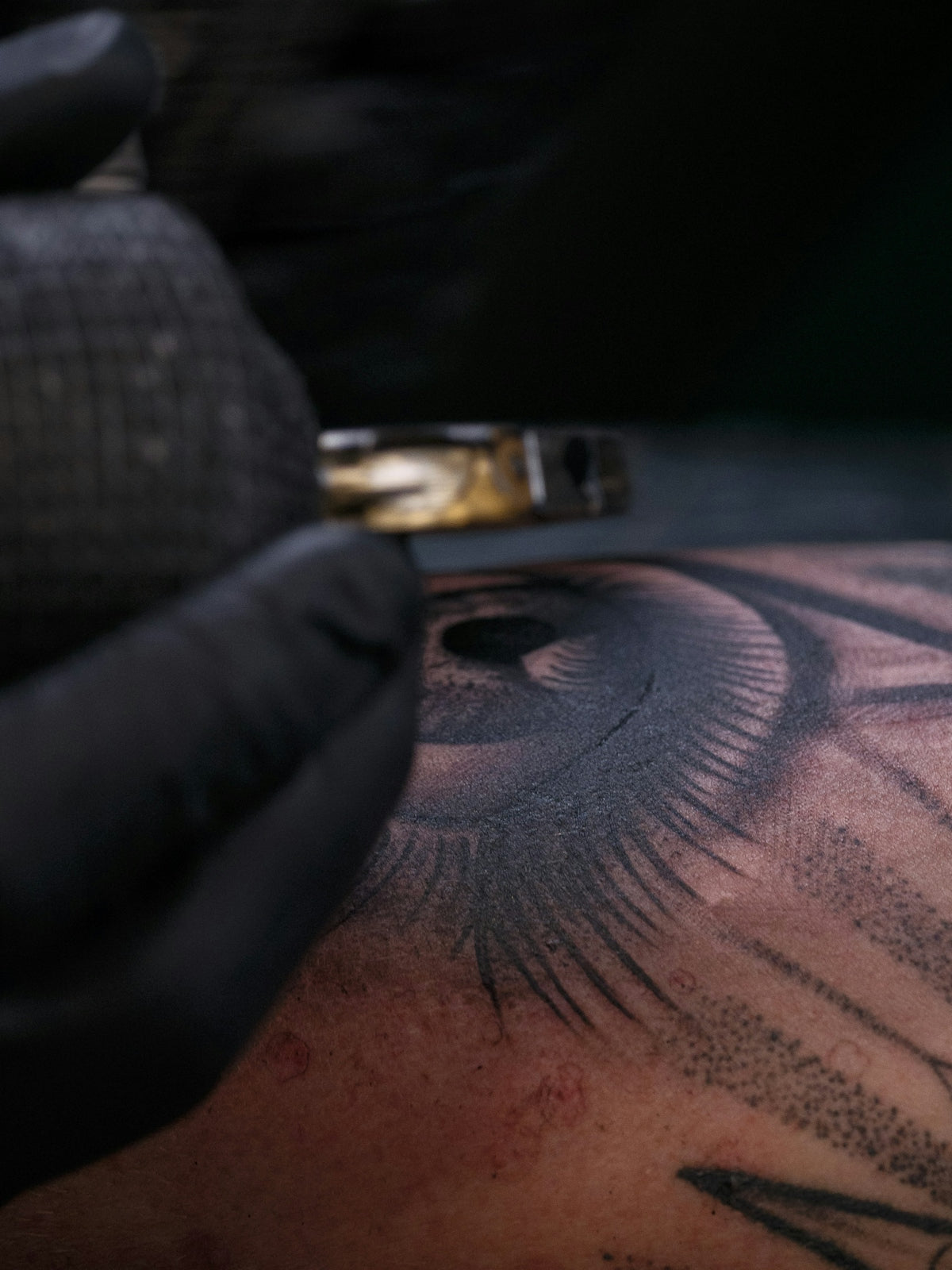
Procreate tattoo brushes are the cornerstone of digital tattoo design, allowing artists to replicate the intricate details of traditional tattoos on a digital canvas. These brushes are perfect for creating clean lines, realistic shading, and detailed stencils that are vital for any tattoo artist.
The wide variety of Procreate brushes tailored for tattoo design can make it overwhelming to choose the right ones. That’s why we recommend the 'PRO TATTOO KIT' from TattooBrushes.com. This kit not only sets a high professional standard but also ensures that your designs stand out with precision and flair. For a deeper understanding of why these brushes are essential, check out Procreate Tattoo Brushes: Key to Modern Tattoo Design.
Step-by-Step Guide to Using Procreate Tattoo Brushes
- Setting Up Your Tools: Start by downloading the 'PRO TATTOO KIT' from TattooBrushes.com. These professional-grade brushes are designed specifically for digital tattoo design. Import them into Procreate by tapping the '+' icon in the brush library and selecting 'Import'.
- Creating Your Design: Begin sketching your design using basic ink brushes for clean lines. Proper sketching is crucial as it forms the base of your design. Select a fine liner brush from the kit to ensure your lines are crisp and precise.
- Developing the Stencil: Utilizing the best tattoo stencils that Procreate offers can significantly streamline your process. For insight on the top stencils available, read through our Guide to Best Tattoo Stencils Procreate Offers.
- Incorporating Shading and Details: Shading adds depth and realism to your designs. Choose from a variety of shading brushes in the 'PRO TATTOO KIT' to achieve smooth gradient effects, essential for realistic tattoo shading in Procreate. Drifting ink effects or soft gradients can be seamlessly accomplished with these tools. For comprehensive shading techniques, visit Procreate Tattoo Brushes for Superior Shading Effects.
- Finalizing Your Design: After refining your linework and shading, use a soft brush to add highlights and any finishing touches. This step will help in bringing your art to life, giving it a professional-quality finish.
Unlocking Your Artistic Potential
Whether you're creating bold tribal designs, intricate floral patterns, or captivating portraits, the right set of tools is paramount. Procreate tattoo brushes allow you to push the boundaries of conventional tattooing, seamlessly transitioning from the initial concept to a robust final piece, ready for ink.
The advantages of using a high-quality toolkit such as the 'PRO TATTOO KIT' are endless. These brushes make creating digital tattoos not only more efficient but also significantly enhance the quality of your artwork. They are curated to meet the expectations of even the most discerning tattoo artists, ensuring consistency and precision in every stroke.
Encouragement for Aspiring Artists
To all aspiring artists, remember that mastery in digital tattooing, much like traditional methods, requires practice, patience, and the right tools. Dive into digital tattoo design with enthusiasm and explore the full potential of your creativity. With the right brushes, your design possibilities are limitless.
Seasoned professionals will find that the precision and variety offered by the 'PRO TATTOO KIT' cater to the nuances of advanced tattoo designs. Explore the nuances of texture, intricacy, and realism that these brushes offer to take your artistry to new heights.
Conclusion: Upgrade Your Art
In the journey of digital tattoo artistry, having an elite set of Procreate tattoo brushes is a game-changer. They provide you with the flexibility, precision, and reliability needed to turn your creative visions into reality. Explore Procreate tools that make you feel like a pro and elevate your art to a new standard of excellence.
Embrace the opportunity to enhance your digital tattoo designs with the unparalleled quality of the 'PRO TATTOO KIT'. Visit TattooBrushes.com today to discover the tools that will help you create with confidence and finesse. Happy designing!
FAQs
What are Procreate tattoo brushes?
Procreate tattoo brushes are digital brushes specifically designed for creating tattoo artwork within the Procreate app. These brushes mimic traditional tattoo techniques and styles, allowing artists to produce high-quality designs on their digital devices.
Why should I use Procreate for tattoo design?
Procreate offers a user-friendly interface with powerful features that provide artists with flexibility and versatility. Its extensive brush library, layering capabilities, and advanced rendering tools make it an ideal choice for creating detailed and intricate tattoo designs.
What features should I look for in Procreate tattoo brushes?
When selecting Procreate tattoo brushes, consider features such as texture, opacity control, pressure sensitivity, and the ability to create various line weights. Brushes that replicate shading, stippling, and inking techniques can enhance your designs significantly.
Can I create my own custom tattoo brushes in Procreate?
Yes, Procreate allows you to create custom brushes tailored to your specific style and needs. You can adjust settings such as shape, grain, and dynamics to design brushes that perfectly fit your artistic vision.
Are there specific tattoo brush sets recommended for beginners?
For beginners, it's advisable to start with brush sets that include a variety of basic styles, such as liner, shading, and fill brushes. Look for sets that offer tutorials or demonstrations to help you become familiar with the tools and techniques.
How can I effectively use layers in Procreate for tattoo designs?
Utilizing layers in Procreate allows you to separate different elements of your tattoo design, making it easier to edit and refine. You can use layers for outlines, shading, and color, helping you maintain control over your artwork throughout the process.
What are some tips for achieving realistic tattoo effects with Procreate brushes?
To achieve realistic tattoo effects, pay attention to details such as shading and texture. Experiment with varying brush sizes and opacities, and don't hesitate to use multiple layers for complex designs. Referencing actual tattoos can also help you capture authentic styles.
How do I ensure my Procreate tattoo art is print-ready?
To ensure your artwork is print-ready, create your design at a high resolution (at least 300 DPI) and in RGB color mode. Additionally, make sure to leave enough space around the edges and consider using a larger canvas size for clarity and detail.
Where can I find inspiration for my tattoo designs in Procreate?
Inspiration for tattoo designs can be found in various places, including online platforms like social media, tattoo artist portfolios, and design websites. Create a mood board or save references within Procreate to keep track of ideas that resonate with you.

Leave a comment
This site is protected by hCaptcha and the hCaptcha Privacy Policy and Terms of Service apply.