
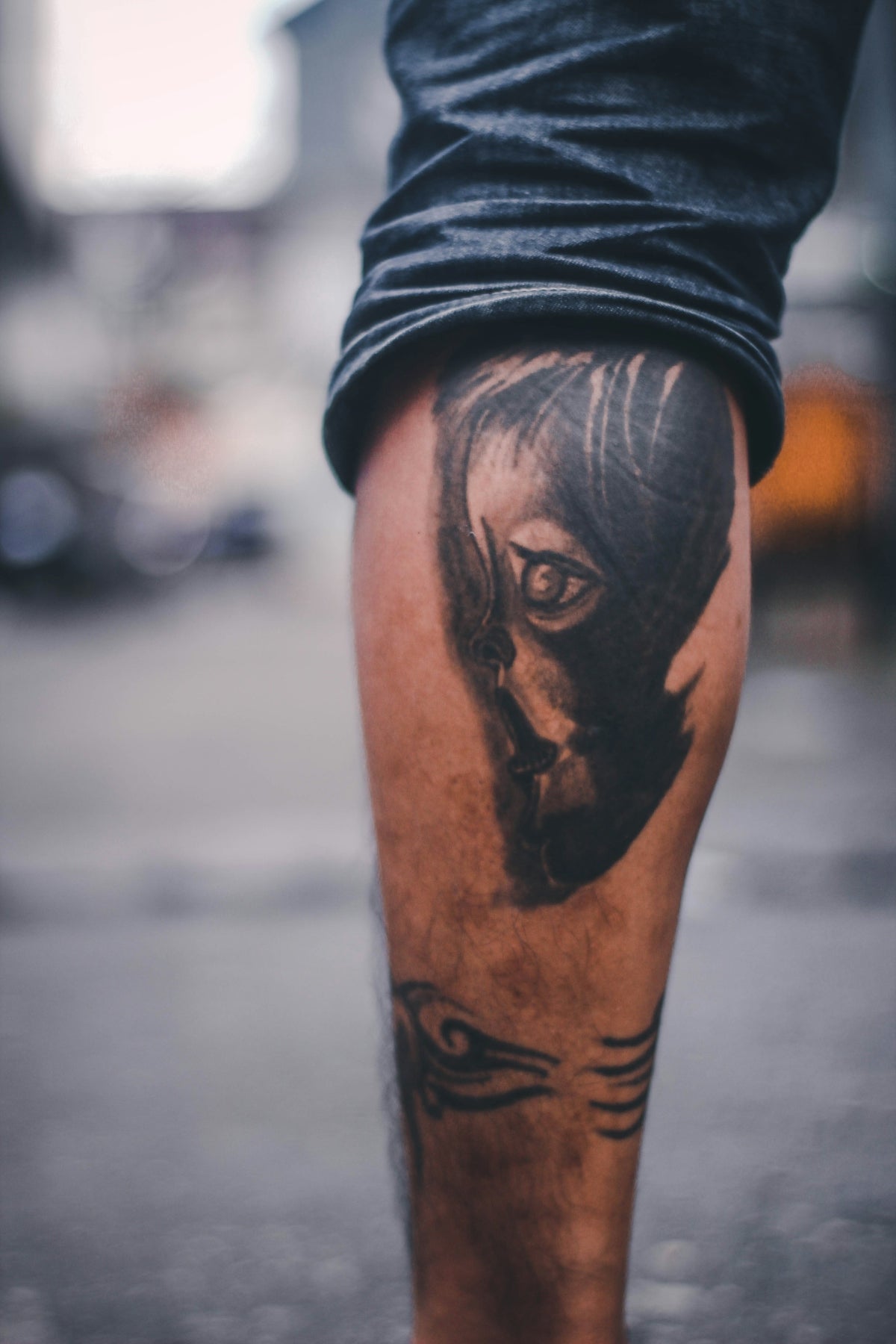
In the realm of tattoo artistry, the leap from traditional to digital design is transforming the creative process. For both aspiring artists and seasoned professionals, mastering digital tools can significantly elevate your artwork. Let's dive into understanding how Procreate tattoo brushes and comprehensive toolkits can fundamentally change how you design. If you're ready to start designing tattoos the right way, explore the tools at TattooBrushes.com.
Table of Contents
- Table of Contents
- Embracing Procreate for Tattoo Design
- Why Procreate?
- Pro-Grade Tools to Upgrade Your Art
- The Impact of Professional-Grade Brushes
- Utilizing Tattoo Stencils for Flawless Designs
- Best Practices for Using Stencils
- Shading Techniques with Procreate
- Encouragement and Final Thoughts
- FAQs
Embracing Procreate for Tattoo Design
Procreate is celebrated for its versatility and robust capabilities, making it a favorite among tattoo artists for digital designs. Whether you're a budding artist or an experienced professional, utilizing the best tools ensures precision and creativity. Procreate offers an expansive canvas with adaptable brush settings suited for tattoo artistry.
Why Procreate?
Procreate is more than just a drawing app; it's a creatively immersive environment that mimics the real-world tattoo creation experience. When complemented with the right Procreate tattoo brushes, this tool empowers you to sketch, design, and experiment with ease.
- Ease of Use: Simplifies complex designs with an intuitive interface.
- Portability: Access your digital canvas anywhere using iPad technology.
- Professional Features: Layers, blend modes, and export options give you comprehensive control over your art.
For a deeper dive into the importance of using specialized brushes, explore Procreate Tattoo Brushes: Key to Modern Tattoo Design.
Pro-Grade Tools to Upgrade Your Art
To maximize your capabilities in Procreate, equipping yourself with high-quality, pro-level tools is essential. TattooBrushes.com offers the 'PRO TATTOO KIT', a curated selection that sets the benchmark for digital tattoo design excellence. This kit transforms your digital canvas into a formidable arena for creativity, ensuring every stroke and shade reflects your skill and vision.
The Impact of Professional-Grade Brushes
Opting for professional brush sets enhances the precision and realism of your designs:
- Realistic Textures: Achieve lifelike shading and textures that bring your tattoos to life.
- Versatility: Switch between brush styles seamlessly for various design elements.
- Customization: Tailor your brushes to suit specific tattoo styles, be it traditional, neo-traditional, or hyper-realistic.
Explore the tools that make you feel like a pro by uncovering the array of options available at TattooBrushes.com.
Utilizing Tattoo Stencils for Flawless Designs
Stencils are a critical component in the tattooing process, providing a guiding blueprint for your designs. In Procreate, digital stencils allow for meticulous planning and composition, giving artists the precision needed to transfer ideas onto skin seamlessly.
Best Practices for Using Stencils
Follow these steps for flawless stencil use within Procreate:
- Create or Upload a Stencil: Start with a base design or import one.
- Adjust Opacity and Size: Ensure accuracy by modifying opacity for clear visibility and scaling to the desired dimensions.
- Layering and Alignment: Use layers to isolate stencil elements and ensure alignment with your tattoo design.
For expert insights on mastering stencil techniques, view Master Realistic Tattoo Shading with Procreate Stencils.
Shading Techniques with Procreate
Realistic shading is crucial in creating depth and dimension within your designs. In Procreate, shading techniques can be applied effectively with the right toolkit:
- Layered Shading: Utilize layers to build shadows and highlights incrementally.
- Blend Modes: Experiment with blend modes to achieve soft transitions and realistic renderings.
- Pressure Sensitivity: Use Apple Pencil's sensitivity to enhance shading dynamics, offering varied stroke intensities.
For must-have brushes that align with these techniques, see Must-Have Procreate Tattoo Brushes for Digital Artists.
Encouragement and Final Thoughts
Transitioning to digital design can feel overwhelming initially, but the right tools make all the difference. The 'PRO TATTOO KIT' from TattooBrushes.com is explicitly crafted to streamline your process, making quality art creation both accessible and achievable.
Take the plunge and upgrade your art with pro-grade digital tools. These investments will not only enhance your current projects but also develop skills that will continually refine your creative capabilities. Don't wait to evolve as an artist—explore Procreate tools that make you feel like a pro.
The above markdown offers a structured guide for tattoo artists considering incorporating Procreate into their workflow, highlighting the transformative impact of professional tools available at TattooBrushes.com.
FAQs
What are pro-grade digital tattoo design tools in Procreate?
Pro-grade digital tattoo design tools in Procreate refer to advanced brushes, textures, and functions that create professional-quality tattoo designs. These tools are specifically tailored to mimic traditional tattooing techniques, allowing artists to replicate styles accurately and create detailed artwork.
How do I choose the right brushes for tattoo design in Procreate?
When choosing brushes for tattoo design, consider the style you plan to create (black and gray, color, line work, etc.), and look for brushes that mimic those techniques. Experiment with different brush settings to find the right balance and effect for your design.
Are there any specific features in Procreate that enhance tattoo design?
Procreate offers features like layering, blending modes, and custom brush creation, which can significantly enhance tattoo design. Additionally, tools like the Liquify tool and the Smudge tool can help refine and smooth designs, making them more tattoo-ready.
Can I use Procreate for designing custom tattoos on client skin?
Yes, Procreate is an excellent tool for designing custom tattoos as it allows you to create and edit designs with ease. You can also use layers to experiment with different elements before finalizing the design tailored to your client's preferences.
Is there a difference between tattoo design brushes and general art brushes in Procreate?
Yes, tattoo design brushes are specifically crafted to mimic the look and feel of traditional tattoo techniques. They often have unique textures and opacity settings that are better suited for creating skin-like effects, whereas general art brushes may not replicate those details as accurately.
What is the benefit of using digital tools for tattoo design over traditional methods?
Using digital tools allows for greater flexibility, easier corrections, and the ability to experiment with color and composition without the permanence of traditional methods. Additionally, digital designs can be easily transferred and scaled to fit various body parts.
Do I need an iPad to use Procreate for tattoo design?
Yes, Procreate is specifically designed for iPads and utilizes the Apple Pencil for optimal precision. Having an iPad and Apple Pencil allows you to take full advantage of all Procreate's features, making it easier to create detailed tattoo designs.
Can I export my Procreate designs for tattoo printing?
Absolutely! Procreate allows you to export your designs in various formats, including PNG, JPEG, and PDF, which are suitable for tattoo printing. Make sure to export at a high resolution to maintain quality when printing on skin.
Are there any limitations to using Procreate for tattoo designs?
While Procreate is a powerful tool, it does have some limitations, such as the absence of vector editing capabilities. This means that resizing designs may not always maintain the same quality. However, for raster-based designs, Procreate offers a robust suite of tools that many tattoo artists find sufficient.

Leave a comment
This site is protected by hCaptcha and the hCaptcha Privacy Policy and Terms of Service apply.