
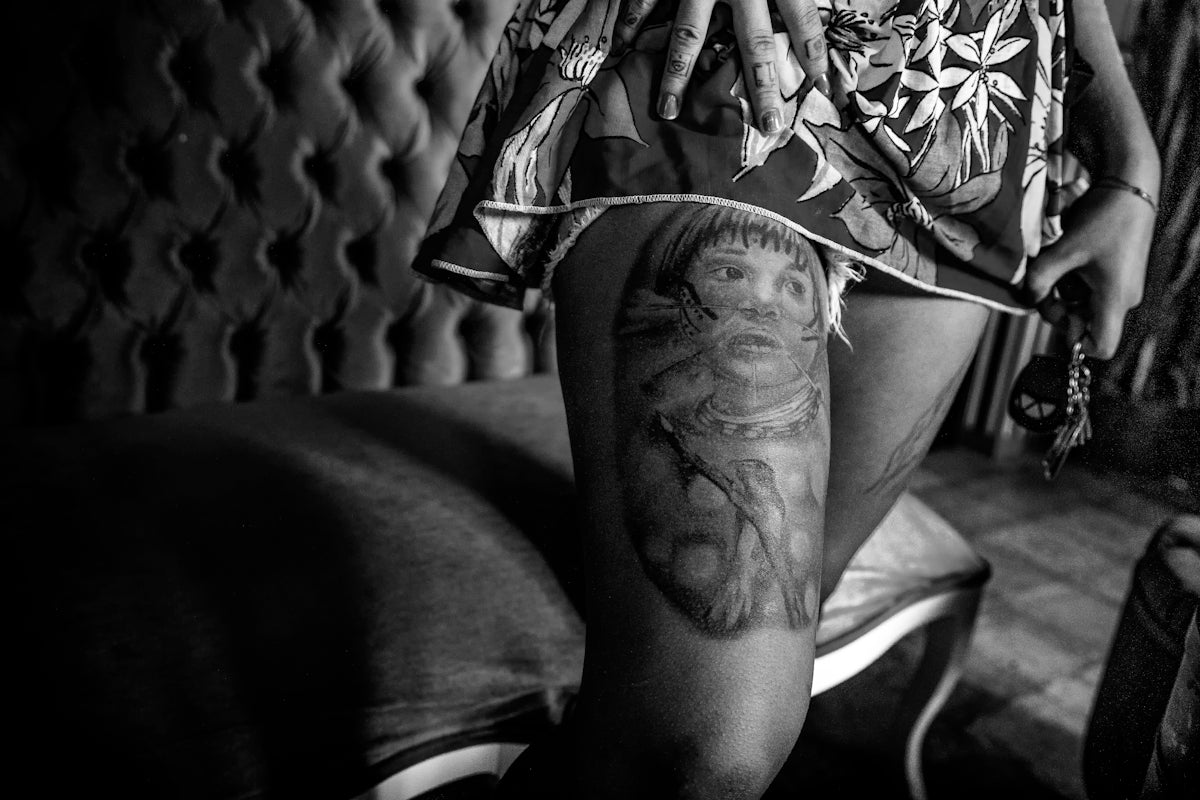
Welcome to the world of digital tattoo design, where creativity meets technology, and artistry is elevated to new heights. Whether you're an aspiring tattoo artist or a seasoned professional, understanding the incredible potential of Procreate tattoo brushes can transform your design process. Dive into the art of precision, depth, and realism with these essential tools. If you're ready to take your digital designs to the next level, start designing tattoos the right way with Procreate tools that make you feel like a pro.
Table of Contents
- Table of Contents
- The Rise of Digital Tattoo Design
- Why Procreate?
- Pro Tattoo Kit - The Ultimate Solution
- Best Procreate Tattoo Brushes
- 1. Basic Liner Brushes
- 2. Shading Brushes
- 3. Best Tattoo Stencils Procreate
- 4. Texture Brushes
- 5. Detail Brushes
- Upgrading Artistic Skills with Procreate
- Creating Realistic Tattoos
- Conclusion
- FAQs
The Rise of Digital Tattoo Design
Digital tattoo design has become a crucial part of a tattoo artist's toolkit. With the ability to create, edit, and refine designs with precision, Procreate has become a favorite among artists. It offers an extensive range of brushes and tools that mimic traditional tattooing techniques, providing an unparalleled platform for creativity.
This blog post will guide you through the best Procreate tattoo brushes designed to elevate your art, focusing on what makes each brush essential for both budding and expert artists.
Why Procreate?
Procreate is not only user-friendly but also versatile, allowing artists to experiment with various styles and techniques without the constraints of physical materials. It's renowned for supporting high-resolution outputs and its extensive brush library. Here’s a closer look at some essential Procreate tattoo brushes every artist should consider:
Pro Tattoo Kit - The Ultimate Solution
The PRO TATTOO KIT offered by TattooBrushes.com is a professional-grade set, crafted to meet the demands of serious artists. This kit is perfect for those looking to achieve precision, accuracy, and depth in their digital designs.
Best Procreate Tattoo Brushes
1. Basic Liner Brushes
A fundamental tool in any tattoo artist's arsenal, liner brushes are essential for creating clean, crisp lines that define the tattoo's form. They are a perfect starting point for outlining and detailing your design.
2. Shading Brushes
Experience realistic tattoo shading in Procreate like never before. Shading brushes are essential for adding depth and dimensionality to your design, making them look more lifelike. For advanced shading techniques, check out our guide on Master Realistic Tattoo Shading with Procreate Brushes.
3. Best Tattoo Stencils Procreate
Stencils are the foundation of any tattoo, providing a blueprint to refine your design and ensure symmetry. Using the best tattoo stencils in Procreate can drastically improve your workflow by providing a structured approach to design creation.
4. Texture Brushes
Adding texture can significantly enhance a tattoo's visual appeal. These brushes help simulate the grainy or smooth textures found in realistic tattoos, adding an extra layer of authenticity to your designs.
5. Detail Brushes
For intricate designs and fine detailing, a set of quality detail brushes is indispensable. These brushes make it easy to add minute details and finishing touches that bring your tattoos to life, offering clients a one-of-a-kind masterpiece.
Upgrading Artistic Skills with Procreate
Whether you're refining basic skills or mastering complex techniques, Procreate's diverse range of brushes offers something for everyone:
- Aspiring Artists: Start with basic liner and shading brushes to learn the fundamental skills of tattoo design.
- Experienced Artists: Use advanced brushes like texture and detail tools to refine your technique and produce gallery-worthy designs.
Explore the full potential of Procreate's tools and elevate your art by visiting our resource on Precision and Depth: Procreate Tattoo Brushes for Artists.
Creating Realistic Tattoos
Realism in tattoo art is an achievement of many professionals. The realistic Procreate brushes offered at TattooBrushes.com can help artists emulate real life with incredible accuracy. For artists focusing on realistic designs, Discover Top Procreate Tattoo Brushes for Realistic Art is a great resource to explore.
Conclusion
Investing time in mastering Procreate tattoo brushes can significantly enhance your design repertoire. Whether you're sketching a new concept or ready for digital tattoo application, these tools provide the flexibility and control you need to produce stunning results.
To truly upgrade your art, embrace the comprehensive features of the PRO TATTOO KIT, tailored for both novices and experts to create breathtaking digital tattoos. Elevate your artistry today and explore Procreate tools that make you feel like a pro. Visit TattooBrushes.com now for more resources and inspiration.
Embark on your artistic journey with the right tools; success is just a brush stroke away!
FAQs
What are Procreate tattoo brushes?
Procreate tattoo brushes are specially designed digital brushes that mimic traditional tattoo techniques and styles, making it easier for artists to create stunning tattoo designs directly on their iPads.
How do I install Procreate brushes?
To install Procreate brushes, download the brush file, open Procreate, and tap on the brush icon. Then, select the "+" icon in the brush library, choose "Import," and locate your downloaded brush file to add it to your collection.
Can I use Procreate brushes for mediums other than tattoos?
Yes, Procreate brushes can be versatile. While designed for tattoo art, many brushes can be used for various digital art styles, including illustrations, concept art, and graphic design.
What features should I look for in tattoo brushes for Procreate?
When selecting tattoo brushes for Procreate, look for features like varied brush textures, customizable settings, pressure sensitivity, and brushes that replicate different tattoo styles such as line art, shading, and coloring.
Are there free Procreate tattoo brushes available?
Yes, many artists provide free Procreate tattoo brushes online. However, premium brushes often come with unique textures and advanced features that can enhance your artwork.
How do I create a custom tattoo brush in Procreate?
To create a custom tattoo brush in Procreate, go to the brush library, tap "+" to create a new brush, and adjust settings such as shape, grain, and dynamics. Experiment with the sliders to achieve your desired effect.
Can I use the same brushes across different Procreate projects?
Absolutely! Once you've downloaded or created brushes, they can be used across any Procreate project. Simply access them from your brush library whenever you start a new canvas.
What are some tips for using tattoo brushes effectively in Procreate?
Start with light strokes to build up layers gradually, experiment with different blending modes, and don’t hesitate to adjust the brush settings to match the style you’re trying to achieve, whether it’s bold lines or soft shading.
Is it possible to resize tattoo brushes in Procreate?
Yes, you can easily resize tattoo brushes in Procreate. Adjust the brush size by using the size slider in the brush settings or by pinching to zoom while using the brush, allowing you to fine-tune details in your designs.

Leave a comment
This site is protected by hCaptcha and the hCaptcha Privacy Policy and Terms of Service apply.