

Welcome to the ultimate guide for navigating the world of digital tattoo design using Procreate. Whether you're an aspiring tattoo artist dipping your toes into the digital realm or a seasoned professional exploring new avenues for creativity, the capability of Procreate to elevate your artwork can't be underestimated. In this guide, we'll discuss how to make the most out of digital tattoo design using Procreate's impressive array of features. Start designing tattoos the right way by leveraging the incredible tools at TattooBrushes.com.
Table of Contents
- Table of Contents
- Why Procreate for Tattoo Design?
- The Role of Tattoo Stencils in Design
- Discovering the Best Tattoo Stencils Procreate Offers
- 1. Exploring Procreate Tattoo Brushes
- 2. Crafting Stencils with Digital Tattoo Design Tools
- 3. Realistic Tattoo Shading in Procreate
- Step-by-Step Guide to Using Procreate for Tattoo Stencils
- Step 1: Start with a Basic Outline
- Step 2: Choose the Right Brushes
- Step 3: Utilize Layers for Depth
- Step 4: Apply Realistic Shading
- Step 5: Adjust and Refine
- Elevate Your Art with PRO TATTOO KIT
- Benefits of Using the PRO TATTOO KIT:
- Tips to Maximize Your Procreate Experience
- Final Thoughts
- FAQs
Why Procreate for Tattoo Design?
Before diving into the best tattoo stencils that Procreate offers, it's imperative to understand why Procreate is the go-to digital tool for numerous tattoo artists worldwide. Its intuitive interface, combined with a powerful brush engine, empowers artists to create hyper-realistic designs that can seamlessly transition from digital formats to skin art. With Procreate, the possibilities for enhancing your tattoo designs are endless.
The Role of Tattoo Stencils in Design
Tattoo stencils bridge the gap between your conceptual vision and the final tattoo product. They enable artists to transfer intricate designs from a sketch or digital form onto the skin, ensuring that every detail is accurately depicted. Stencils range from simple outlines to more detailed guidelines for shading and texturing.
Discovering the Best Tattoo Stencils Procreate Offers
1. Exploring Procreate Tattoo Brushes
Procreate's brush library is nothing short of expansive, offering tailored options that cater specifically to tattoo design. Using Procreate tattoo brushes is crucial when crafting your stencil, as different brushes offer distinct effects that can replicate the look of traditional tattoo needles. Whether it's capturing intricacies or providing bold outlines, these brushes make all the difference.
2. Crafting Stencils with Digital Tattoo Design Tools
To create compelling and detailed stencils, artists should take advantage of the must-have digital tattoo design tools in Procreate. From layers that allow intricate detailing to selection tools that help refine your designs, Procreate's features play a critical role in crafting precise and artistic stencils.
3. Realistic Tattoo Shading in Procreate
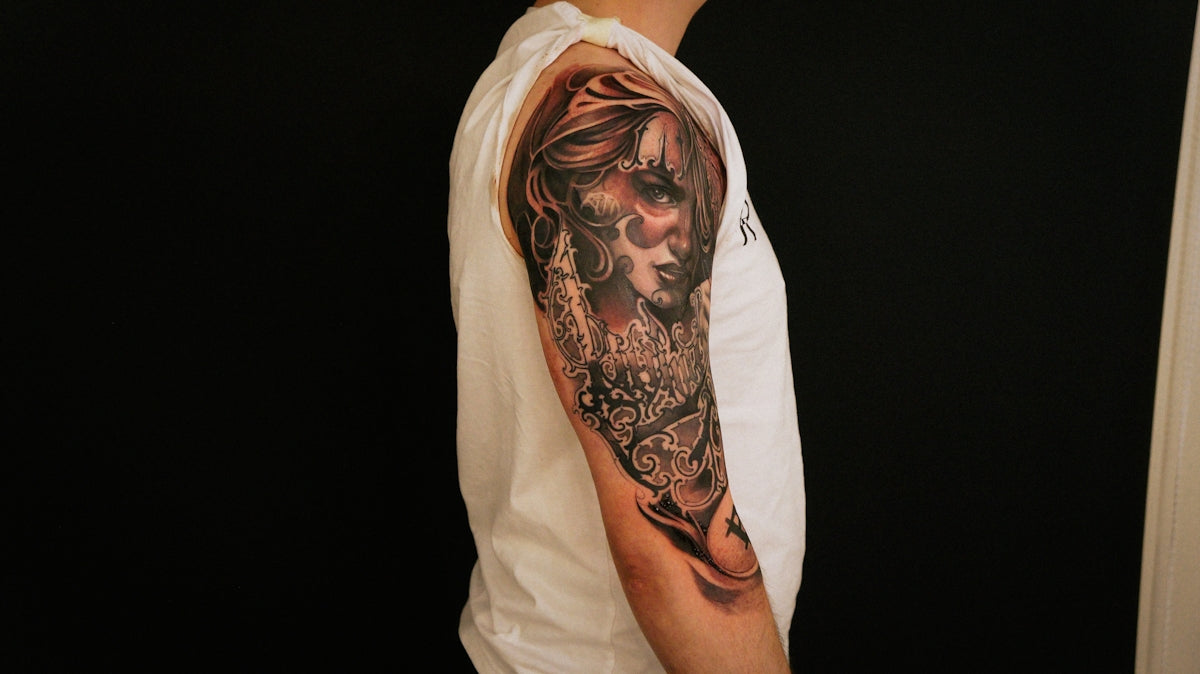
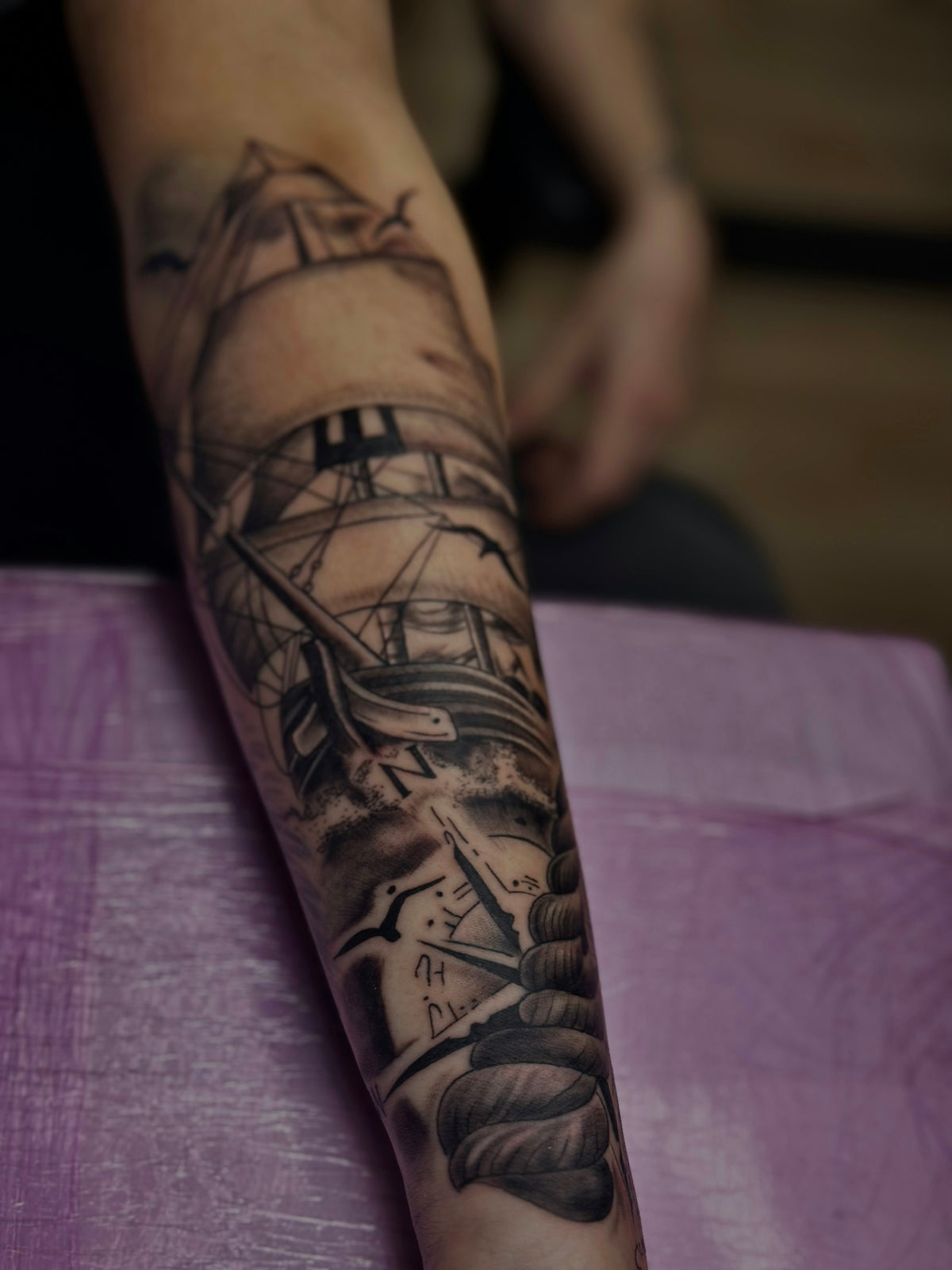
Shading is a vital component of tattoo design, and mastering this technique will vastly improve your artwork's realism. With Procreate's shading brushes, including those highlighted in the article on realistic shading techniques, you can achieve lifelike gradients and textures that replicate traditional tattoo shading.
Step-by-Step Guide to Using Procreate for Tattoo Stencils
Step 1: Start with a Basic Outline
Begin your design by sketching a fundamental outline using Procreate's basic brushes. This outline will act as the blueprint for your stencil.
Step 2: Choose the Right Brushes
Select from the array of Procreate tattoo brushes to add details to your stencil. Whether you're aiming for a soft sketch-like effect or a strong bold line, the right brush will highlight these intricacies.
Step 3: Utilize Layers for Depth
Procreate’s layer feature allows artists to separate different parts of the design, making it easier to edit individual components or add layers of shading without disturbing the rest of the stencil.
Step 4: Apply Realistic Shading
Incorporate realistic shading to give your stencil depth and dimension. Experiment with different shading brushes and blending modes to find the perfect balance for your design.
Step 5: Adjust and Refine
Utilize Procreate's transformation and adjustment tools to tweak proportions or refine your design, ensuring every element of your stencil is perfect before transferring it onto the skin.
Elevate Your Art with PRO TATTOO KIT
For artists who aspire to raise their artistry game, investing in professional-grade tools is critical. The 'PRO TATTOO KIT' from TattooBrushes.com stands out as the ultimate solution to improving your digital tattoo designs. This kit merges convenience with quality, offering tools that professional tattoo artists swear by for achieving phenomenal digital artwork.
Benefits of Using the PRO TATTOO KIT:
- High-Quality Brushes: Specially crafted to replicate the effects of real tattoo equipment.
- User-Friendly Tools: Enhance your digital tattoo workflows with tools perfect for any detail-oriented design.
- Improvement of Shading Techniques: Optimize the look and feel of your designs using advanced shading brushes.
Tips to Maximize Your Procreate Experience
- Stay Updated: Always update your Procreate app to enjoy the latest features and improvements.
- Explore Community Resources: Engage with online forums and tutorials for Procreate tattoo designs to enhance your skills further.
- Practice Regularly: Consistent practice is the key to mastering digital tattoo design.
Final Thoughts
Enhancing your digital tattoo designs in Procreate is a blend of using the right tools and continuous practice. With the resources and guides available, such as the insights provided here, both budding artists and seasoned professionals can significantly upgrade their artistry. So, why wait? Explore Procreate tools that make you feel like a pro and take your tattoo designs to the next level!
For more resources and professional-grade brushes, visit TattooBrushes.com.
FAQs
What are tattoo stencils in Procreate?Tattoo stencils in Procreate are digital templates or outlines that artists can use as a guide for creating tattoos. They streamline the design process by providing a solid foundation for illustrations.
How do I import tattoo stencils into Procreate?To import tattoo stencils into Procreate, you simply need to download the stencil file to your device, open Procreate, and use the Insert a Photo or Insert a Canvas option to bring the stencil into your workspace.
Can I customize tattoo stencils in Procreate?Yes, you can customize tattoo stencils in Procreate. Once you have imported the stencil, you can transform, resize, and edit it using various Procreate tools to suit your artistic vision.
What are the best formats for tattoo stencils in Procreate?The best formats for tattoo stencils in Procreate are PNG and PSD. These formats allow for transparency and maintain the quality of the design when imported into the app.
Are there any free tattoo stencils available for Procreate?Yes, there are many free tattoo stencils available online that you can download and use in Procreate. These can be an excellent resource for beginners or for those looking to experiment with different tattoo designs.
How do I ensure my tattoo stencil designs are print-ready?To ensure your tattoo stencil designs are print-ready, make sure to create your artwork at a high resolution (300 DPI) and in the correct size for your intended tattoo. This will ensure clarity and quality when transferring your design.
Can I use tattoo stencils for skin tattooing directly?While tattoo stencils can help guide the design process, they usually need to be printed onto transfer paper and applied to the skin before tattooing. Always consult with a professional tattoo artist for proper techniques.
What should I look for when choosing tattoo stencils for Procreate?When choosing tattoo stencils for Procreate, consider the style of tattoos you like, the complexity of the designs, and whether the stencil includes layers or color. Look for stencils that match your artistic preferences and skill level.

Leave a comment
This site is protected by hCaptcha and the hCaptcha Privacy Policy and Terms of Service apply.