
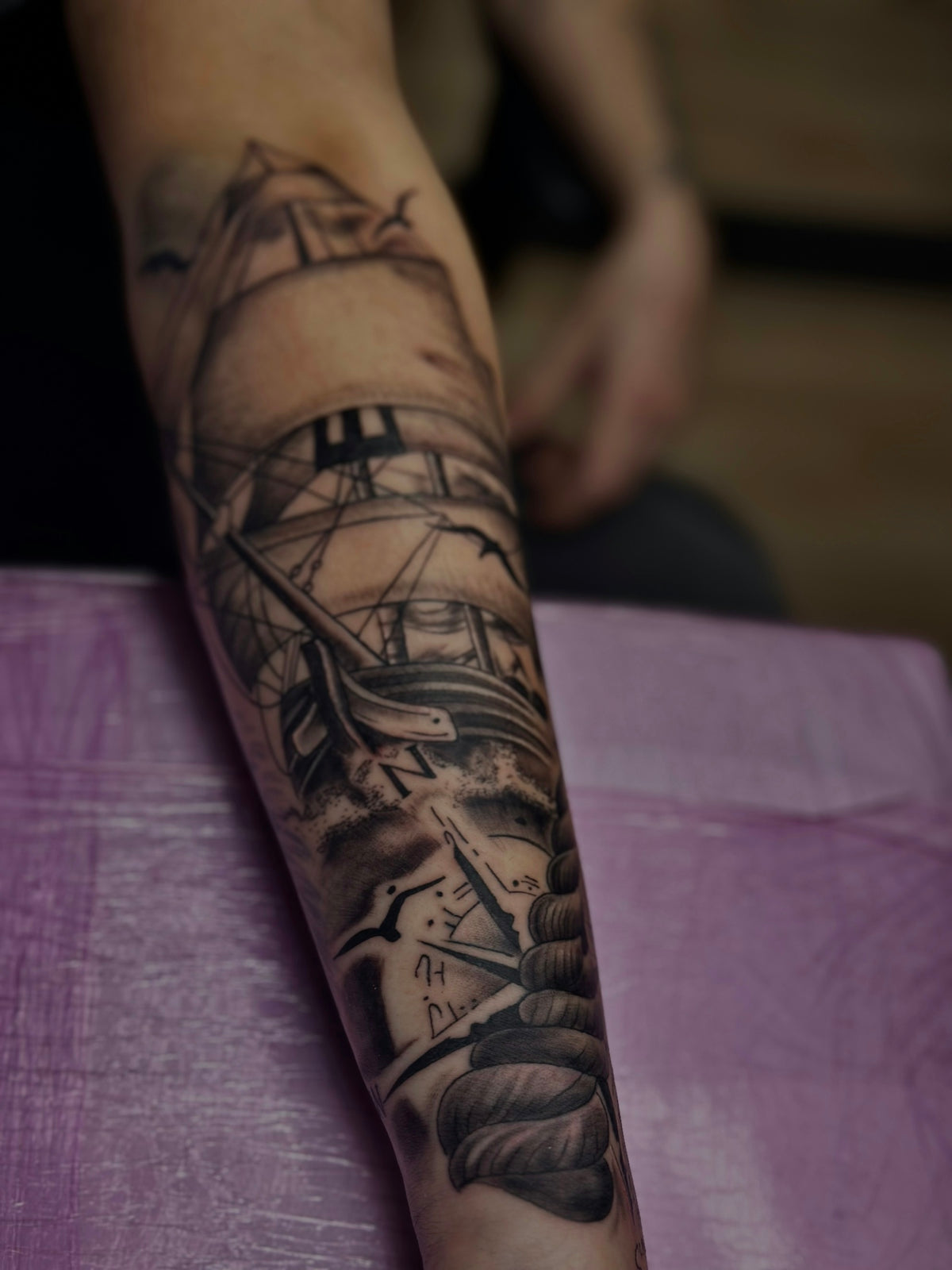
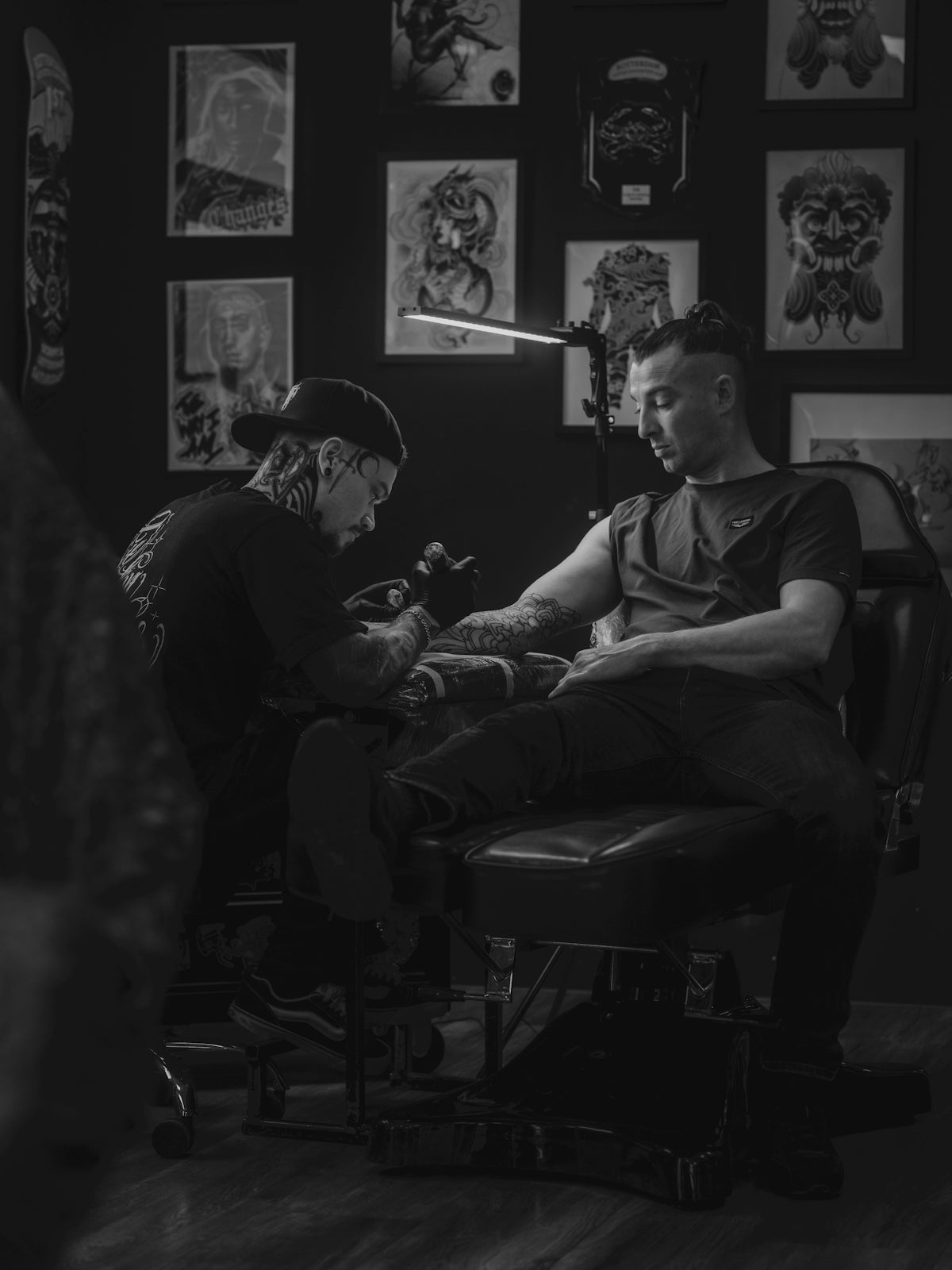
In the ever-evolving world of tattoo artistry, digital innovation has profoundly transformed the approach artists take from concept to completion. The rise of digital tattoo design, empowered by tools like Procreate tattoo brushes, has opened new realms of possibilities for tattoo artists globally. Whether you're an aspiring artist or a seasoned professional, the right tools can make all the difference. If you've been looking to take your tattoo art to the next level, there's no better time than now to explore Procreate tools that make you feel like a pro.
Table of Contents
- Table of Contents
- Why Digital Tattoo Design?
- Exploring Procreate Tattoo Brushes
- Realistic Tattoo Shading with Procreate
- Creating the Best Tattoo Stencils in Procreate
- Must-Have Tools and Techniques
- Conclusion: Upgrade Your Art Today
- FAQs
Why Digital Tattoo Design?
The migration from traditional to digital design isn't merely a trend; it's a leap forward that offers unprecedented precision, flexibility, and efficiency. Digital tattoo design allows artists to experiment fearlessly, undo mistakes with ease, and showcase their creativity to clients in dynamic ways. With Procreate tattoo brushes, tattoo artists can now mimic any style, adjust designs on the fly, and present their work with a degree of detail that was previously unimaginable.
Exploring Procreate Tattoo Brushes
At the heart of this digital revolution are Procreate tattoo brushes. These brushes offer a range of functionalities that cater to the diverse needs of any tattoo artist, from crafting realistic tattoo shading in Procreate to developing complex patterns with ease. The PRO TATTOO KIT, for example, stands as the pinnacle of excellence, providing artists with tools designed for precision and adaptability.
When you're exploring Procreate's brushes, it's essential to understand the variety available. Brushes for outlining ensure crisp, clean edges, while those for shading help achieve depth and texture. The right set — like those in the PRO TATTOO KIT — can replicate traditional tattoo techniques digitally, building familiarity and enhancing creative confidence.
Realistic Tattoo Shading with Procreate
Shading is a vital part of any tattoo, enhancing the illusion of depth and realism. Achieving realistic tattoo shading in Procreate can elevate a piece from good to extraordinary. Specialized brushes for shading replicate the subtle gradations you achieve with a needle, but with the added benefits of Procreate's precise control.
For those eager to master shading, Procreate Tattoo Brushes for Superior Shading Effects is an essential read. This guide provides insights into selecting and utilizing the right brushes for various shading techniques, ensuring your digital designs truly stand out.
Creating the Best Tattoo Stencils in Procreate
A perfectly crafted stencil can save time and ensure accuracy when moving a design onto the skin. Procreate features allow artists to create and refine stencils with accuracy, ensuring nothing is left to chance. With the right digital tools, designs can be adjusted quickly, scaled precisely, and rendered to match the client's desires flawlessly.
Discover the Guide to Best Tattoo Stencils Procreate Offers to learn how to leverage these capabilities effectively. The right stencil lays the foundation for successful tattoo execution, and understanding how to produce the best is key to upgrading your artistry.
Must-Have Tools and Techniques
Every artist's toolbox should include the essentials that enable efficiency and creativity. In Procreate, this means more than just brushes. Layers, filters, and textures help bring a tattoo design to life, providing the tools necessary for experimentation without risk. Mastering these additional features can transform a novice into a confident creator and a skilled artist into a visionary.
For an overarching view of the necessary components, Must-Have Digital Tattoo Design Tools in Procreate encapsulates the essential tools and techniques for any digital tattoo artist looking to hone their craft.
Conclusion: Upgrade Your Art Today
The potential that Procreate and its tools unlock for tattoo artists is nothing short of revolutionary. By integrating these digital tools into your creative process, you expand not just your artistic capabilities but also enhance the satisfaction of your clients. No more guesswork, no more limits — just pure, unhindered creativity.
Now is the moment to start designing tattoos the right way. Embrace the future of tattoo design with confidence and style. Unlock your full potential and become an artist who doesn’t just follow trends but sets them. Your journey towards superior artistry begins with the right tools — explore, experiment, and evolve.
Visit TattooBrushes.com to secure the tools you need for advancement in your craft.
FAQs
What are Procreate tattoo brushes?
Procreate tattoo brushes are specialized digital brushes designed for creating tattoo art using the Procreate app on iOS devices. These brushes mimic the texture and effects of traditional tattooing, allowing artists to design tattoos digitally with precision and ease.
How do I install Procreate tattoo brushes?
To install Procreate tattoo brushes, download the brush files and open them with Procreate on your iOS device. You can either tap the file directly or save it in your Files app and then import it into Procreate’s brush library.
Can I customize Procreate tattoo brushes?
Yes, Procreate allows for extensive customization of brushes. You can adjust settings like size, opacity, and texture to fit your unique art style and preferences, ensuring that your tattoo designs are exactly how you envision them.
Are Procreate tattoo brushes suitable for beginners?
Absolutely! While they can be used by professionals, Procreate tattoo brushes are also user-friendly for beginners. With practice, new users can learn to create impressive tattoo designs and gain confidence in their digital artwork.
Can I use Procreate tattoo brushes for other styles of art?
Yes, Procreate tattoo brushes can be adapted for various art styles beyond traditional tattooing. Artists often incorporate tattoo brushes in digital illustrations, character designs, and graphic designs, making them versatile tools in your creative arsenal.
What types of tattoo designs can I create with Procreate?
With Procreate tattoo brushes, you can create a wide range of tattoo designs, including traditional, neo-traditional, tribal, watercolor, line work, and more. The possibilities are limitless, depending on your vision and creativity.
Do I need an Apple Pencil to use Procreate tattoo brushes effectively?
While you can use your finger to draw in Procreate, an Apple Pencil is highly recommended for optimal control and precision. The pressure sensitivity and tilt functionality of the Apple Pencil greatly enhance the quality of your tattoo design work.
Can I sell the artwork I create with Procreate tattoo brushes?
Yes, you can sell your artwork created with Procreate tattoo brushes, but it's important to ensure that you have the appropriate rights to the brushes used, especially if you're incorporating them into your commercial work. Always check the licensing agreement for the brushes you purchase.
Where can I find new Procreate tattoo brushes?
You can find new Procreate tattoo brushes through various online platforms, including design marketplaces and artist websites. Many artists also share free brushes on social media or through their personal sites, so keep an eye out for creative resources from the community.

Leave a comment
This site is protected by hCaptcha and the hCaptcha Privacy Policy and Terms of Service apply.