
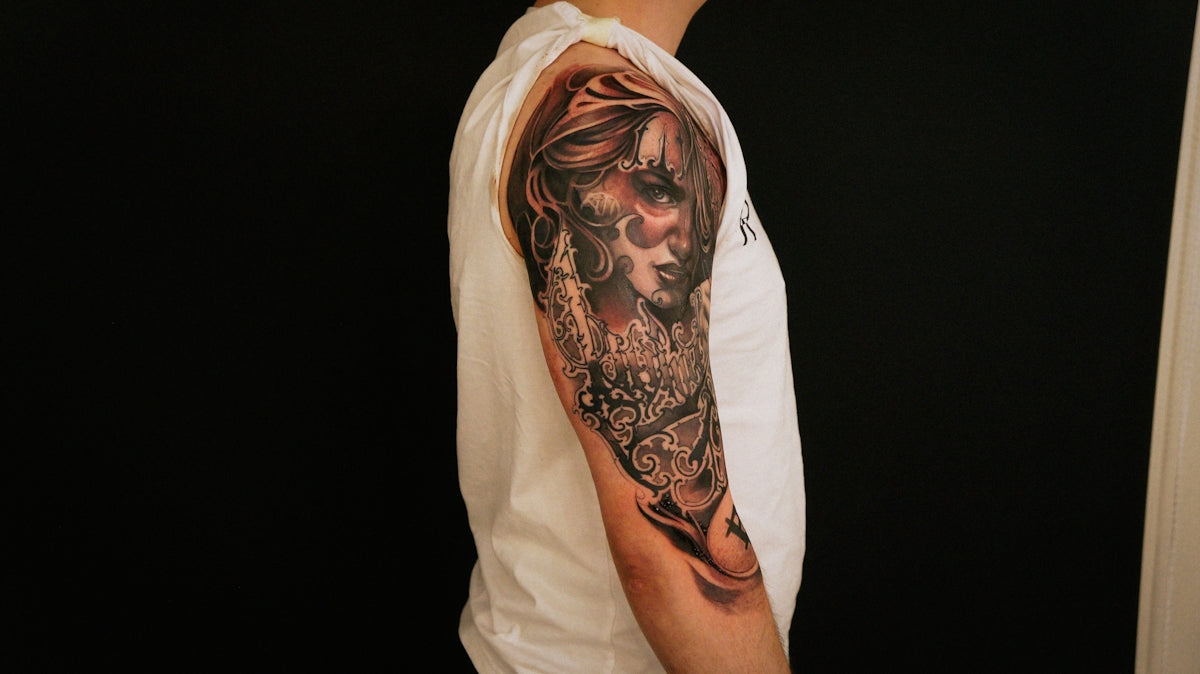
Creating tattoos that stand the test of time, in both the real and digital worlds, requires artistic precision and top-notch tools. As anyone in the tattoo industry will tell you, achieving realistic tattoo shading on Procreate is an art form in itself. Whether you're a budding artist or a seasoned professional, using the right Procreate tattoo brushes is critical to elevating your digital tattoo design game. Begin your journey toward mastering the art of digital tattoos with tools that suit your needs by visiting TattooBrushes.com. Explore Procreate tools that make you feel like a pro.
Table of Contents
- Table of Contents
- Understanding Procreate Tattoo Brushes
- The Importance of Realistic Tattoo Shading
- Tools That Transform: The PRO TATTOO KIT
- Creating Best Tattoo Stencils in Procreate
- Why Upgrade Your Art with Procreate Tattoo Brushes
- Conclusion: Let Your Art Thrive
- FAQs
Understanding Procreate Tattoo Brushes
Procreate, a leading digital illustration app, provides countless tools for artists, and when it comes to tattoo design, the program really shines. Procreate tattoo brushes are designed to emulate the nuances of traditional tattooing within a digital environment. These brushes can be used to replicate various styles such as tribal, watercolor, Japanese, and others. Specifically, brushes geared for tattoo shading give you the power to create realistic depth and texture.
If you're just starting with Procreate or are looking to enhance your toolkit, familiarizing yourself with essential brushes is crucial. For more insights on building your digital toolbox, check out our article on Must-Have Digital Tattoo Design Tools in Procreate.
The Importance of Realistic Tattoo Shading
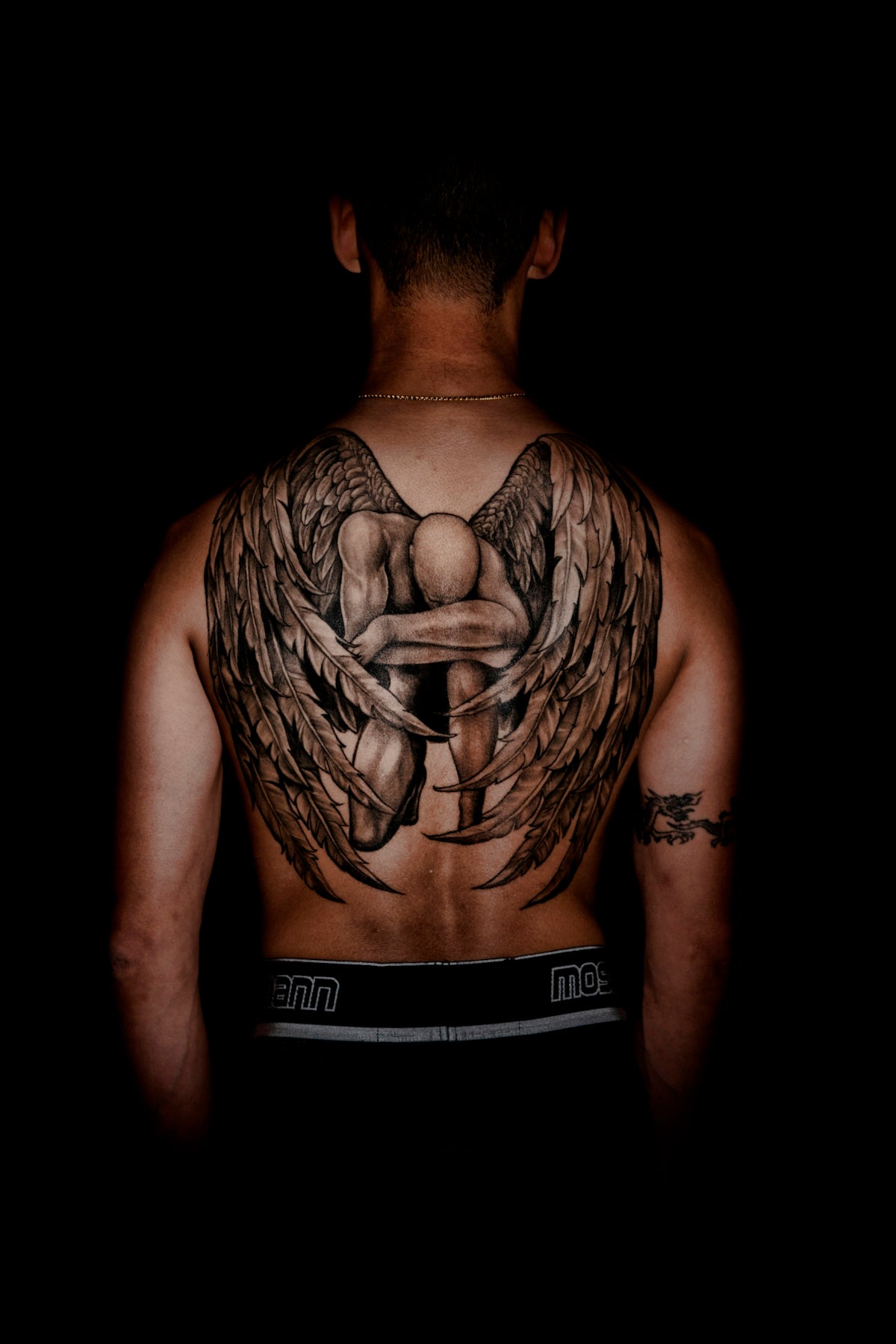
Shading gives tattoos their character and dimension. It's what makes a tattoo stand out and creates the illusion of texture on a flat surface. With digital tattoo design, achieving realistic shading with a stylus mimicking a tattoo needle can be daunting, but with the right Procreate tattoo brushes, you can master this complex task.
To get started, ensure you've selected high-quality brushes such as those found in the 'PRO TATTOO KIT'. These brushes are specifically tailored for superior shading effects and offer a professional standard that is difficult to match. If you're eager to dive deeper into shading techniques, visit Realistic Shading Techniques with Procreate Tattoo Brushes.
Tools That Transform: The PRO TATTOO KIT
A game-changing set of Procreate tattoo brushes can spell the difference between design mediocrity and masterpiece creation. The 'PRO TATTOO KIT', offered exclusively by TattooBrushes.com, provides artists with versatile tools suitable for any style. Its high-quality brushes are crafted for precision and ease of use, allowing for seamless integration with your workflow.
Whether you're rendering smooth gradients or bold lines, these tools are vital for creating art that resonates. Many tattoo artists have successfully transitioned their skills to a digital format using these specialized brushes, yielding designs that exhibit exceptional quality and realism. Explore our Top Procreate Tattoo Brushes for Professional Artists for further guidance.
Creating Best Tattoo Stencils in Procreate
The precursor to any exceptional tattoo is a well-thought-out stencil. In the digital sphere, Procreate excels at translating your ideas into workable stencils with remarkable precision. Start by using geo-templates and basic outline brushes to draft your initial concept. Once satisfied, refine the lines using the precise tools available in your brush kit.
The key to making the best tattoo stencils in Procreate is layering your brushes according to the stencilled design you wish to achieve. Overlaying different textures and strokes through Procreate’s layer functionality makes refining each stage feasible and allows for complete control over the final outcome.
Why Upgrade Your Art with Procreate Tattoo Brushes
The transition from traditional to digital tattoo design can be daunting, yet incredibly rewarding. The precision, control, and options that Procreate offers make it a standout platform for tattoo artists looking to refine their practice. Using resources like the 'PRO TATTOO KIT' not only saves time but also enhances creativity, enabling artists at all levels to achieve more with less.
Utilizing these sophisticated tools ensures that your designs don't just meet but exceed client expectations. They offer a unique opportunity to practice and perfect technique in a digital space before committing to the permanence of skin.
Conclusion: Let Your Art Thrive
By leveraging high-quality Procreate tattoo brushes and incorporating realistic shading techniques, any artist can elevate their digital tattoo design to professional heights. Regardless of where you are in your artistic journey, there’s always room to improve and innovate. Start designing tattoos the right way today and let your art thrive by visiting TattooBrushes.com. Harness the power of Procreate to create, innovate, and transcend the ordinary with tools that offer you precision and breathtaking quality.
Turn your aspirations into artistic reality with the expertise and equipment that deliver superior results. Upgrade your art today!
FAQs
What are Procreate tattoo brushes?
Procreate tattoo brushes are specialized digital brushes designed for use in the Procreate app, allowing artists to create unique tattoo designs with varying textures, styles, and effects that mimic traditional tattooing techniques.
How do I install Procreate tattoo brushes?
To install Procreate tattoo brushes, download the brush file to your device, then open the Procreate app, navigate to the Brushes menu, tap the "+" icon to create a new brush set, and import the downloaded file.
Can I use Procreate tattoo brushes for other art styles?
Yes, Procreate tattoo brushes can be used for various art styles beyond tattoos, including illustrations, concept art, and graphic design, offering versatility in texture and stroke techniques.
What should I look for in high-quality tattoo brushes?
When selecting tattoo brushes, consider factors such as texture variety, brush responsiveness, and the ability to achieve different shading effects, as these will significantly impact your overall design outcome.
How can I achieve superior shading effects with Procreate tattoo brushes?
To achieve superior shading effects, experiment with different brushes to find one that matches your desired texture, use layering techniques for depth, and adjust the opacity and flow settings to create a smooth gradient.
Are there specific brushes recommended for black and gray tattoos?
Yes, brushes specifically designed for black and gray tattoos often feature fine detailing and softer edges, which help create realistic shading and smooth transitions for monochromatic designs.
Can I customize Procreate tattoo brushes?
Absolutely! Procreate allows you to customize brushes by adjusting settings like size, opacity, and blending modes, enabling you to create a brush unique to your style and preferences.
Do I need an Apple Pencil to use Procreate tattoo brushes effectively?
While it's possible to use Procreate with a finger, an Apple Pencil is highly recommended for achieving finer details, pressure sensitivity, and greater control over your strokes, especially with tattoo brushes.
Where can I find more tattoo brush options for Procreate?
You can explore various digital art communities, forums, and online marketplaces where artists share or sell their custom brushes, often providing a range of styles and effects suited for tattoo art.

Leave a comment
This site is protected by hCaptcha and the hCaptcha Privacy Policy and Terms of Service apply.