
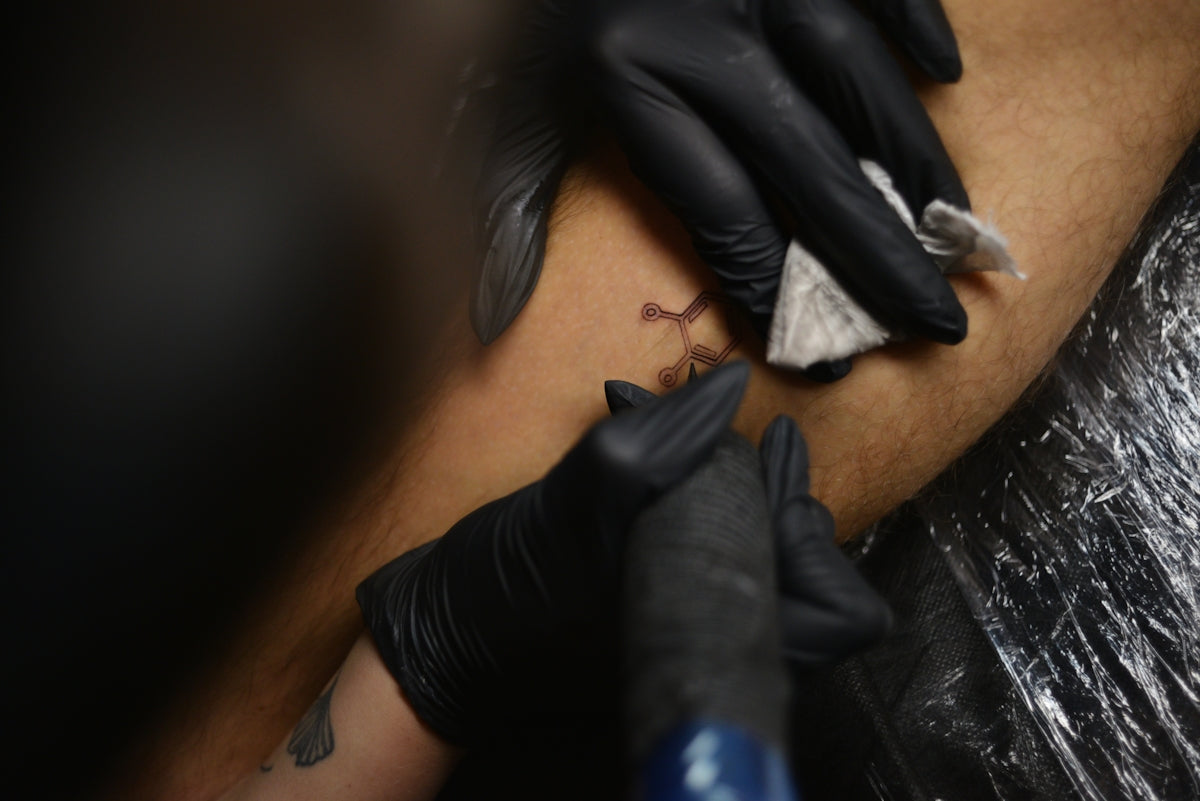
In the ever-evolving world of digital art, Procreate has emerged as a leading tool for tattoo artists looking to blend traditional skills with modern technology. Whether you are an aspiring artist seeking to refine your craft or a seasoned professional aiming to upgrade your art, leveraging the right tools is crucial. Start designing tattoos the right way by exploring the unparalleled capabilities of Procreate tattoo brushes available at Tattoo Brushes.
Table of Contents
- Table of Contents
- Why Procreate?
- Getting Started with Procreate Tattoo Brushes
- Choose the Right Brushes
- Mastering Digital Tattoo Design
- Perfecting Your Technique with Tattoo Stencils
- The Role of Tattoo Artist Tools
- Bring Your Art to Life
- FAQs
Why Procreate?
Procreate has become a staple for many artists due to its intuitive interface, extensive toolset, and customizable features. For tattoo designers, Procreate opens up an exciting realm of possibilities, enabling the creation of intricate designs and realistic shading that rivals traditional methods. With the right Procreate tattoo brushes, you can transform your sketches into stunning, detailed digital tattoo designs.
Getting Started with Procreate Tattoo Brushes
Choose the Right Brushes
Selecting the appropriate brushes is vital for success. The PRO TATTOO KIT offered by TattooBrushes.com is specifically engineered to cater to various tattoo styles, from classic blackwork to avant-garde realism. These brushes are your ultimate solution to achieve flawless designs.
Explore the Best Procreate Tattoo Brushes for Intricate Designs to gain insights into crafting detailed designs that capture every nuance of your artistic vision. This selection will equip you with the versatility needed to step up your digital art game.
Mastering Digital Tattoo Design
Digital tattoo design in Procreate involves several steps, from conceptualization to the finished piece. Here’s a step-by-step approach:
- Conceptualization: Begin by sketching your ideas. Utilize Procreate's layering system to separate and refine ideas without losing your initial concepts.
- Outlining: Use Procreate's precise line brushes to create clean outlines. Adjust brush opacity and thickness to suit your design’s needs.
- Shading: Master realistic tattoo shading in Procreate by utilizing gradient and blending brushes. This will bring depth and authenticity to your work.
- Texture and Detail: Add texture to your work using specialized brushes from the PRO TATTOO KIT. This step is essential in mimicking the look and feel of real tattoos.
For a more detailed tutorial on achieving perfect tattoo stencils, visit Achieve Perfect Tattoo Stencils with Procreate.
Perfecting Your Technique with Tattoo Stencils
Creating tattoo stencils is a revered technique in the tattoo design process. Here's how you can leverage Procreate to craft perfect stencils:
- Layering: Use multiple layers to separate different parts of your stencil. This allows you to focus on individual elements without disrupting the overall design.
- Contrast and Detail: Adjust contrast settings to highlight essential details, ensuring visibility during the tattooing process.
- Exporting: Export your stencil designs in high resolution, a crucial step for maintaining clarity when transferring designs onto the skin.
The Role of Tattoo Artist Tools
As a tattoo artist, staying equipped with the right tools is non-negotiable. Procreate brushes are indispensable for designing tattoos that not only appeal aesthetically but also fulfil professional standards.
Explore our Top Tattoo Artist Tools: Procreate Brushes Guide to understand how specific brush types can enhance different aspects of your art. This guide serves as a comprehensive resource for artists aiming to refine their techniques and outcomes.
Bring Your Art to Life
Success in digital tattoo design, like any art form, relies on practice, patience, and the right tools. Whether you are bringing a faded idea to life or crafting new designs that push creative boundaries, Procreate offers unmatched flexibility and power.
By incorporating high-quality brushes like those found in the PRO TATTOO KIT, you equip yourself with tools that elevate your artistry to new heights. Ready to revolutionize your approach to tattoo design? Explore Procreate tools that make you feel like a pro by visiting Tattoo Brushes.
Embark on this creative journey today, and transform your tattoo designs into masterpieces that speak volumes. Upgrading your art has never been more accessible or effective with the right Procreate tools at your disposal.
FAQs
What are Procreate tattoo brushes?
Procreate tattoo brushes are specialized digital brushes designed to mimic traditional tattooing techniques and styles within the Procreate app on your iPad. They allow artists to create intricate and realistic tattoo designs, making it easier for both beginners and professionals to express their creativity digitally.
How do I install tattoo brushes in Procreate?
To install tattoo brushes in Procreate, download the brush file (usually in .brush or .brushset format) to your iPad. Open Procreate, go to the Brush Library, tap the "+" icon in the upper right corner, and select "Import." Then, choose the downloaded file to add it to your brush collection.
Can I customize Procreate tattoo brushes?
Yes, you can customize Procreate tattoo brushes to better suit your style. You can adjust settings like size, opacity, and flow, or even create your own brushes by modifying existing ones. This flexibility allows artists to develop unique techniques and effects.
Are Procreate tattoo brushes suitable for all skill levels?
Absolutely! Procreate tattoo brushes cater to a wide range of skill levels, from beginners to advanced artists. Beginners may find specific brushes easier to use, while advanced users can leverage the customization options to create more complex designs.
What settings should I use for tattoo brushes in Procreate?
The ideal settings for tattoo brushes can vary based on the effect you're trying to achieve. Common settings include adjusting the size, opacity, and streamline for smoother lines. It's a good idea to experiment with these settings to find what works best for your style.
Can I use Procreate tattoo brushes for other types of digital art?
Definitely! While Procreate tattoo brushes are designed for tattoo art, they can also be used to create other styles of digital art. Their versatility allows artists to explore various aesthetics, from illustrative styles to graphic designs.
Do I need an Apple Pencil to use Procreate tattoo brushes effectively?
Using an Apple Pencil is highly recommended for the best experience with Procreate tattoo brushes. Its pressure sensitivity allows for more nuanced lines and shading, closely resembling traditional tattoo techniques.
Where can I find tutorials on using Procreate tattoo brushes?
There are many online resources, such as video tutorials and written guides, dedicated to using Procreate tattoo brushes. Platforms like YouTube, art communities, and social media groups often feature tutorials that can help you master various techniques and tips.
What are some popular styles and designs for tattoo art in Procreate?
Popular styles for tattoo art in Procreate include traditional, neo-traditional, watercolor, linework, and geometric designs. Exploring different styles can enhance your skills and help you discover your unique artistic voice.


Leave a comment
This site is protected by hCaptcha and the hCaptcha Privacy Policy and Terms of Service apply.