

The art of tattoo design has evolved dramatically with the advances in digital technology. Among these advancements, Procreate stands out as a game-changer for both budding artists and seasoned professionals seeking to 'Upgrade their Art.' By leveraging high-quality Procreate tattoo brushes, you can bring your creative visions to life with precision and flair. Explore Procreate tools that make you feel like a pro and transform your art today.
Table of Contents
- Table of Contents
- Why Procreate Tattoo Brushes?
- What Makes a Good Procreate Tattoo Brush?
- Digital Tattoo Design: The Innovative Edge
- Key Features of Digital Tattoo Design Tools
- The PRO TATTOO KIT: Elevating Your Art
- Best Features of the PRO TATTOO KIT:
- Best Tattoo Stencils Procreate Tools
- Realistic Tattoo Shading Procreate Techniques
- Tattoo Artist Tools: Bridging Tradition and Innovation
- Conclusion
- FAQs
In this comprehensive guide, we'll delve into essential Procreate tattoo brushes for crafting stunning tattoo designs. Whether you're just starting or have an established portfolio, understanding the nuances of digital tattoo design via the right tools can amplify your capabilities tenfold.
Why Procreate Tattoo Brushes?
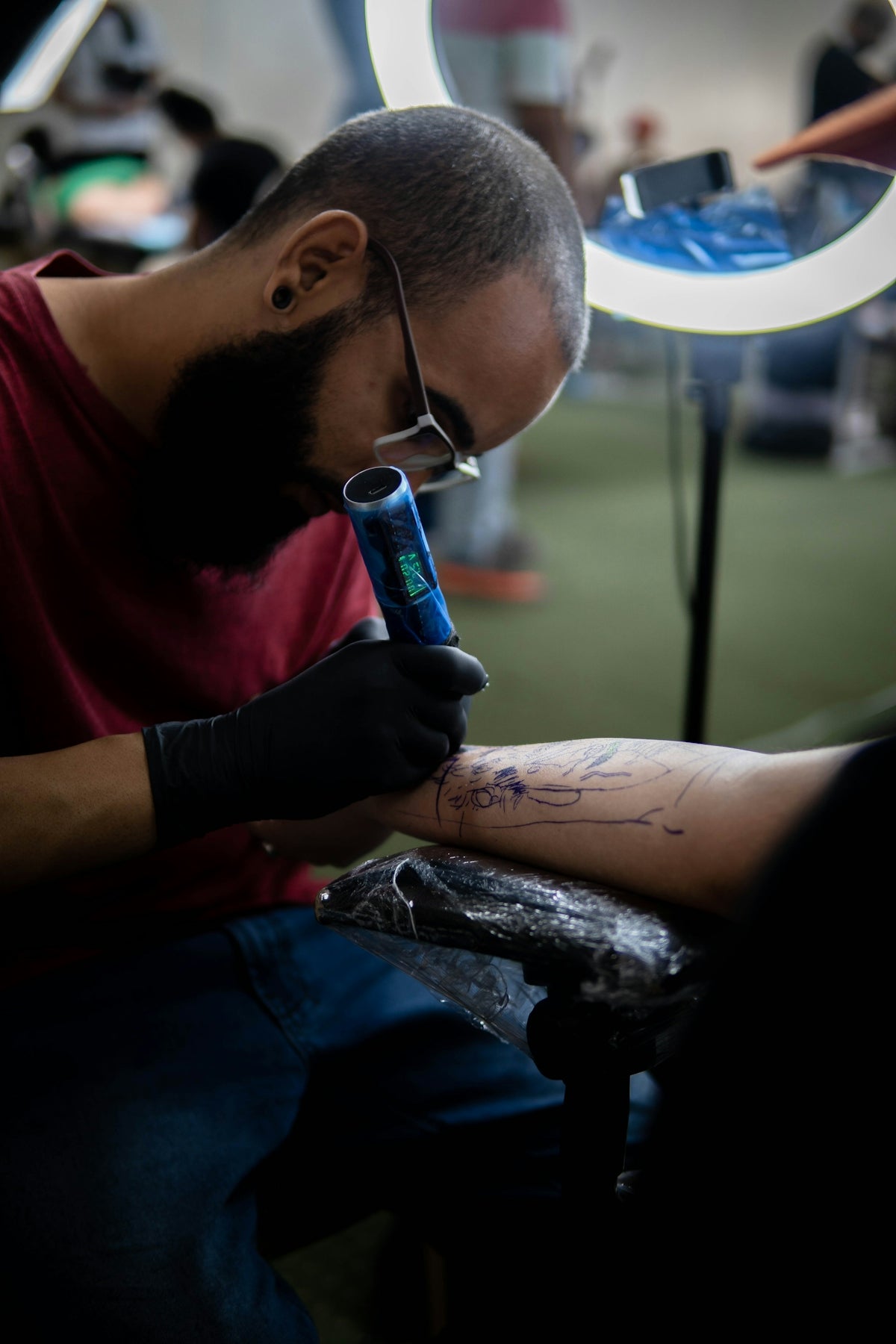
Procreate tattoo brushes are more than just digital tools; they are the bridge between your imagination and a realized masterpiece. These brushes replicate the intricate details of traditional tattoo equipment, enabling a seamless transition from digital design to skin art. They are perfect for everything from sketching and outlining to creating the best tattoo stencils Procreate can offer.
What Makes a Good Procreate Tattoo Brush?
Choosing the right brush is akin to selecting the perfect needle. It must complement your style and cater to specific design requirements, whether it's intricate lining, realistic tattoo shading Procreate capabilities, or versatile stencil applications.
Digital Tattoo Design: The Innovative Edge
Digital tattoo design allows artists to experiment without boundaries. With Procreate and the right brushes, artists can replicate the look and feel of traditional tattoos with extraordinary fidelity. This shift is particularly valuable for:
- Aspiring Artists: Learning and experimenting without the risk of costly mistakes.
- Seasoned Professionals: Enhancing their skill set and offering clients innovative design options.
Key Features of Digital Tattoo Design Tools
- Precision and Control: Mimic real tattoo techniques with incredible accuracy.
- Tailored Textures: Offering advanced options for varied skin textures and shading styles.
- Layering Capabilities: Create complex, multi-layered designs efficiently.
For a more in-depth look into shading techniques, check out our Advanced Digital Tattoo Shading Techniques with Procreate.
The PRO TATTOO KIT: Elevating Your Art
Unleash your full potential with the PRO TATTOO KIT, designed for artists who refuse to settle for mediocrity. This premium collection is more than just brushes; it's a comprehensive suite of tools offering you the ultimate flexibility and precision. Artists using this kit report a significant improvement in their workflow and final output quality.
Best Features of the PRO TATTOO KIT:
- Versatile Collection: A diverse range of brushes developed for various design purposes.
- Authentic Feel: Every stroke mimics traditional tattooing with impressive detail and texture.
- User-Friendly: Perfectly tailored for both novice and veteran tattoo artists.
Best Tattoo Stencils Procreate Tools
Stencils form the backbone of any successful tattoo, providing a reliable template for execution. Our curated selection of Procreate tools helps in designing tattoo stencils that are clear, detailed, and easy to adjust, ensuring a seamless transition from concept to reality.
Discover more on the intricacies of designing complex tattoo art with our Best Procreate Tattoo Brushes for Intricate Designs.
Realistic Tattoo Shading Procreate Techniques
Mastering the art of shading is crucial for adding depth and dimension to your tattoos. Procreate offers shading brushes that imitate the subtleties of light and shadow, transforming flat designs into vibrant, life-like creations. Utilize these tools for unparalleled realism, whether you're working with black-and-grey tattoos or vibrant color compositions.
Tattoo Artist Tools: Bridging Tradition and Innovation
While digital tools open up a world of possibilities, they also honor traditional tattooing techniques. Many artists integrate these digital methods into their existing repertoire, offering clients a wide variety of customizable options and ensuring that every tattoo is a unique masterpiece.
Conclusion
Upgrading your tattoo design process through Procreate is a strategic decision driven by the need for precision, creativity, and efficiency. The PRO TATTOO KIT offered by TattooBrushes.com is your ticket to this new frontier in tattoo artistry, where innovation meets tradition. Regardless of where you stand in your artistic journey, the right set of tools can make all the difference. So why wait? Start designing tattoos the right way and see how Procreate can elevate your artistic potential.
For more guidance, newbies can jumpstart their learning curve with our detailed Guide to Procreate Tattoo Brushes for Beginners.
Visit TattooBrushes.com to explore these transformative tools and resources. Embrace innovation and create tattoos that truly resonate.
FAQs
What are Procreate tattoo brushes?
Procreate tattoo brushes are specially designed digital brushes used within the Procreate app to create tattoo art and designs. They mimic traditional tattooing techniques and styles, allowing artists to produce realistic effects and textures.
How do I install Procreate tattoo brushes?
To install Procreate tattoo brushes, download the brush file (typically in .brush or .brushset format) and open it on your iPad. This will prompt Procreate to automatically install the brush into your library. You can then access it through the Brushes panel.
Can I customize my Procreate tattoo brushes?
Yes, Procreate allows users to customize their brushes by adjusting settings such as shape, size, opacity, and spacing. This enables artists to tailor brushes to their individual style and preferences.
Are there specific Procreate brushes for different tattoo styles?
Absolutely! There are Procreate brushes specifically designed for various tattoo styles, including traditional, neo-traditional, watercolor, and black and gray. Choosing the right brush can help achieve the desired aesthetic for your design.
Is it worth investing in premium Procreate tattoo brushes?
Investing in premium Procreate tattoo brushes can be beneficial if you are looking for high-quality results and unique textures. They often come with advanced features and settings that can enhance your artwork compared to free options.
How do I choose the right brush for my tattoo design in Procreate?
Choosing the right brush involves understanding your design needs. Consider the style of tattoo you are creating, the details required, and how you want the final piece to look. Testing different brushes can also help you find the perfect fit for your project.
Can I use Procreate tattoo brushes for other design types?
Yes, Procreate tattoo brushes can be versatile and used for various types of digital artwork beyond tattoos, including illustrations, graphic design, and concept art. Their unique textures and styles can add depth to any project.
What are some tips for using tattoo brushes effectively in Procreate?
To use tattoo brushes effectively, try layering different brush types, adjusting the opacity for depth, and utilizing Procreate's blending modes. Experimentation and practice will ultimately help you get comfortable with creating intricate designs.
Do Procreate tattoo brushes work on all iPads?
Procreate and its brushes are designed to work on compatible iPads, typically those that support the Apple Pencil for precise control. Ensure that your iPad model supports the Procreate app for optimal performance.


Leave a comment
This site is protected by hCaptcha and the hCaptcha Privacy Policy and Terms of Service apply.