
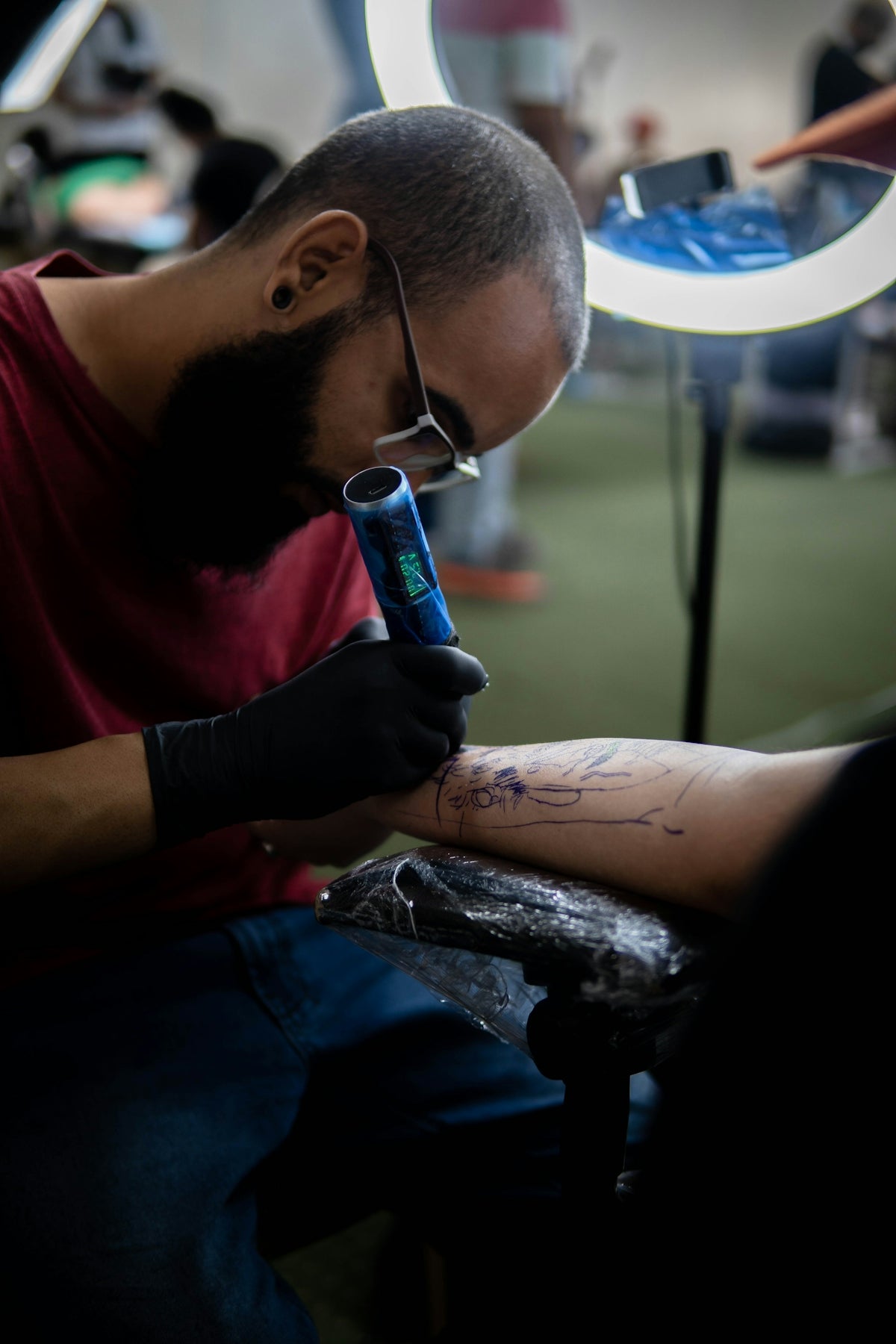
In the digital age, tattoo design has transcended traditional boundaries, allowing artists to harness incredible technologies like Procreate to elevate their art. Whether you're an aspiring artist exploring the dynamic world of tattoo design or a seasoned professional seeking to refine your skills, mastering realistic tattoo shading can set your work apart. With Procreate tattoo brushes at your disposal, you can unlock new creative dimensions. Ready to transform your tattoo designs? Start designing tattoos the right way with tools that make a difference!
Table of Contents
- Table of Contents
- The Power of Procreate in Digital Tattoo Design
- Why Choose Procreate Tattoo Brushes?
- The Role of Shading in Tattoo Artistry
- Step-by-Step Guide to Realistic Tattoo Shading with Procreate
- Essential Tattoo Artist Tools for Procreate
- Why Upgrade Your Art with the 'PRO TATTOO KIT'?
- Conclusion
- FAQs
The Power of Procreate in Digital Tattoo Design
Procreate stands as a beacon for artists aiming to merge traditional techniques with modern technology. Its intuitive interface makes it a favorite among artists, allowing seamless transitions from paper to pixel. However, the real magic happens when you incorporate specialized tools into your toolkit. Enter Procreate tattoo brushes – meticulously crafted to replicate the tactile feel and precision of traditional tattoo tools in a digital environment.
Why Choose Procreate Tattoo Brushes?
For those deeply entrenched in digital tattoo design, the decision to use Procreate tattoo brushes is a no-brainer. These brushes are specifically tailored to meet the demands of authentic and lifelike tattooing effects, enabling you to produce jaw-dropping results. Moreover, when it comes to realistic tattoo shading with Procreate, the precision and control offered by these brushes are unparalleled. But don't just take our word for it. The Key Procreate Tattoo Brushes for Design Professionals outlines crucial tools perfect for achieving professional standards.
The Role of Shading in Tattoo Artistry
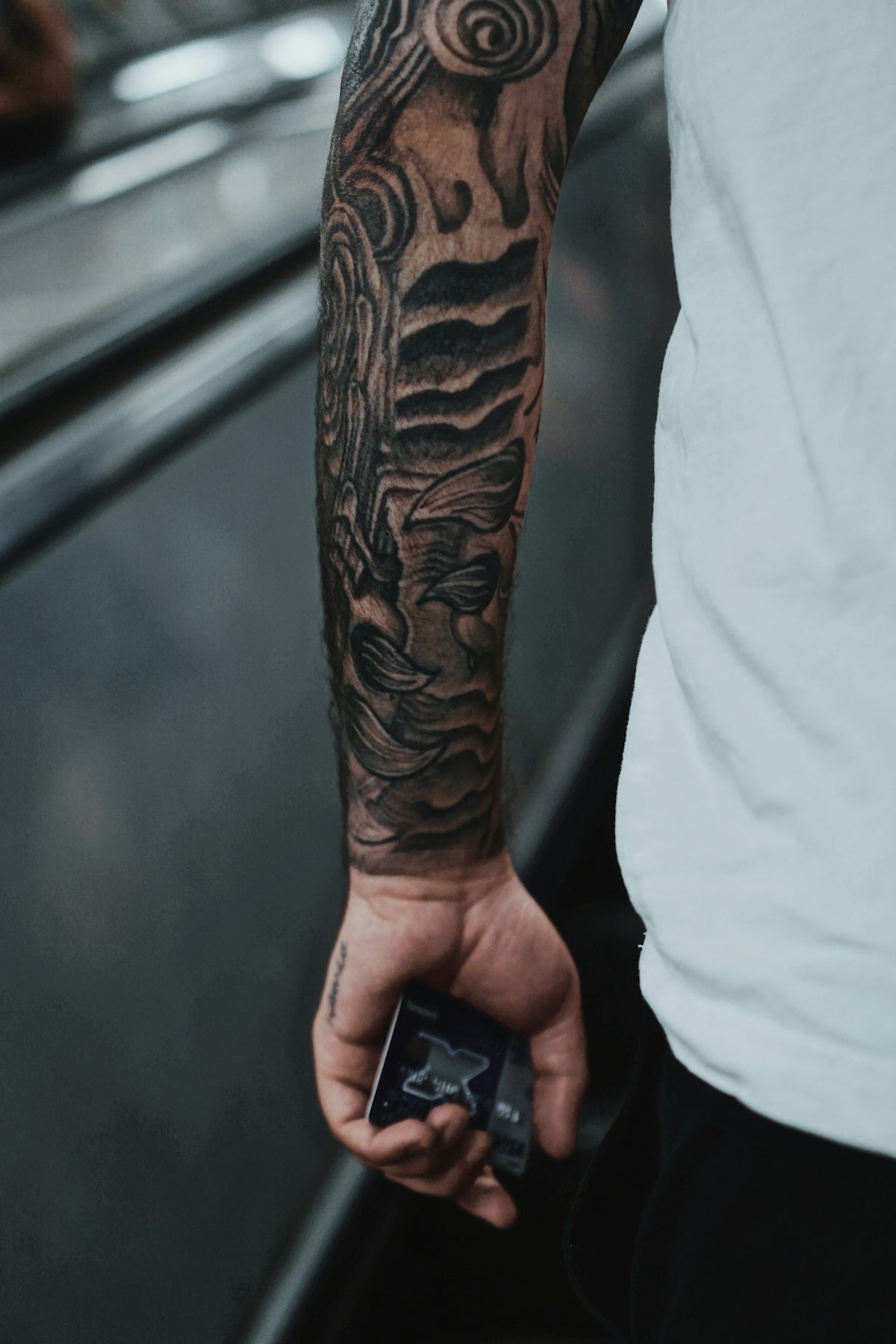
Shading breathes life into tattoos, fostering depth, contrast, and realism. Whether your canvas is skin or a digital screen, mastering this intricate technique is vital. On a digital platform like Procreate, tattoos can rival traditional designs, especially when using the best tattoo stencils Procreate has to offer. These provide the skeleton upon which artists can layer their shading details, thereby creating pieces that exude life and realism.
Step-by-Step Guide to Realistic Tattoo Shading with Procreate
- Choose the Right Brushes: Start by selecting premium brushes. Consider your needlework; whether you're looking to mimic shaders or liners, selecting from high-quality options is crucial. The 'PRO TATTOO KIT' available at TattooBrushes.com ensures that every stroke meets professional standards.
- Understand Light Source and Depth: To achieve realistic shading, pinpoint your light source. This will guide shadow placement and intensity. Practicing with different light sources on varied designs hones your skill over time.
- Layer Your Techniques: Begin with broader, softer shades to establish your base. Gradually build up intensity with tighter, detailed strokes. This layering technique is essential for creating skin texture and depth.
- Implement Gradients: Smooth transitions between shades enhance the lifelike effect. Utilizing Procreate's smudge tool or gradient-enabled brushes can help achieve seamless transitions.
- Fine-tune to Perfection: Zoom in on your design and inspect minute details. Utilize Procreate’s high-resolution capabilities to refine your shading, ensuring no pixel goes unnoticed.
For a deep dive into advanced shading techniques specifically tailored for Procreate, check out the article on Advanced Digital Tattoo Shading Techniques with Procreate.
Essential Tattoo Artist Tools for Procreate
With a myriad of tools and brushes available, choosing the right set is essential. The 'PRO TATTOO KIT' is designed to reflect precision and versatility, mirroring the tactile reality of traditional tattooing within a digital framework. If you're just starting, the Guide to Procreate Tattoo Brushes for Beginners is a helpful resource to set you on the right path.
Why Upgrade Your Art with the 'PRO TATTOO KIT'?
- Precision: Mimics the exact feel of traditional needles and machines.
- Versatility: Includes a wide array of brushes for different styles, ensuring no artistic vision goes unfulfilled.
- Quality: Developed with input from seasoned professionals to meet the exacting demands of complex tattoo designs.
Conclusion
The journey of mastering tattoo artistry is akin to tattooing itself; both are crafted with patience, passion, and precision. By leveraging Procreate tattoo brushes, artists unlock a world where digital tattoo designs not only match but often exceed their traditional counterparts in realism and depth.
Are you ready to take the plunge? Explore Procreate tools that make you feel like a pro and upgrade your artistry with tools that cater to both the novice and the expert. Elevate your art, and let your creativity flow unabated, exploring new realms of what's possible with each stroke.
FAQs
What are Procreate tattoo brushes?
Procreate tattoo brushes are specialized digital brushes designed for the Procreate app, allowing artists to create realistic tattoo designs and shading effects on their digital canvases.
How can I use Procreate tattoo brushes for shading?
You can use Procreate tattoo brushes for shading by selecting brushes with varying opacities and sizes. Layering these styles can help create depth and realism in your tattoo designs.
Are there specific brushes for different shading techniques?
Yes, many Procreate tattoo brush sets include brushes tailored for techniques like stippling, hatching, or soft shading. Experimenting with these options will enhance the realism of your work.
Is it necessary to have a graphics tablet to use Procreate effectively?
While a graphics tablet can improve precision, it’s not a necessity. You can use Procreate on an iPad with an Apple Pencil, which offers a high level of control and accuracy for detailed shading.
Can I create my own tattoo brushes in Procreate?
Absolutely! Procreate allows you to customize your own brushes, giving you the freedom to create unique textures and effects that can suit your specific style and shading needs.
How do I know which brush to choose for my tattoo design?
Choosing the right brush depends on the specific look you want to achieve. Consider trying out a few different brushes and experimenting with their settings to find the combination that works best for your particular design.
What are the advantages of using Procreate for tattoo design?
Procreate offers a user-friendly interface, a wide range of brushes, and powerful layering options, which can simplify the tattoo design process and allow for greater creativity and experimentation.
Can I use Procreate to simulate traditional tattoo techniques?
Yes, Procreate can effectively simulate traditional tattoo techniques by using various brushes and settings that mimic the look and feel of real needlework, giving you the opportunity to explore different styles digitally.
Are there tutorials available for mastering shading techniques in Procreate?
Many artists and educators offer online tutorials and resources on platforms like YouTube and art blogs. These tutorials can guide you through the process of mastering realistic shading techniques using Procreate tattoo brushes.


Leave a comment
This site is protected by hCaptcha and the hCaptcha Privacy Policy and Terms of Service apply.